
Uncategorised
Air purifier noise reduction tips for home and office
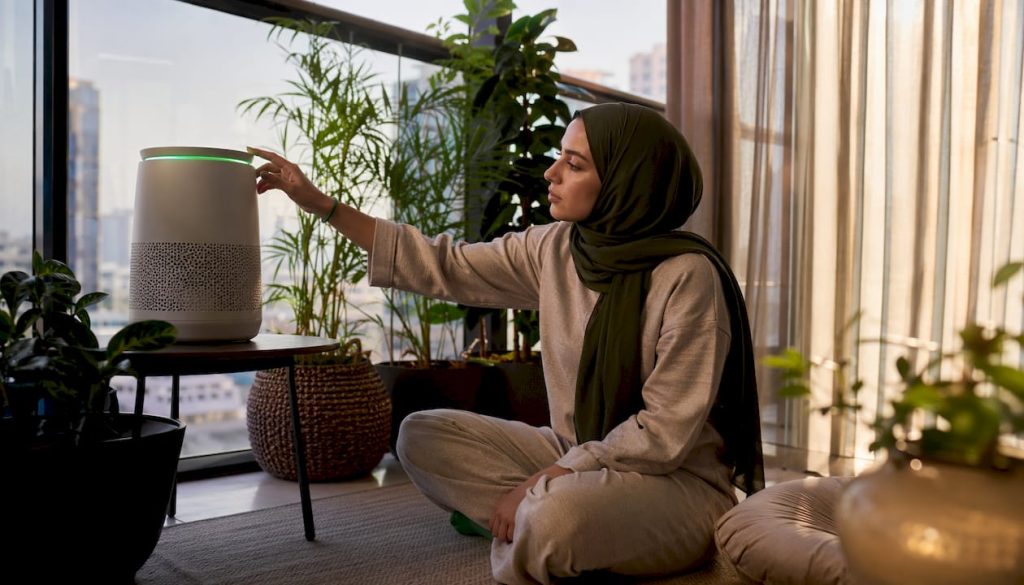
Most air purifier noise problems come down to six things: the unit is too close to a wall, the fan speed is too high, the surface underneath amplifies vibration, the filter is overdue for a clean or replacement, a filter panel is not seated correctly, or boost mode is running continuously when it should not be. Fix these and most units drop to a comfortable level. For bedrooms, the target is a low decibel level on the lowest setting; some premium models achieve very quiet operation in sleep mode. For living rooms and offices, moderate noise levels are generally acceptable.
Quick checklist to act on right now:
- Move the unit a small but adequate distance from walls and furniture
- Switch to sleep or quiet mode, or manually lower the fan speed
- Check the unit sits level on a stable, hard surface
- Slide an anti-vibration mat or rubber feet underneath
- Power off, unplug, and reseat the filter firmly
- Reserve high/boost speed for short bursts after cooking or dusty activities, then return to low
Table of Contents
- What are the fastest air purifier noise reduction tips you can try today?
- How does placement affect how loud your air purifier sounds?
- Why does fan speed matter, and what is the CADR versus noise trade-off?
- How does regular maintenance reduce air purifier noise?
- How do you diagnose and fix rattles, whines, and worn bearings?
- What room-level changes reduce perceived purifier noise?
- When should you replace a noisy purifier, and what should you look for?
- Key takeaways
- A note on what actually matters most
- Useful sources and further reading
What are the fastest air purifier noise reduction tips you can try today?
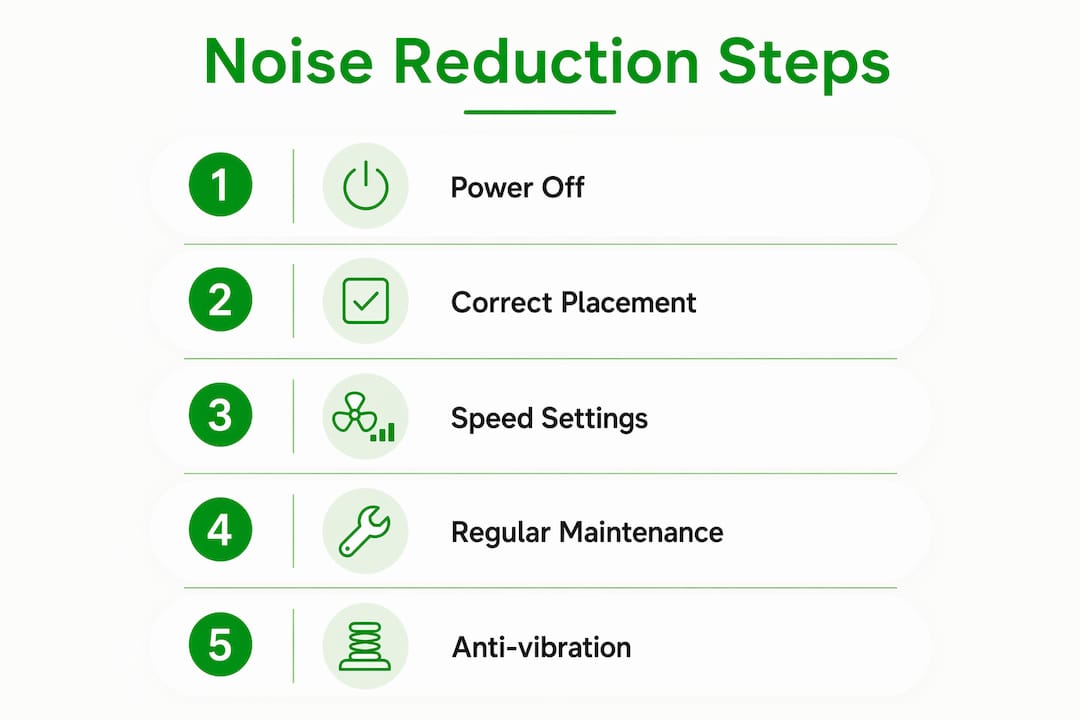
Five actions, each taking 5–15 minutes, cover the majority of noise complaints without any tools or spare parts.
-
Reposition the unit (5 minutes). Move it a small but adequate distance from walls and furniture on all sides. Corners are the worst spot: two reflective surfaces double the acoustic bounce and restrict airflow, which forces the fan to work harder.
-
Switch to sleep or quiet mode (1 minute). Most modern purifiers include a dedicated sleep mode that lowers fan RPM and dims indicator lights. If yours does not have one, manually select the lowest fan speed. This single step often cuts perceived noise by several decibels.
-
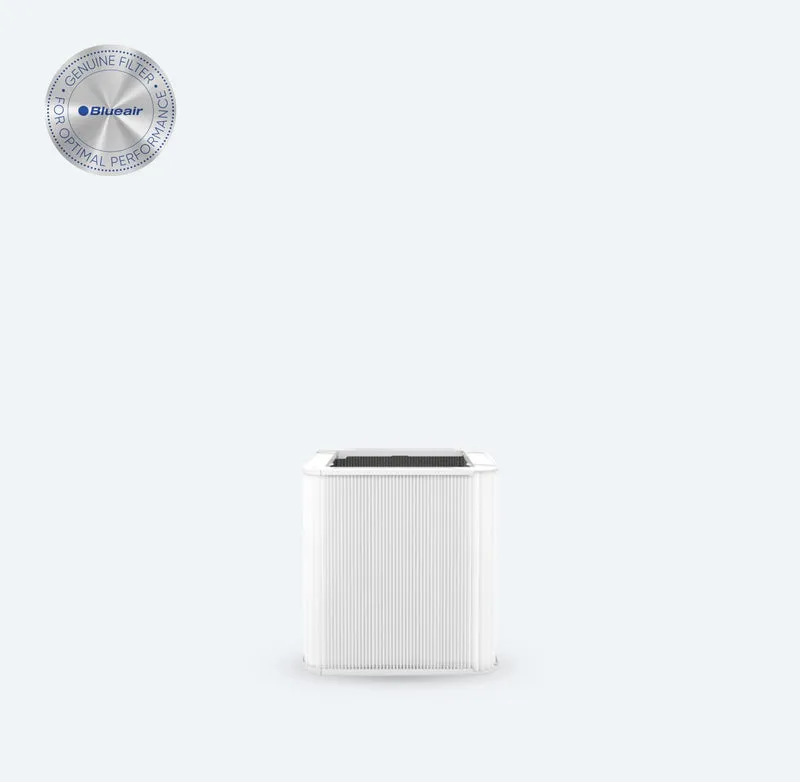
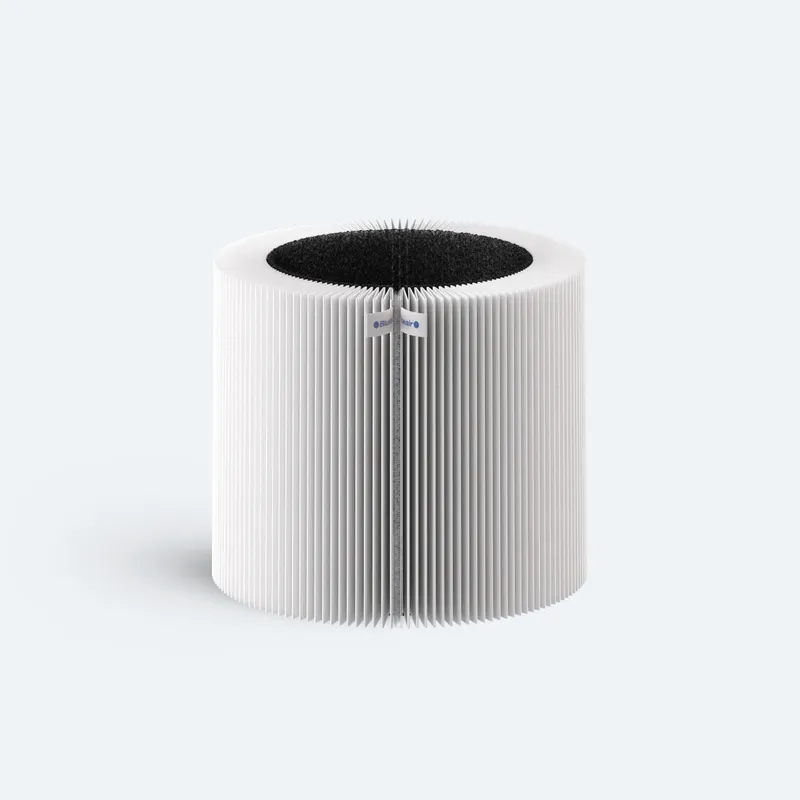
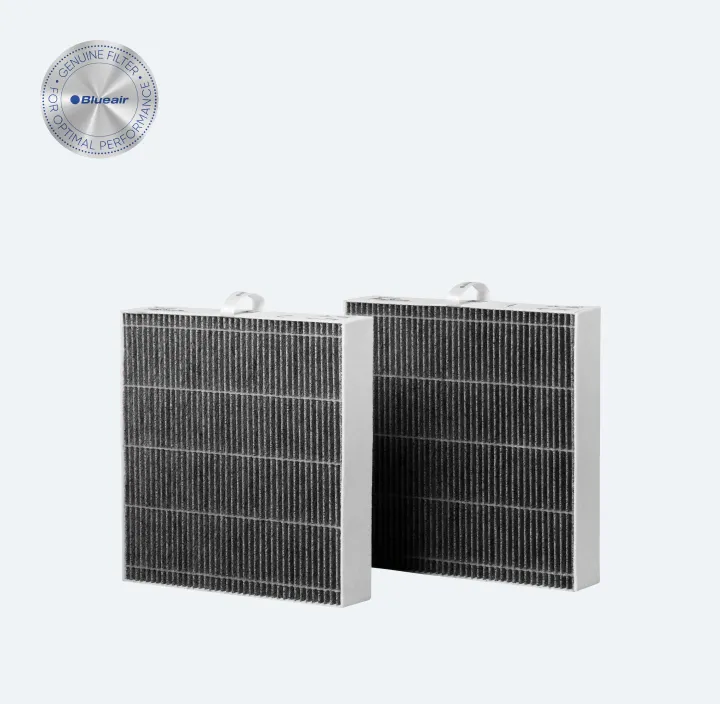
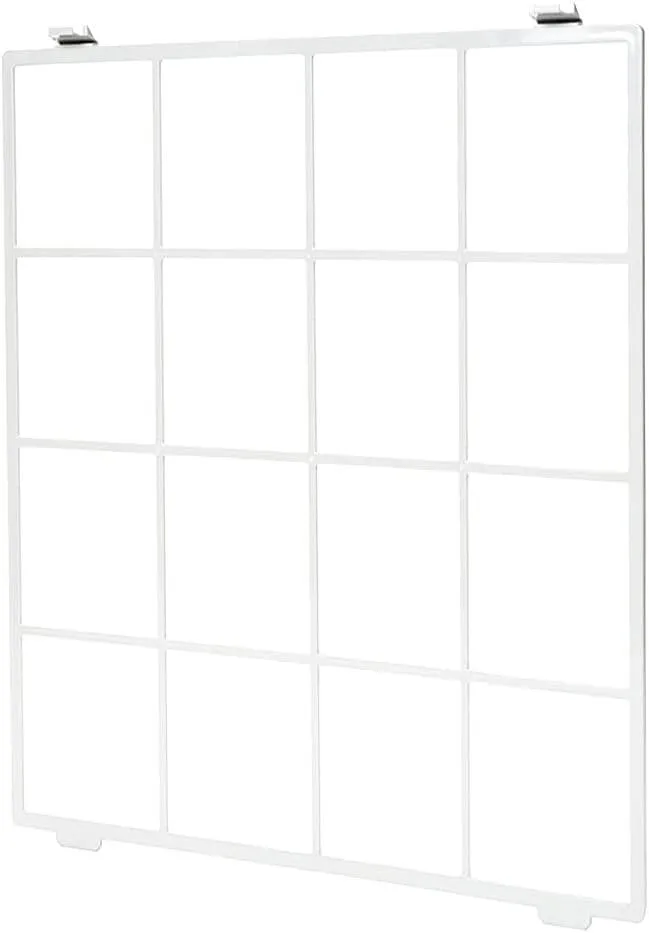
Reseat the filter (5–10 minutes). Power off and unplug first. Remove the filter panel, take out the filter, and press it firmly back into place. A mis-seated filter creates a micro-gap that produces a high-pitched hiss or whistle under airflow pressure.
-
Vacuum the intake grille (5 minutes). Dust build-up on the inlet restricts airflow and raises motor load. A quick pass with a soft brush attachment removes the obstruction without disassembling anything.
-
Place an anti-vibration mat underneath (5 minutes). Hard floors transmit and amplify even low motor vibration. A rubber mat or purpose-made anti-vibration pad decouples the unit from the floor and noticeably reduces the low-frequency hum.
Safety note: always power off and unplug the unit before opening any panel or touching the filter. Never run the purifier with panels removed.
Pro Tip: Run the unit at low, medium, and high speed for two minutes each after making any change. Note which speed triggers the noise. This narrows the cause quickly: noise only at high speed usually points to turbulence or a filter restriction; noise at all speeds more often indicates a mechanical fault or vibration issue.
How does placement affect how loud your air purifier sounds?
Where you put the unit matters as much as what setting it runs on. The 10 cm clearance rule applies to the sides and rear: less than that and the unit recirculates its own exhaust, increasing back pressure and fan strain. Corners compound this because two hard surfaces reflect sound back toward the listener.

Hard floors and bare walls amplify perceived volume. A unit sitting on a wooden floor in a room with no soft furnishings can sound noticeably louder than the same unit on a carpeted floor with curtains. Adding a rug under or near the purifier, hanging curtains, or placing it near upholstered furniture all reduce acoustic reflections.
Placement rules at a glance:
- Minimum 10 cm clearance on all sides and rear
- Avoid corners and alcoves
- Prefer soft floor surfaces; use an anti-vibration mat on hard floors
- Keep the unit on a level surface (use a spirit level to check)
- Do not place on a surface that resonates, such as a hollow wooden shelf
Pro Tip: Check the unit is perfectly level using a spirit level or a free smartphone app. Even a slight tilt shifts the fan’s centre of gravity and introduces a low-frequency wobble that worsens over time.
One important safety point: never block the intake or exhaust to reduce noise. Restricting airflow raises motor temperature, increases noise, and reduces the Clean Air Delivery Rate (CADR). The unit needs free airflow to function correctly and safely.
Why does fan speed matter, and what is the CADR versus noise trade-off?
Higher fan speed means higher CADR but also more noise. The relationship is not linear: doubling fan RPM more than doubles the acoustic output because turbulence increases sharply with airflow velocity. This is why using boost only briefly after a cooking event or a dusty activity, then returning to a lower continuous speed, is the standard recommendation.
The practical solution is the oversize strategy: choose a unit rated for a larger room than you actually have. Running a 40 m² unit in a 20 m² room means it reaches the required CADR at a much lower fan speed, and lower fan speed means quieter operation. The AHAM 2/3 rule provides a useful sizing baseline: CADR should be at least two-thirds of the room area in square feet. Sizing up beyond that threshold gives you headroom to run quietly.
Decibel context for bedrooms and offices:
- 18–24 dB: near-silent; some premium models in sleep mode (Dyson’s HushJet technology targets this range)
- 25–30 dB: quiet bedroom operation; the recommended upper limit for sleep
- 35–45 dB: normal living room or office background; comparable to a quiet conversation
- 50–55 dB: high fan speed on most mid-range units; noticeable and unsuitable for sleep
There is also a sound-profile dimension that pure dB figures miss. A pure tone, such as a whistle or hiss, is more annoying than broadband airflow noise at the same measured level. Blueair’s acoustic design specifically targets the suppression of pure tones. If your unit produces a whistle rather than a whoosh, the cause is usually a filter seal micro-leak or a filter that does not fit the housing correctly. Pressing the filter firmly into place, or adding a thin strip of adhesive foam around the seal, often eliminates the tone entirely.
How does regular maintenance reduce air purifier noise?
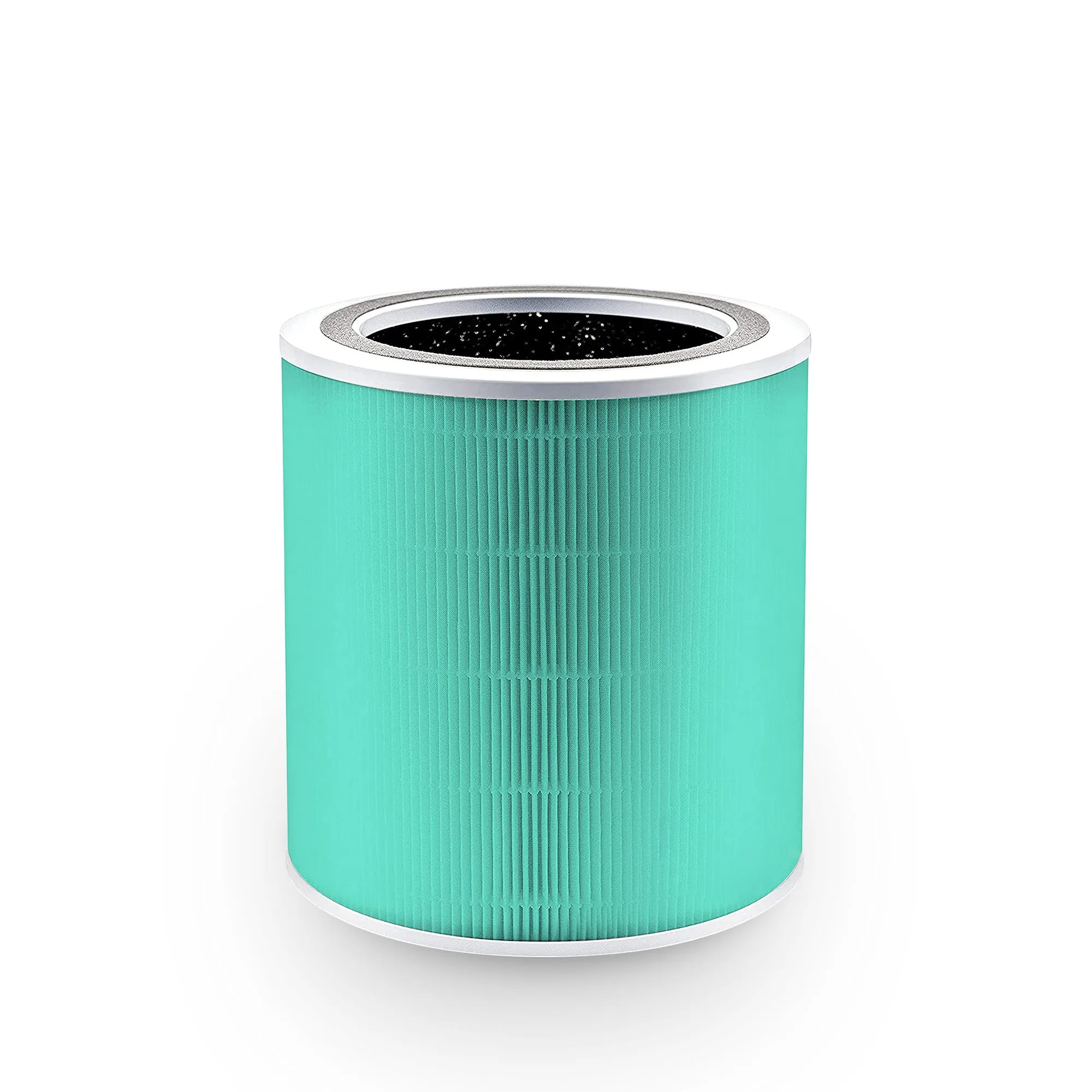
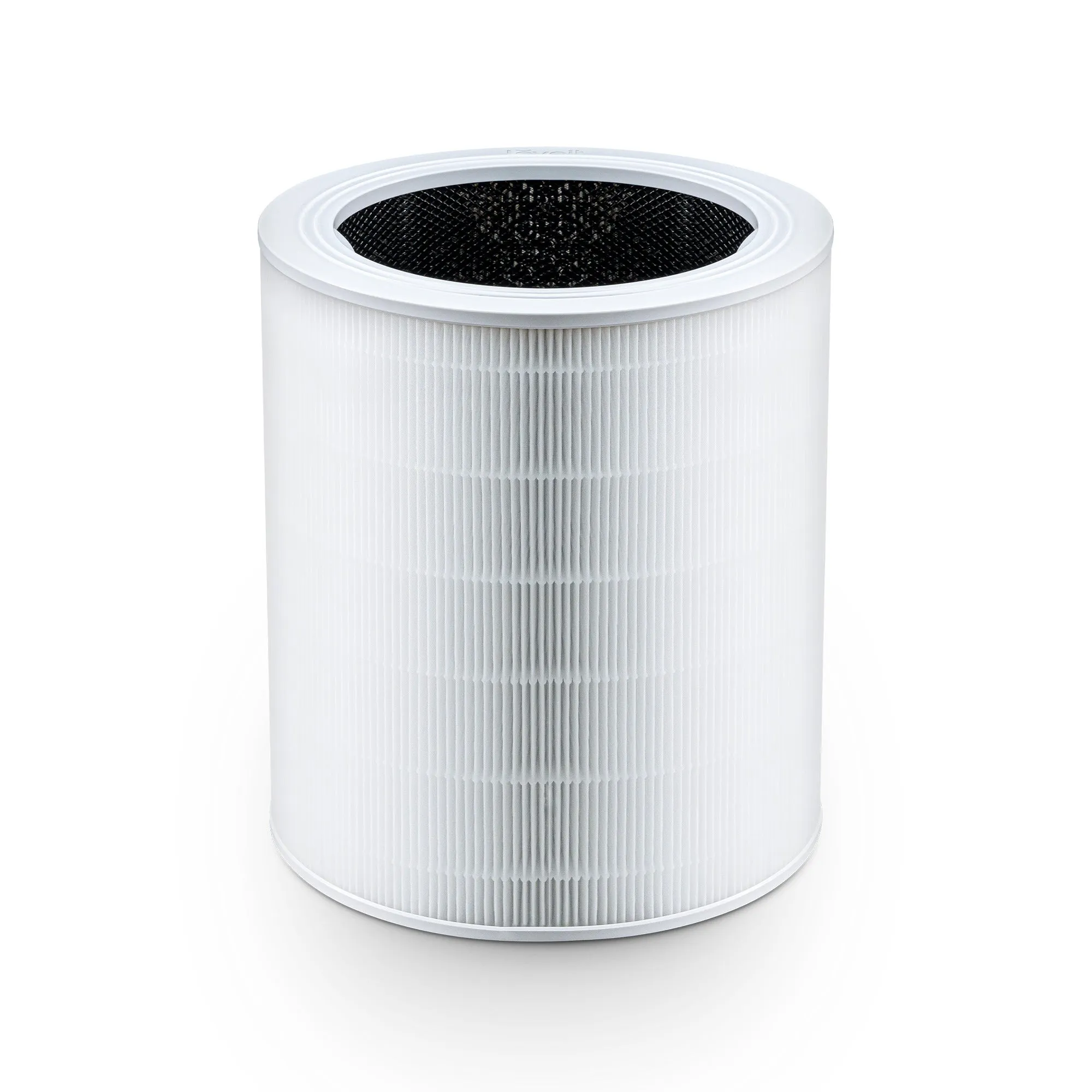
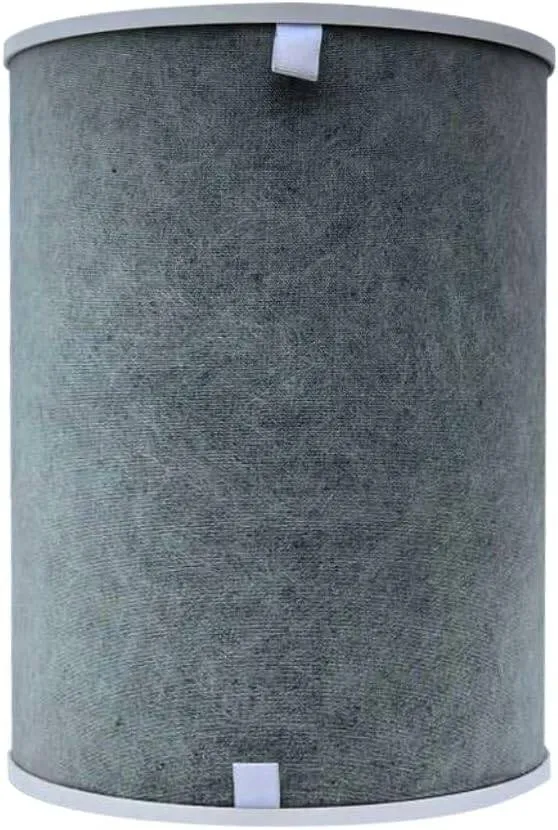
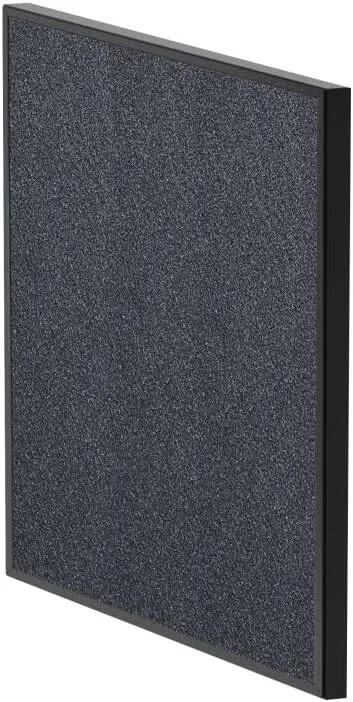
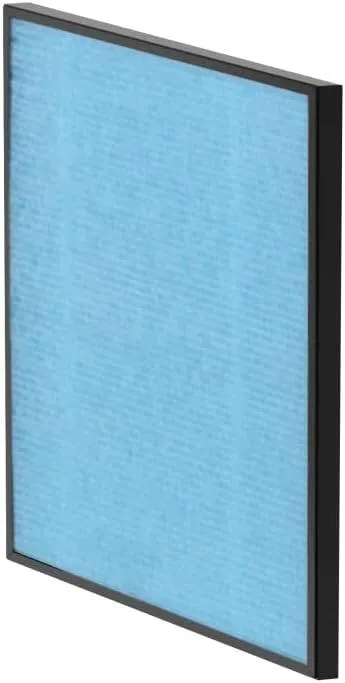
Routine maintenance is the most reliable long-term fix. A clogged filter forces the fan motor to work harder to pull the same volume of air through, which raises both RPM and noise. The change is gradual, so many users do not notice until the unit is significantly louder than when new.
- Check the pre-filter monthly. Vacuum it with a soft brush attachment. Most pre-filters are washable; check the manufacturer’s guidance.
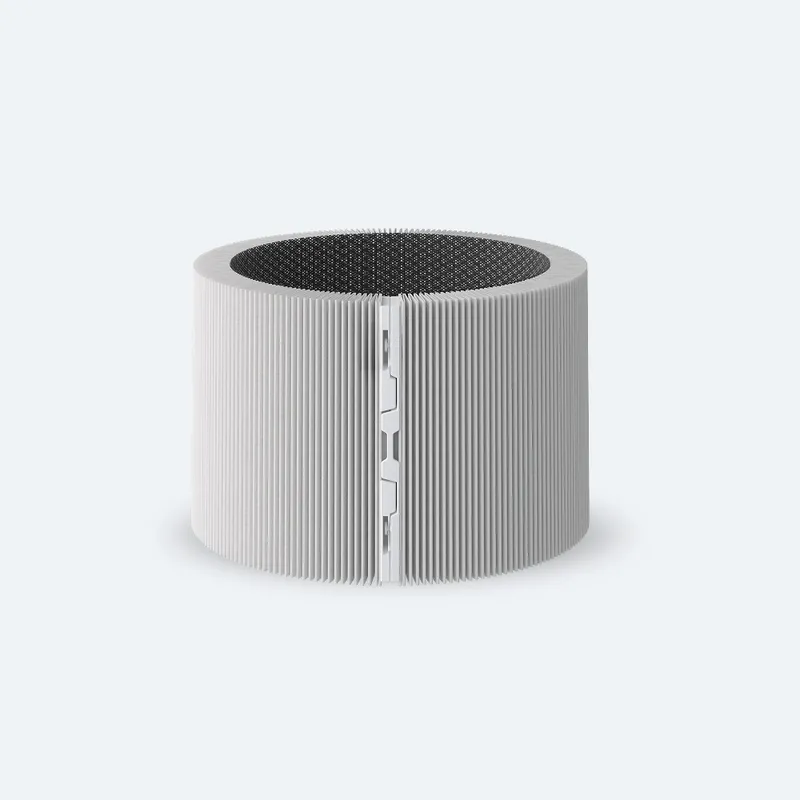
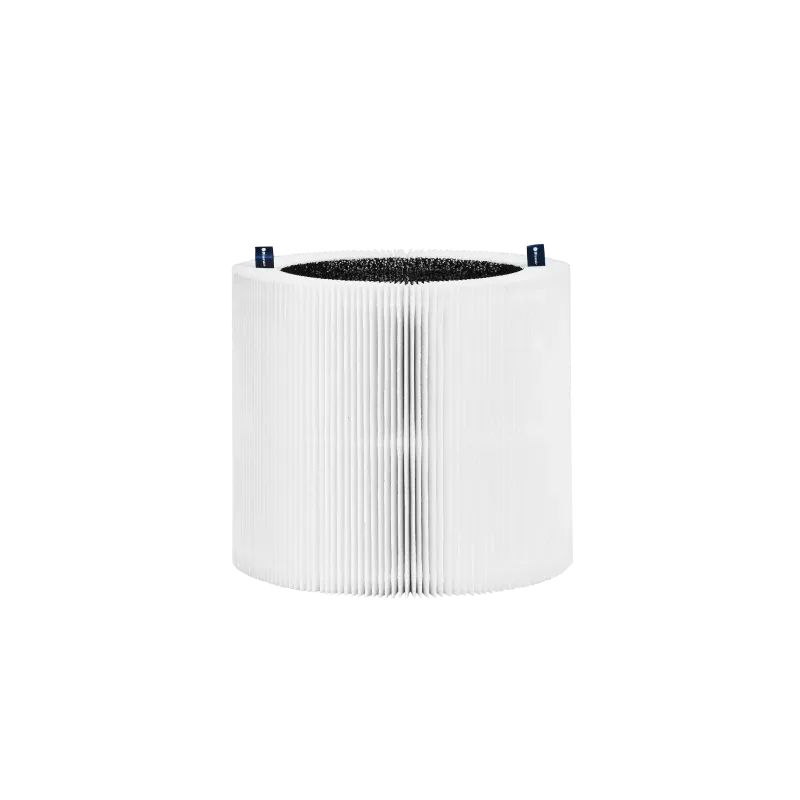
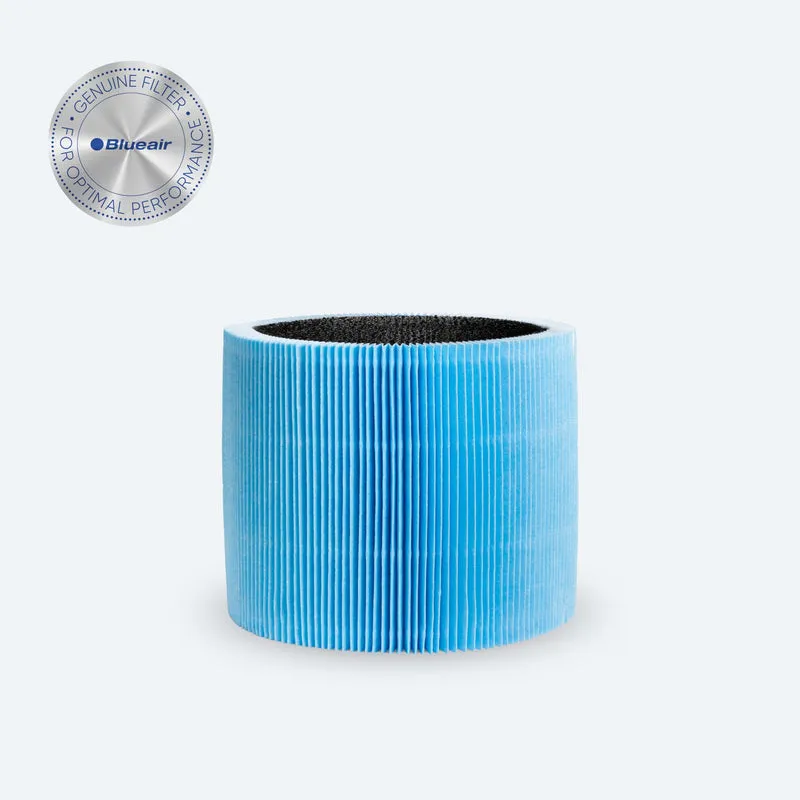
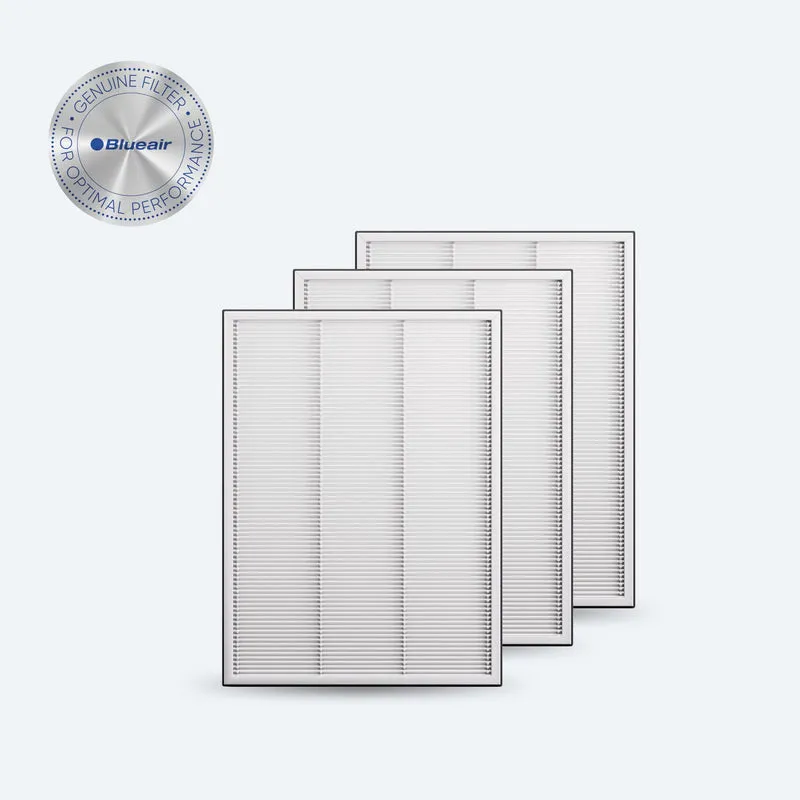
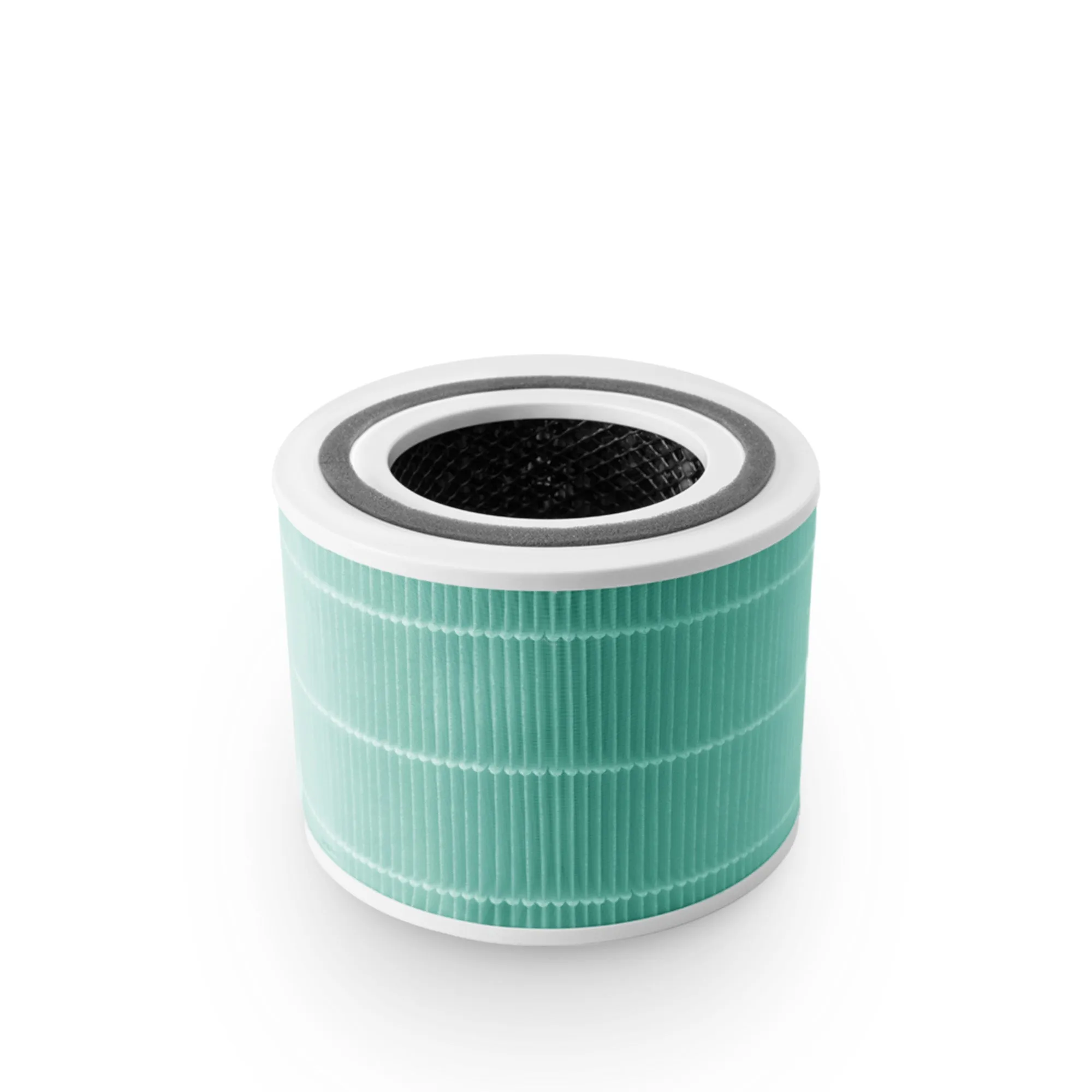
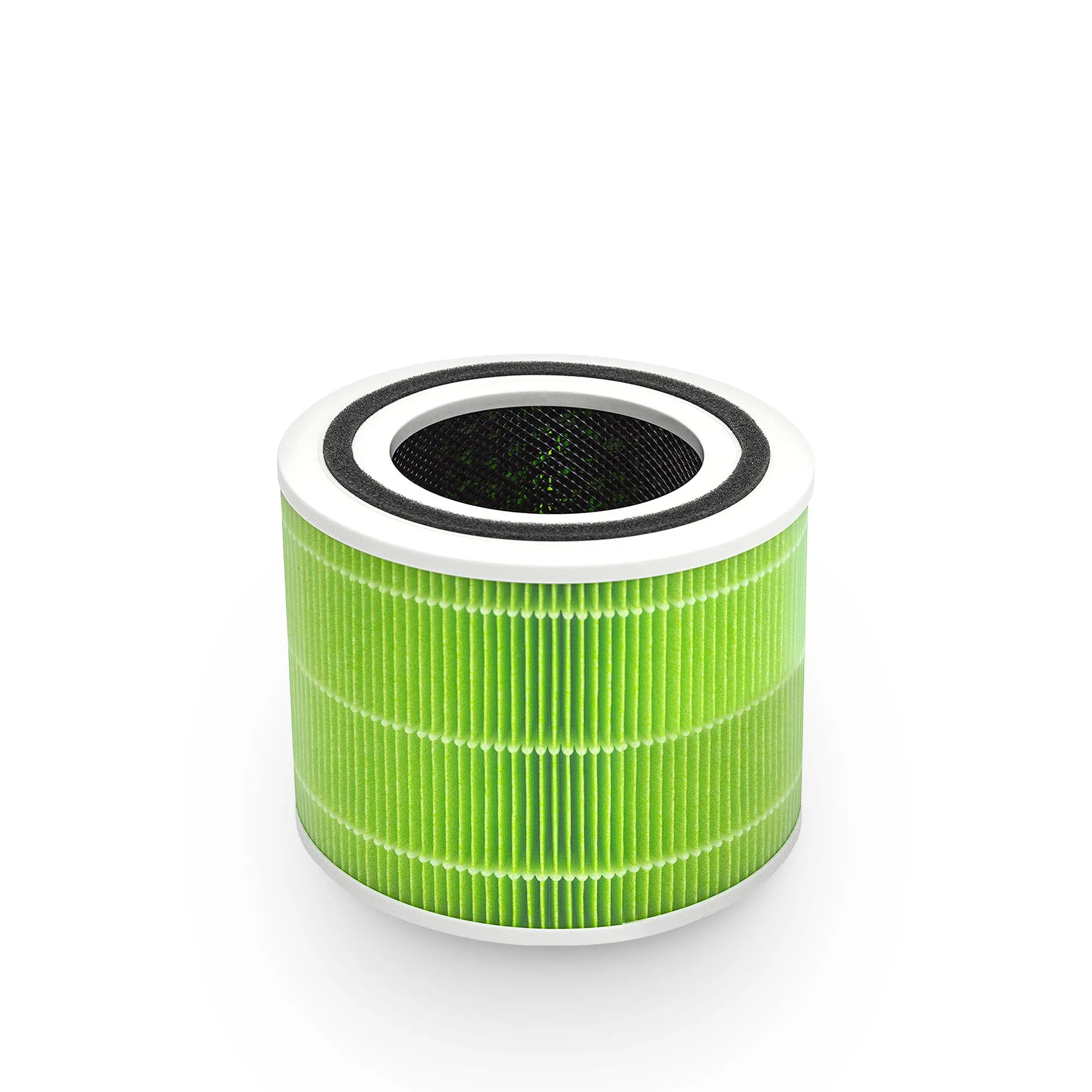
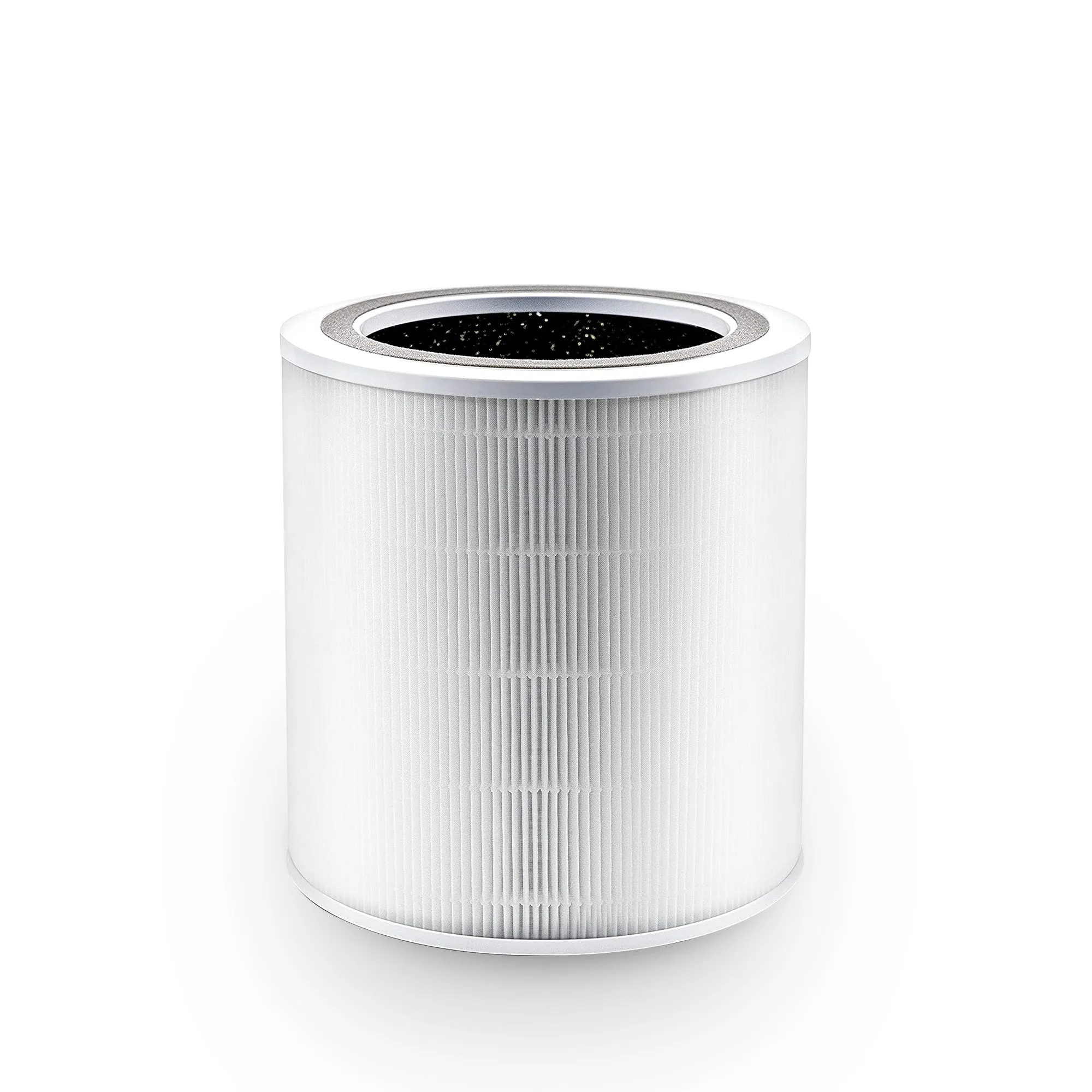
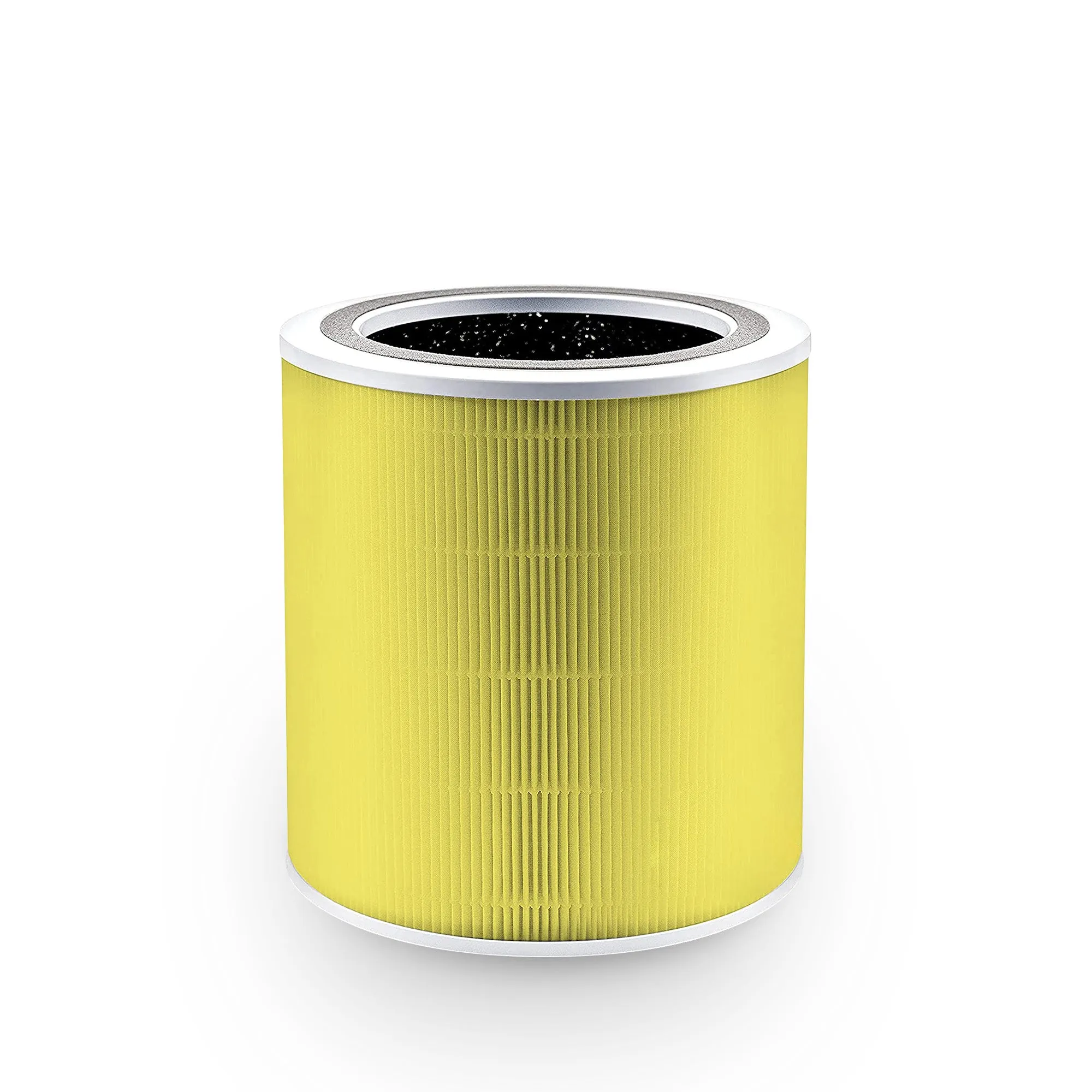
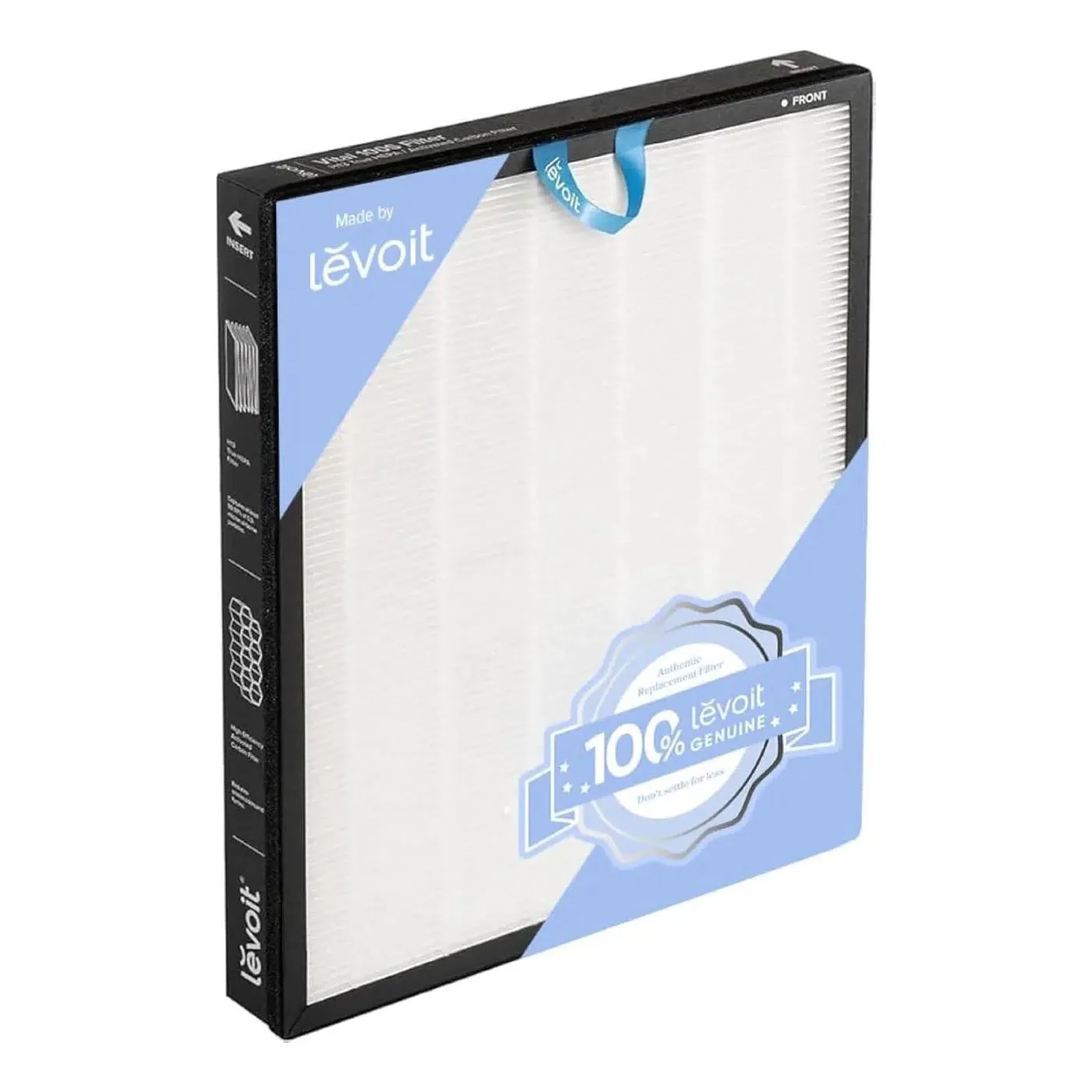
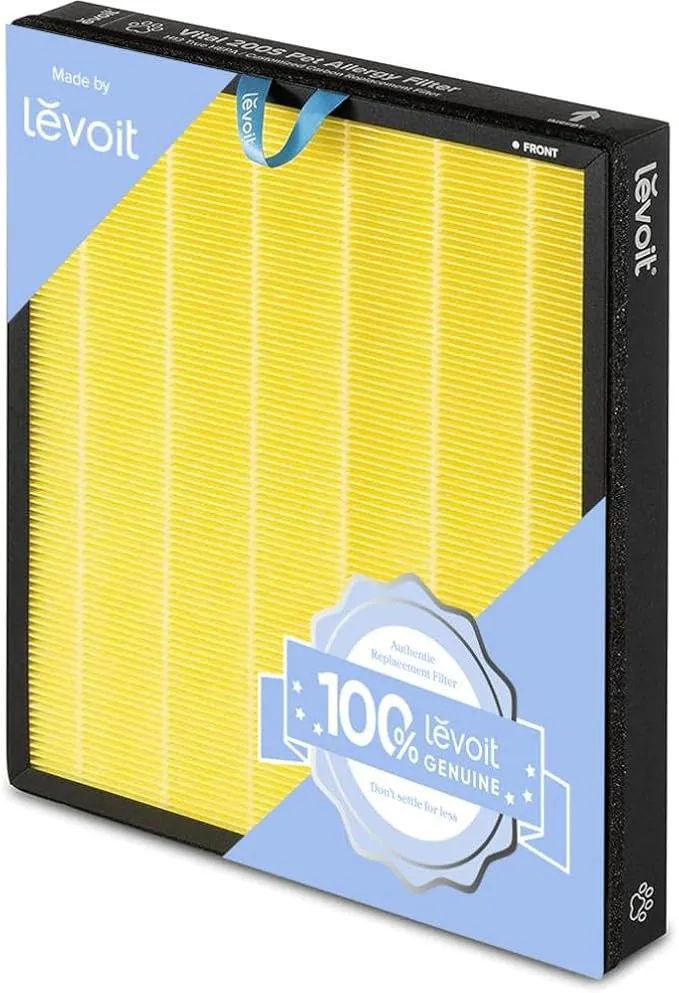
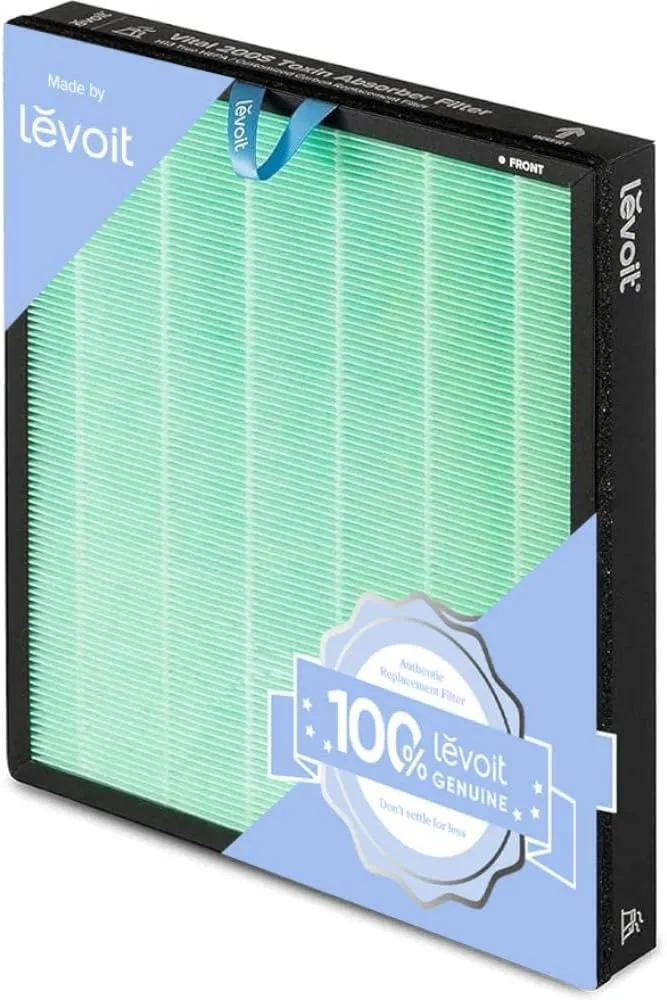
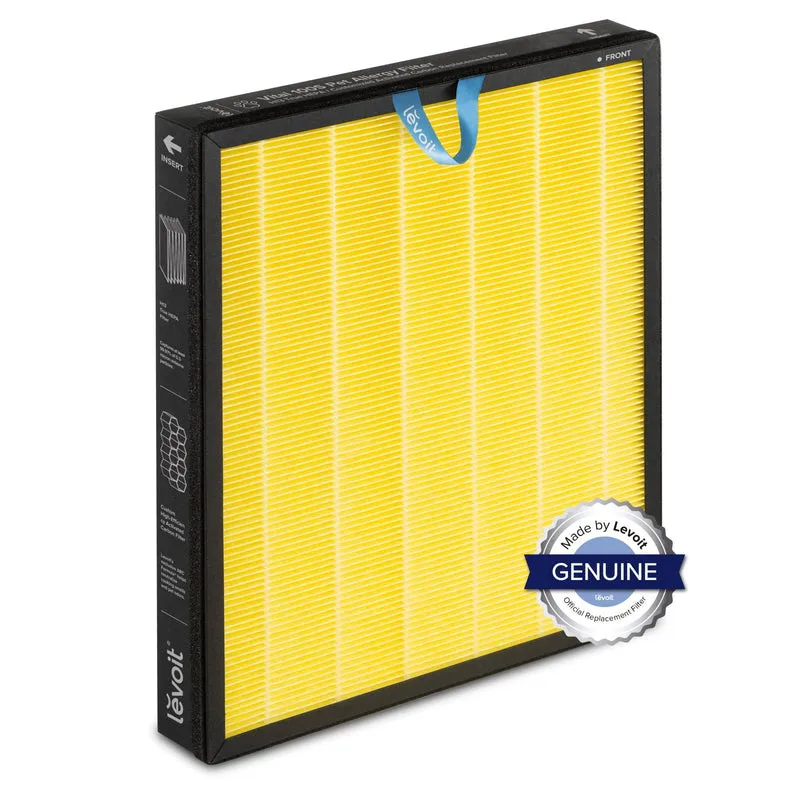
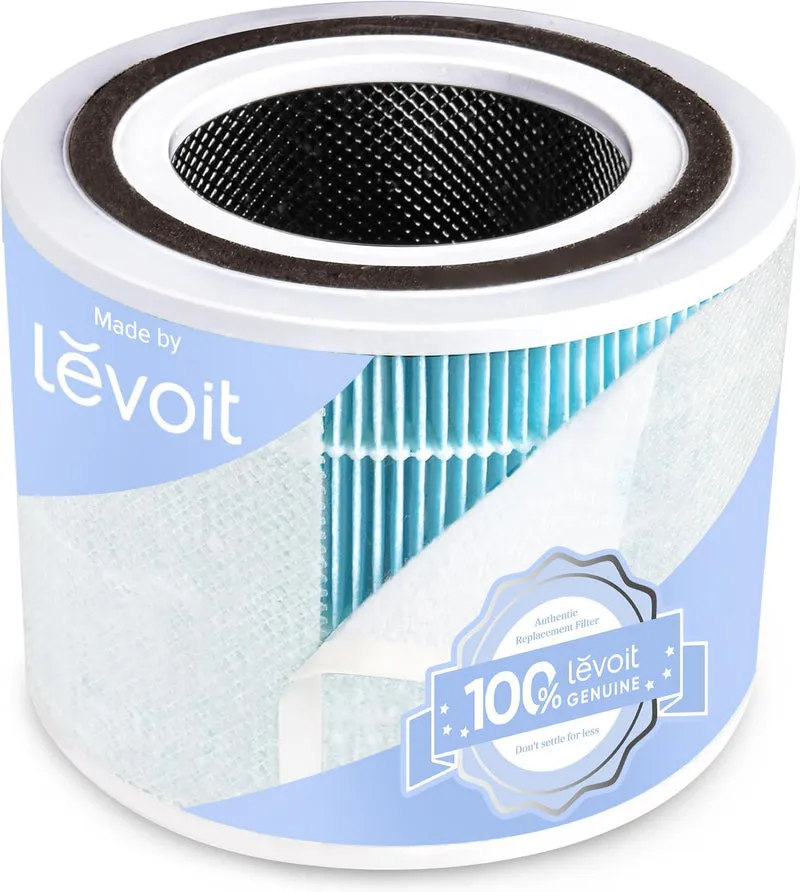
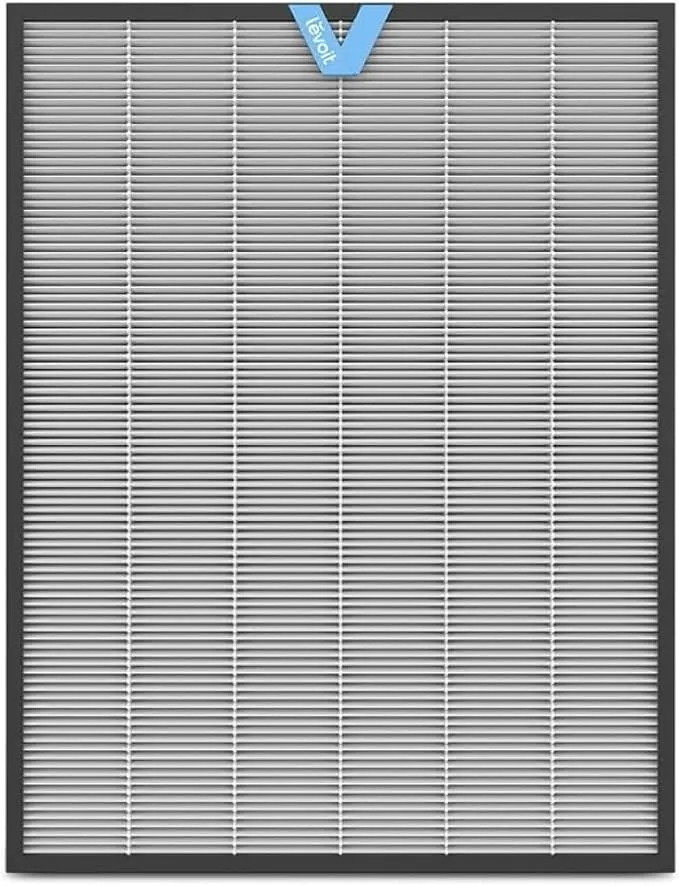
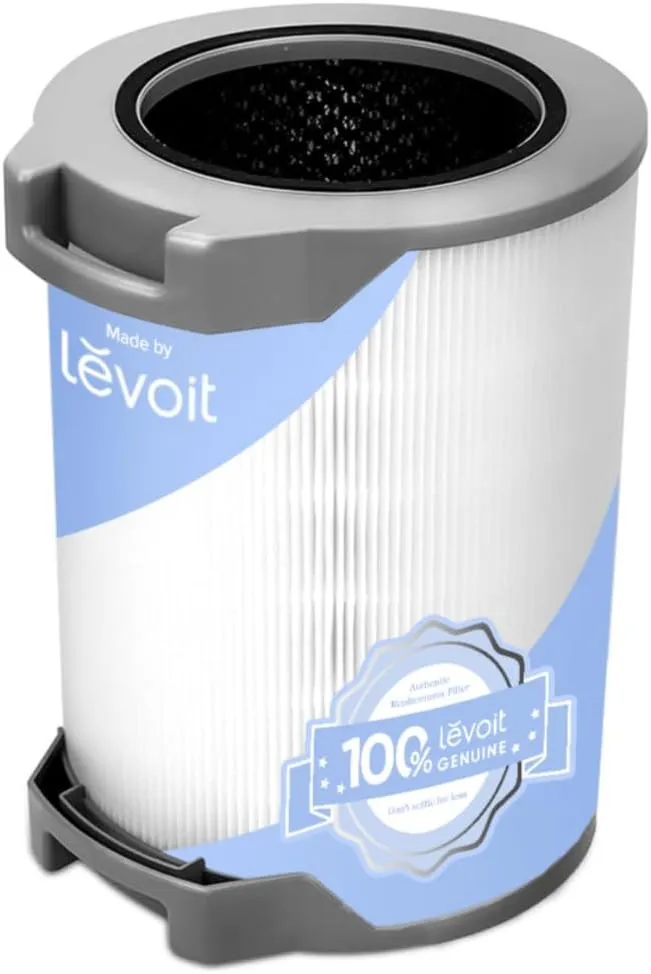
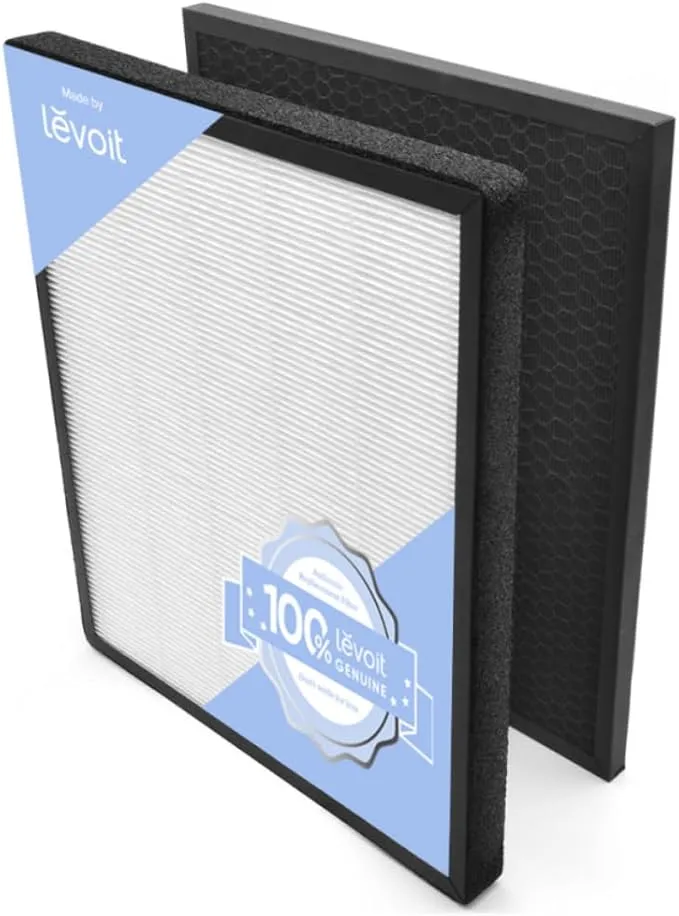
- Replace the HEPA filter on schedule. Most manufacturers recommend periodic replacement depending on usage and air quality. Running a filter past its service life raises resistance and noise.
- Remove protective film on new filters. A common oversight: new filters ship with a thin plastic film that must be removed before use. Leaving it in place severely restricts airflow and causes immediate noise.
- Clean ionizer pins where applicable. Dust on ionizer pins causes intermittent clicking; a careful wipe with a dry cloth or a short burst of compressed air resolves it.
- Inspect the fan housing. Small debris (a fragment of packaging, a loose label) caught in the fan housing produces a rhythmic ticking that disappears once the obstruction is cleared.
Replacement filter costs in the UK vary by brand and model, with pre-filters usually inexpensive and HEPA or combined filters costing a moderate amount depending on model range. Brands such as Honeywell, Levoit, and Blueair all publish replacement schedules in their manuals and on their support pages.
Pro Tip: Write the installation date on the filter housing with a marker pen. It takes five seconds and removes any guesswork about when the next replacement is due.
How do you diagnose and fix rattles, whines, and worn bearings?
Not all noise is airflow noise. Mechanical faults produce distinct sounds that placement and mode changes will not fix.
Diagnostic checklist:
- Rattle: usually a loose panel, a filter not fully seated, or a small object inside the intake grille. Power off, unplug, remove and firmly reseat all filters and panels. Check the grille for debris.
- Buzzing: often a loose screw on the outer casing. Run your fingers along the seams while the unit is on low speed to feel for vibration points, then tighten accessible screws with a small screwdriver.
- Hiss or whistle: a filter seal micro-leak. Reseat the filter; if the sound persists, check whether the filter is the correct model for the housing.
- Grinding or clicking: worn fan bearings or debris in the fan housing. Cleaning the housing resolves debris-related clicking. Grinding that persists after cleaning indicates bearing wear.
- Burning smell with any noise: stop the unit immediately and do not restart it. Contact the manufacturer or an authorised service centre.
Pro Tip: Run the unit briefly without the filter (outdoors or in a well-ventilated space, for no more than 30 seconds) to confirm whether the noise disappears. If it does, the filter or its housing is the source. If the noise remains, the fault is mechanical.
For units still under warranty, stop DIY work at the point of opening the fan housing. Grinding noise, persistent bearing whine, or any electrical smell are grounds to contact the manufacturer’s support line rather than attempt a repair. Replacing rubber mounts and anti-vibration pads is safe and reversible; replacing fan bearings generally is not a user-serviceable task.
What room-level changes reduce perceived purifier noise?
Changing the room rather than the unit is often the quickest path to a quieter environment, particularly in hard-surfaced UK homes with wooden or tiled floors.
Effective acoustic measures:
- Rugs and carpets: the single most cost-effective change. A rug under or near the unit absorbs both floor-transmitted vibration and reflected airflow noise.
- Curtains and soft furnishings: heavy curtains and upholstered furniture reduce mid-frequency reflections. Cost varies widely, but even a single curtain panel makes a measurable difference in a bare room.
- Acoustic panels: more effective than soft furnishings but higher cost. Useful in home offices where background noise affects concentration or, for those who use their voice professionally, where background noise affects vocal strain.
- Anti-vibration mats: low cost (typically £5–£20), high impact on hard floors. Purpose-made mats are available; dense rubber matting works equally well.
- Open-front screens: a low shelf or open-sided screen placed near the unit can redirect airflow noise without restricting intake or exhaust. The key word is open: any enclosure that restricts airflow raises noise and reduces performance.
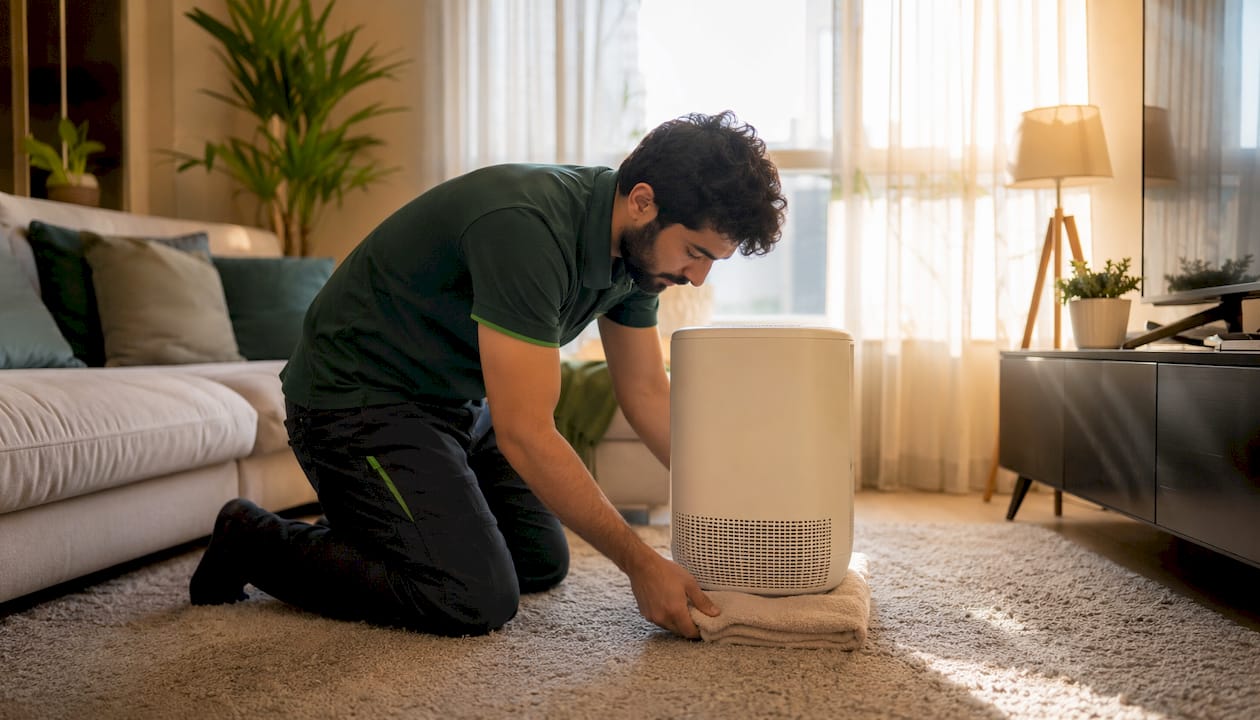
Pro Tip: Place the unit on a folded towel temporarily to test whether vibration is the dominant noise source. If the noise drops noticeably, an anti-vibration mat will give a permanent fix for a few pounds.
The one thing to avoid: wrapping or enclosing the unit to muffle it. Blocking intake or exhaust raises internal temperature, forces the motor to work harder, and produces more noise, not less. It also reduces CADR and can shorten the unit’s lifespan.
When should you replace a noisy purifier, and what should you look for?
Some noise problems are not worth fixing. An older unit with recurring mechanical noise, persistent bearing whine, or a CADR that requires running at high speed to clean the room is a candidate for replacement rather than repair.
Decision triggers for replacement:
- Grinding or bearing noise that persists after cleaning
- Inability to meet required CADR at a noise level suitable for the room
- Age beyond the manufacturer’s recommended service life for budget units
- Repair cost exceeds roughly half the replacement cost
What to look for in a quieter replacement:
- CADR relative to room size: use the AHAM 2/3 rule and size up for quiet operation. Cleanair-ae’s CADR guide explains the calculation in detail.
- Quoted dB at lowest fan speed: always compare noise specs at the same fan speed setting. Sleep-mode figures are the most useful for bedroom use.
- Sleep mode: a dedicated sleep mode with dimmed lights is standard on quality units.
- Brushless DC motor: more efficient and quieter than AC motors, particularly at low speeds.
- Filter replacement cost and availability: factor in annual running costs, not just the purchase price.
- Warranty length: a two-year warranty is standard in the UK; some brands offer longer.
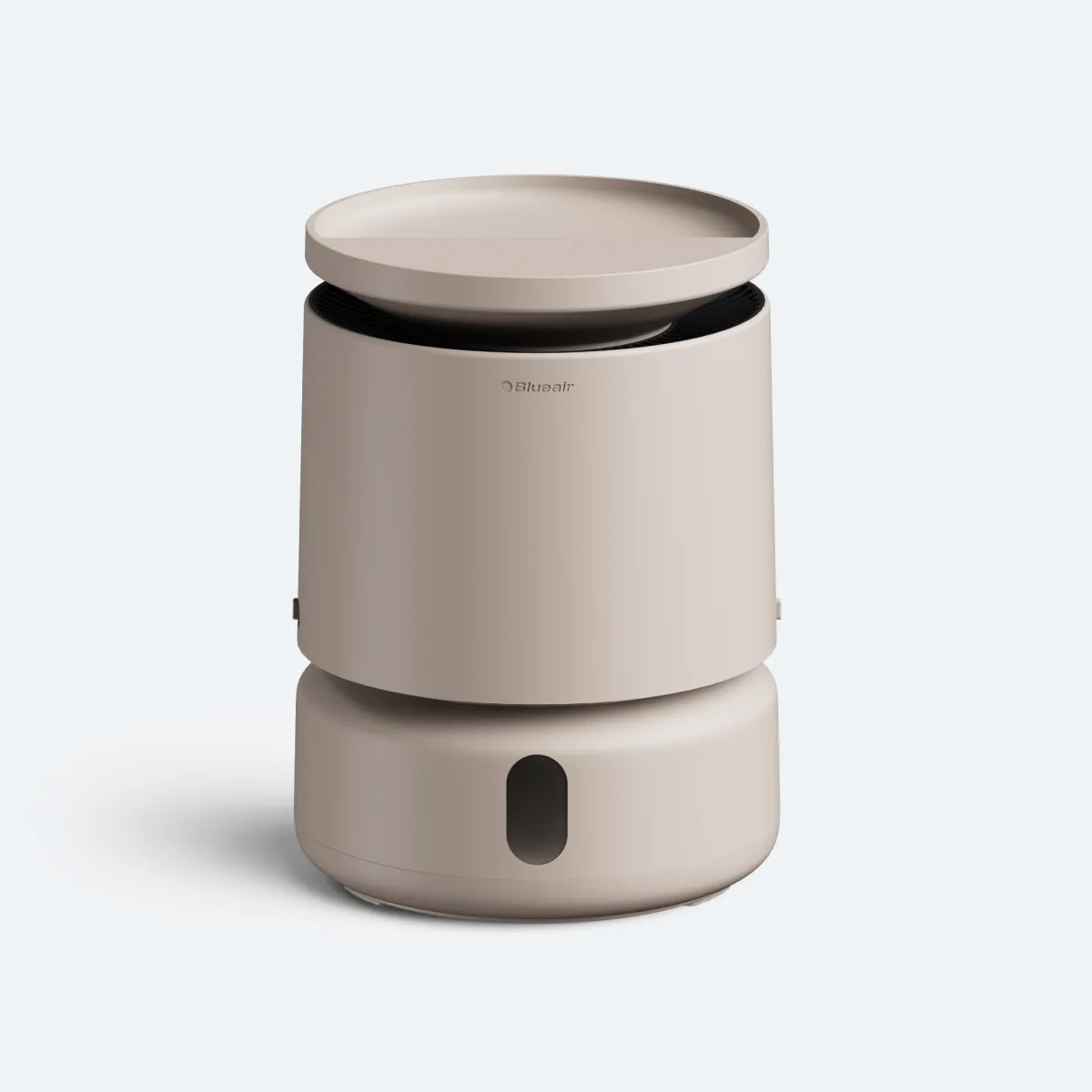
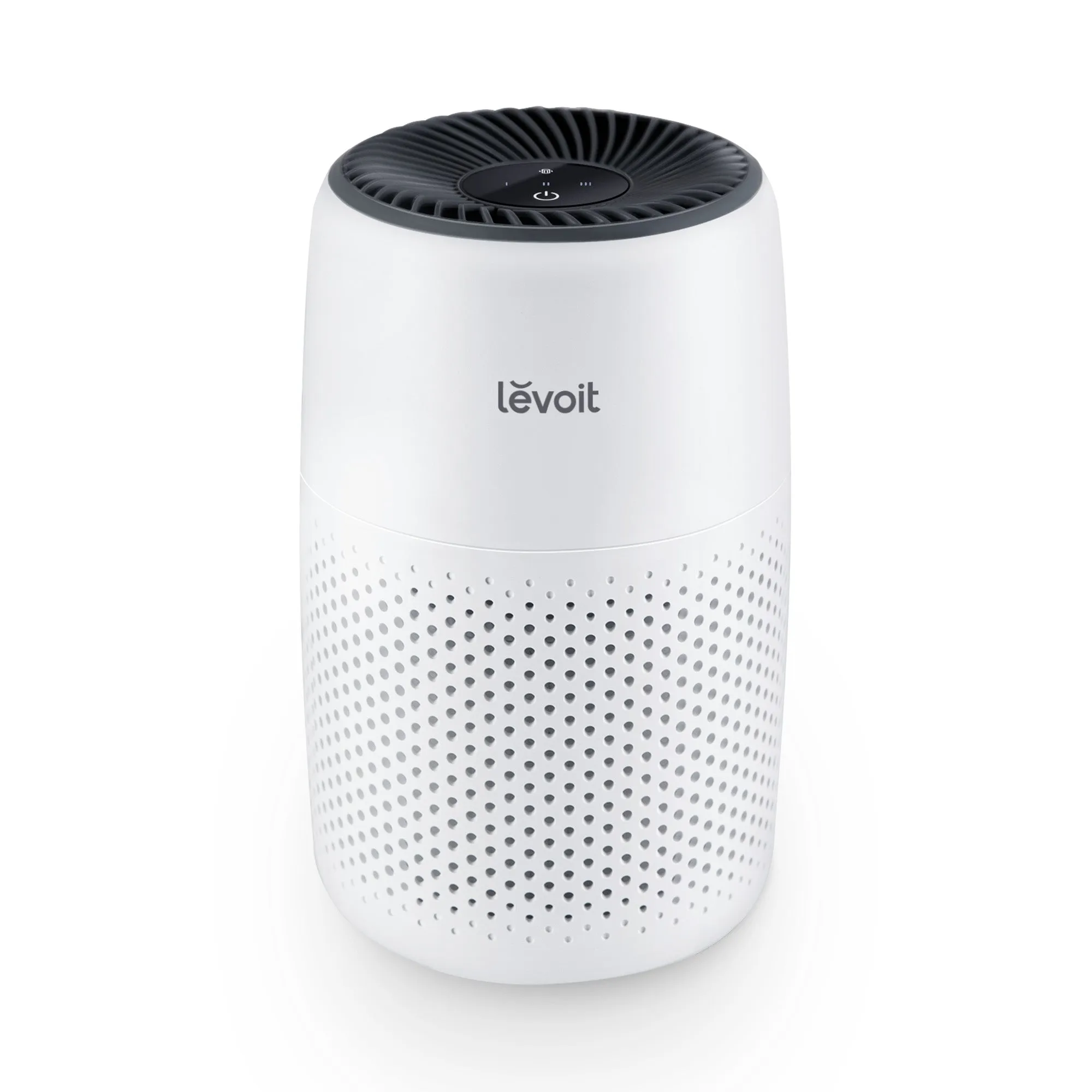
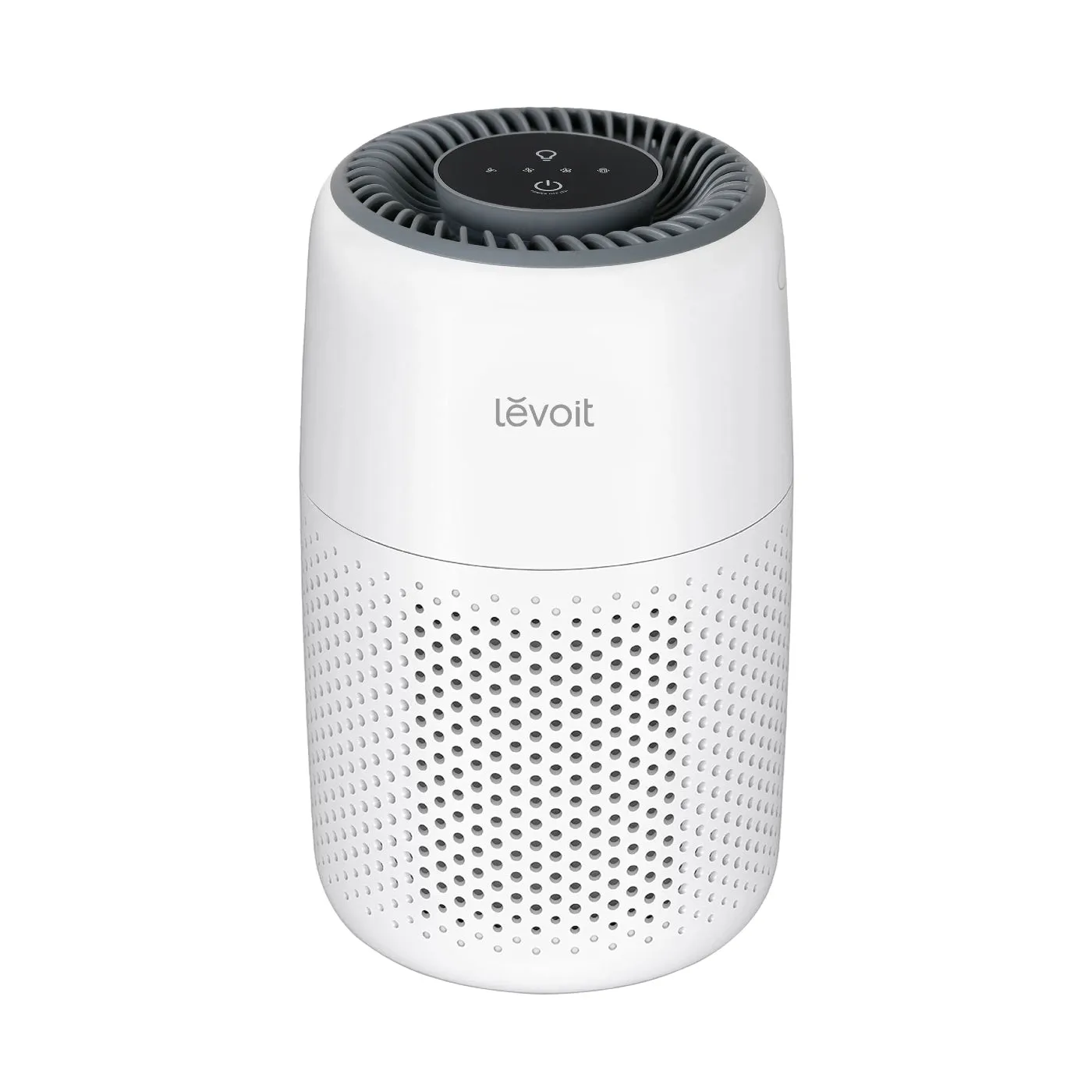
Brands available in the UK that publish noise specifications include Daikin, Coway, Dyson, Blueair, Honeywell, and Levoit. Dyson’s HushJet range targets sub-24 dB in sleep mode. Blueair’s Blue Pure series is designed around suppressing pure tones. Coway, Honeywell, and Levoit all offer models with dedicated sleep modes and published dB figures. Daikin units are common in commercial and larger residential settings where CADR requirements are higher. Cleanair-ae stocks Blueair, Honeywell, and Levoit models; the list of silent air purifiers covers the quietest options currently available.
For office use specifically, sizing and noise considerations differ from residential use. Cleanair-ae’s office purifier buyer’s guide covers the relevant specifications in detail.
Key takeaways
The most reliable way to reduce air purifier noise is to combine correct placement (10 cm clearance, level surface, anti-vibration mat) with regular filter maintenance and appropriate fan speed settings, reserving boost mode for short periods only.
| Point | Details |
|---|---|
| Placement first | Keep at least 10 cm clearance from walls; avoid corners and hard resonant surfaces. |
| Use sleep mode | Sleep modes can operate as low as 18–24 dB on some premium models; target below 30 dB for bedrooms. |
| Maintain filters | Replace HEPA filters per manufacturer schedule to prevent motor strain and noise. |
| Diagnose by sound | Rattles indicate loose panels; hissing points to filter seal leaks; grinding suggests bearing wear requiring service. |
| Size up for quiet | A unit rated for a larger room reaches required CADR at lower, quieter fan speeds. |
Action plan: start with the five quick fixes (reposition, switch mode, reseat filter, vacuum inlet, add anti-vibration mat). If noise persists, move to filter replacement and mechanical diagnosis. Contact the manufacturer for grinding noise, burning smells, or any fault that appears within the warranty period. Keep proof of purchase for all warranty claims, and always unplug before servicing.
A note on what actually matters most
The conversation around air purifier noise tends to focus on the dB number on the spec sheet. That figure is useful, but it tells only part of the story. A unit measuring 35 dB with a clean broadband airflow sound is far less disruptive in a bedroom than one measuring 32 dB with an intermittent whistle or a low-frequency hum that pulses with the motor. The character of the sound matters as much as its measured level.
The oversize strategy is consistently underused. Buyers compare units at the same price point and choose the one with the lower quoted dB figure, without considering that a slightly larger, slightly louder unit on paper will run at a lower fan speed in their actual room and produce less noise in practice. CADR relative to room size is the more useful number to optimise.
Maintenance is where most long-term noise problems originate. A filter running three months past its replacement date does not just reduce air quality; it raises motor load, increases noise, and shortens the unit’s lifespan. The fix costs less than £40 in most cases and takes ten minutes.
Useful sources and further reading
- WHO Europe: air quality guidelines — authoritative reference on indoor air quality thresholds
- US EPA: indoor air quality — background on pollutant sources and ventilation
- AHAM air filtration standards — CADR definitions and the 2/3 sizing rule
- Consumer Reports: best air purifiers — independent noise and performance testing across multiple speed settings
- Dyson HushJet product page — manufacturer sleep-mode dB specifications
- Blueair Blue Pure 511 — acoustic design notes and pure-tone suppression
- Coway: do air purifiers make noise? — dB ranges and bedroom guidance
- Clean Air Wiki: air purifier noise problems — troubleshooting checklist for common noise causes
- Cleanair-ae: CADR guide — how to calculate the right CADR for your room
- Cleanair-ae: silent air purifiers list — curated low-noise models with published dB figures
- Cleanair-ae: 2026 air purifier buying guide — full specification checklist for buyers comparing quieter models
Note on comparing noise specs: always check that quoted dB figures are measured at the same fan speed. A manufacturer’s headline dB figure is usually the sleep-mode minimum; the figure at maximum speed can be 20–30 dB higher. Consult the full speed-by-speed noise table in the product manual or manufacturer support page before purchasing.