
Uncategorised
Key features in office purifiers: 2026 buyer’s guide
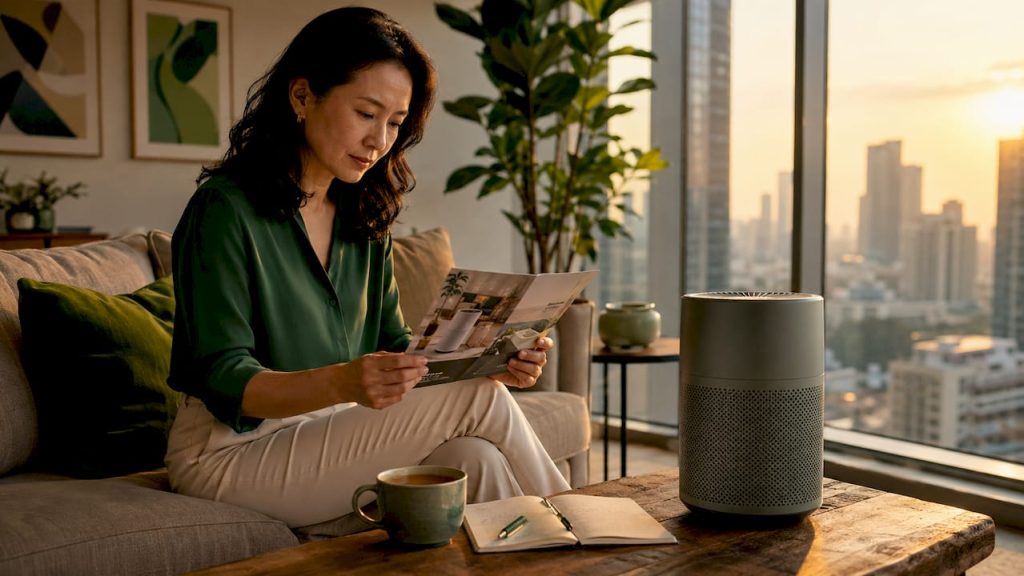
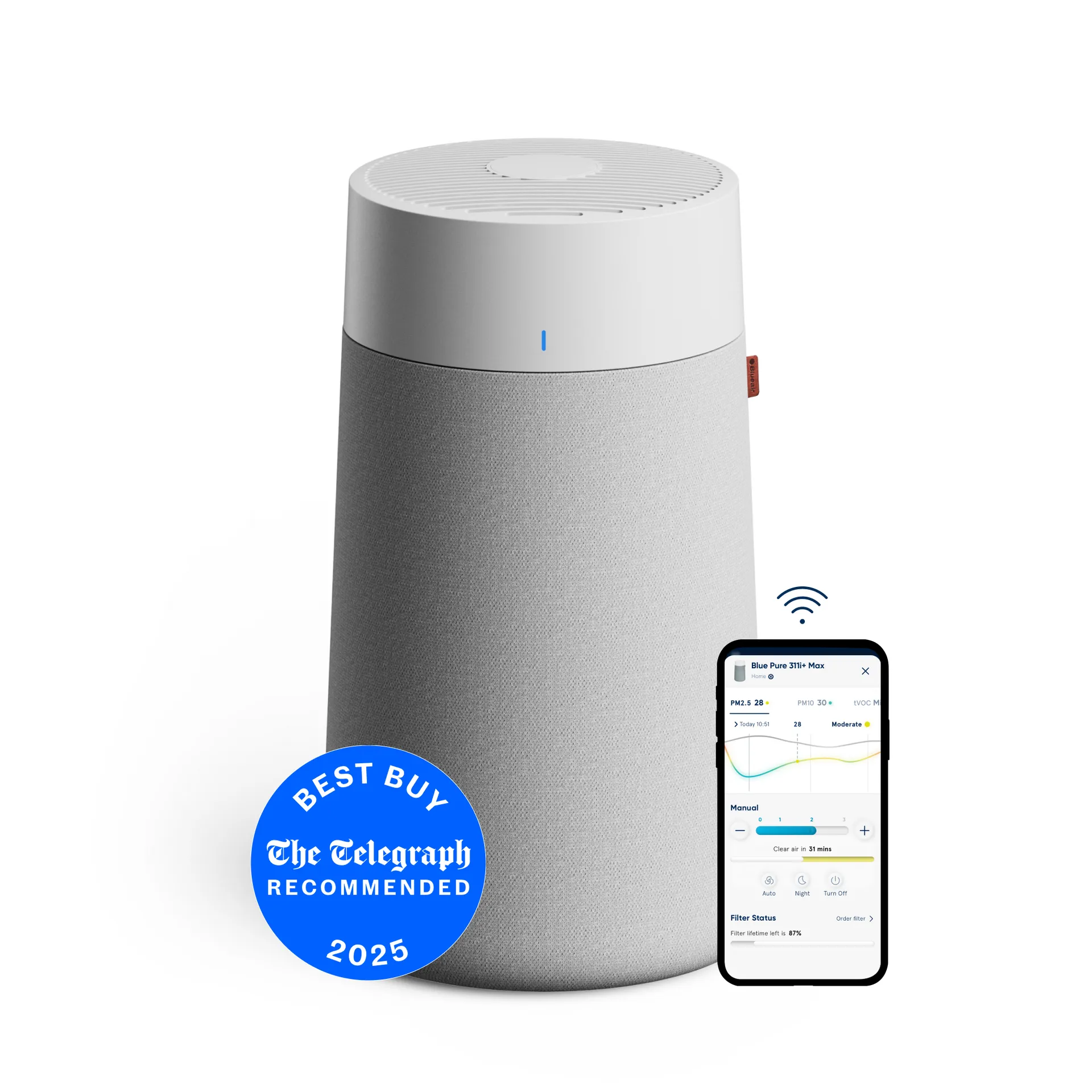
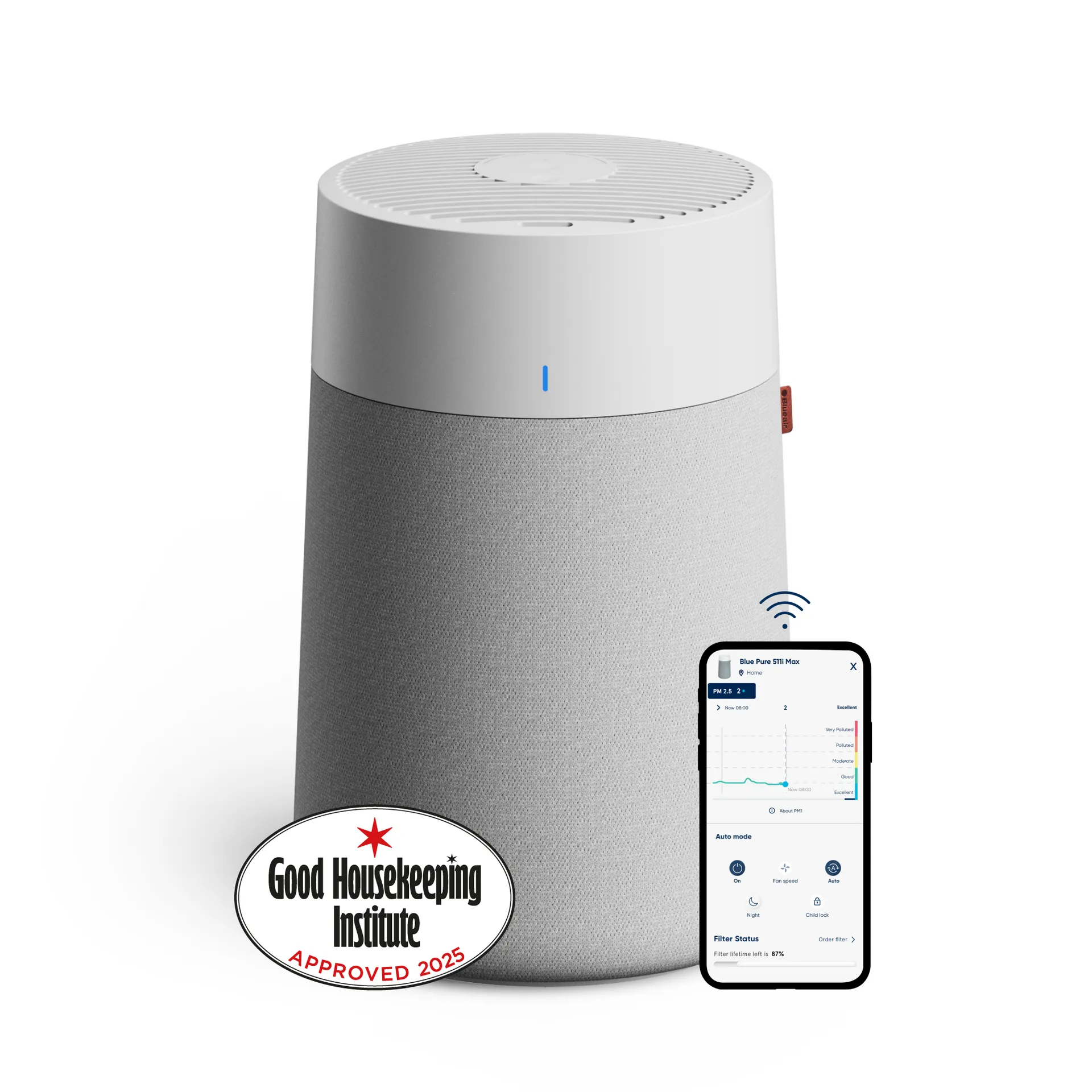
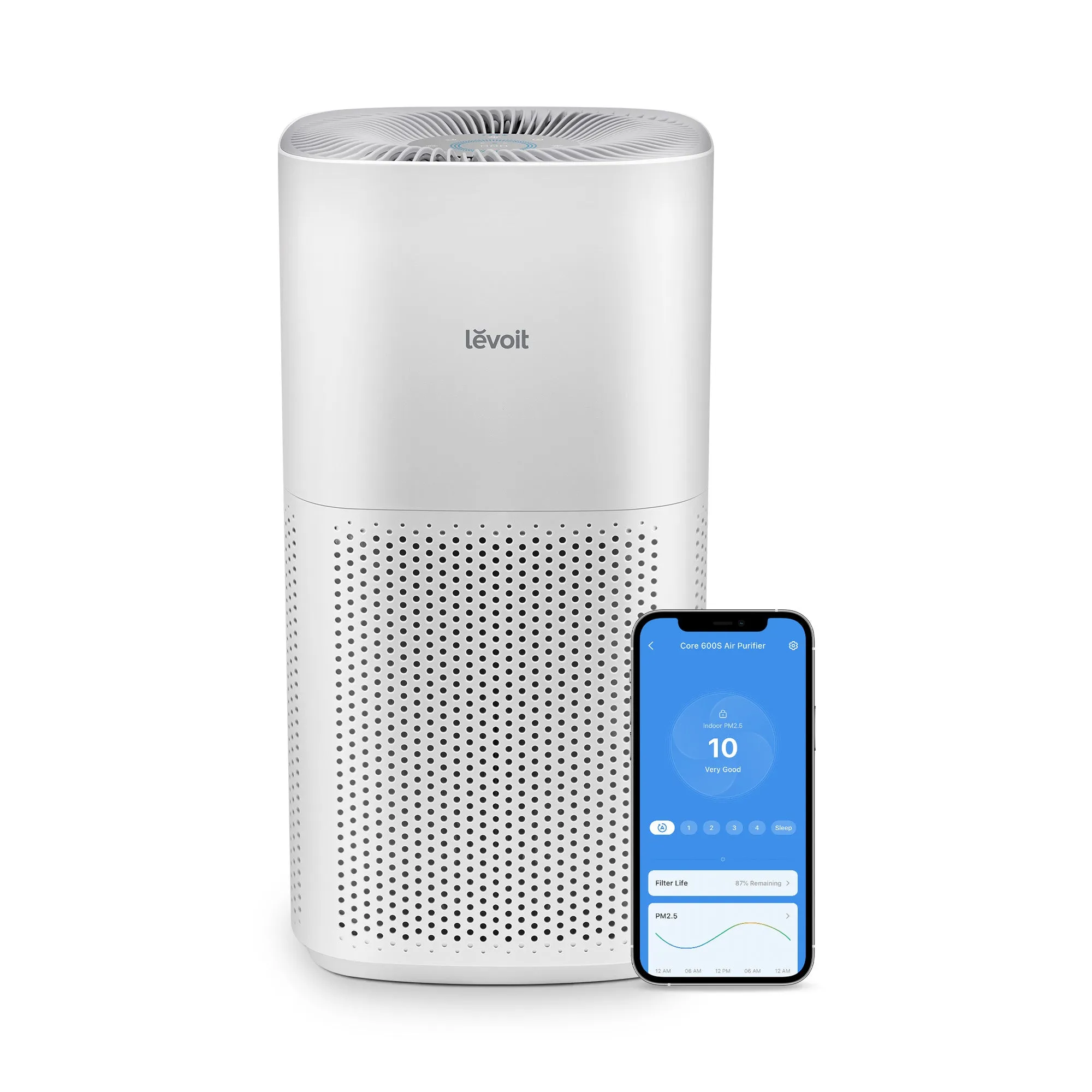
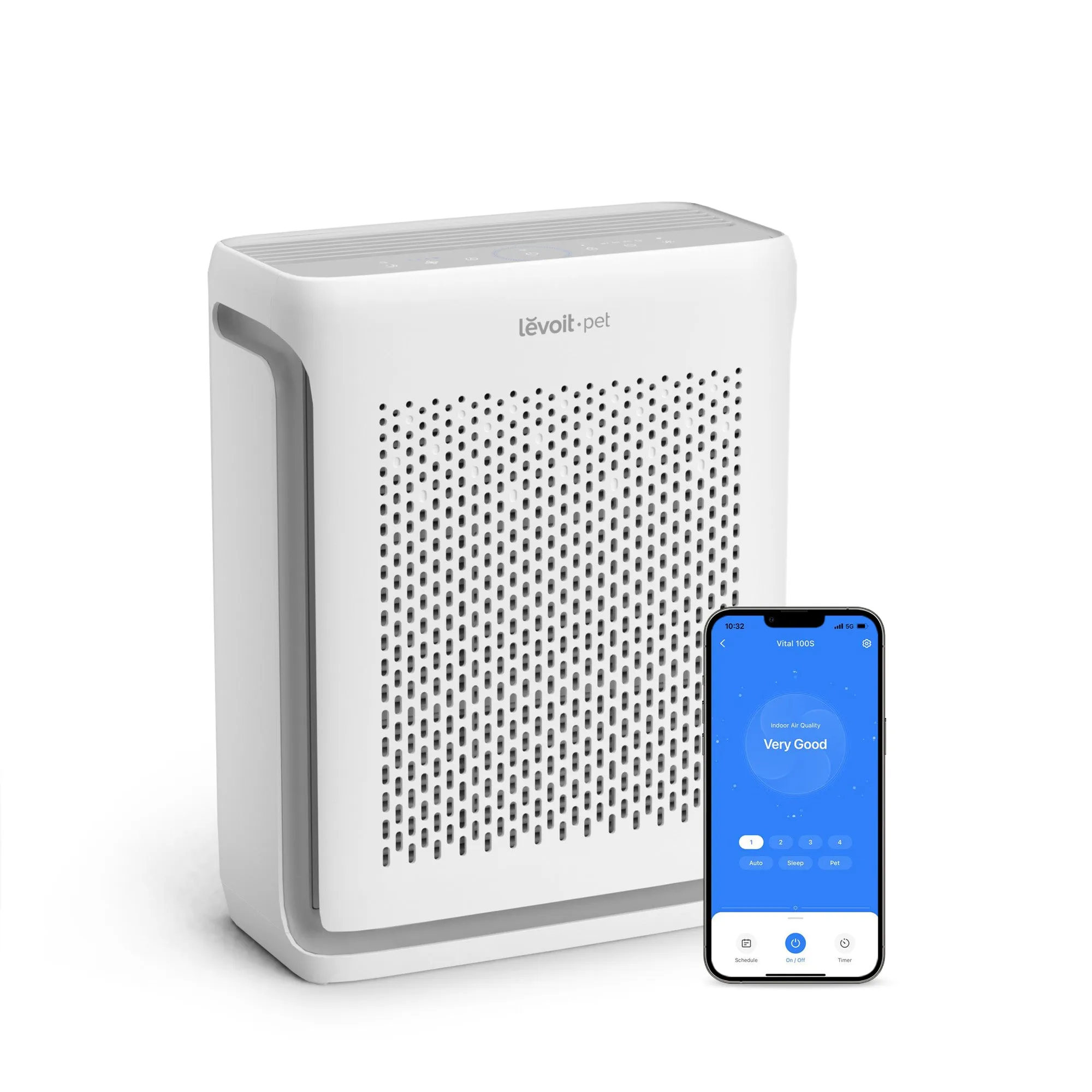
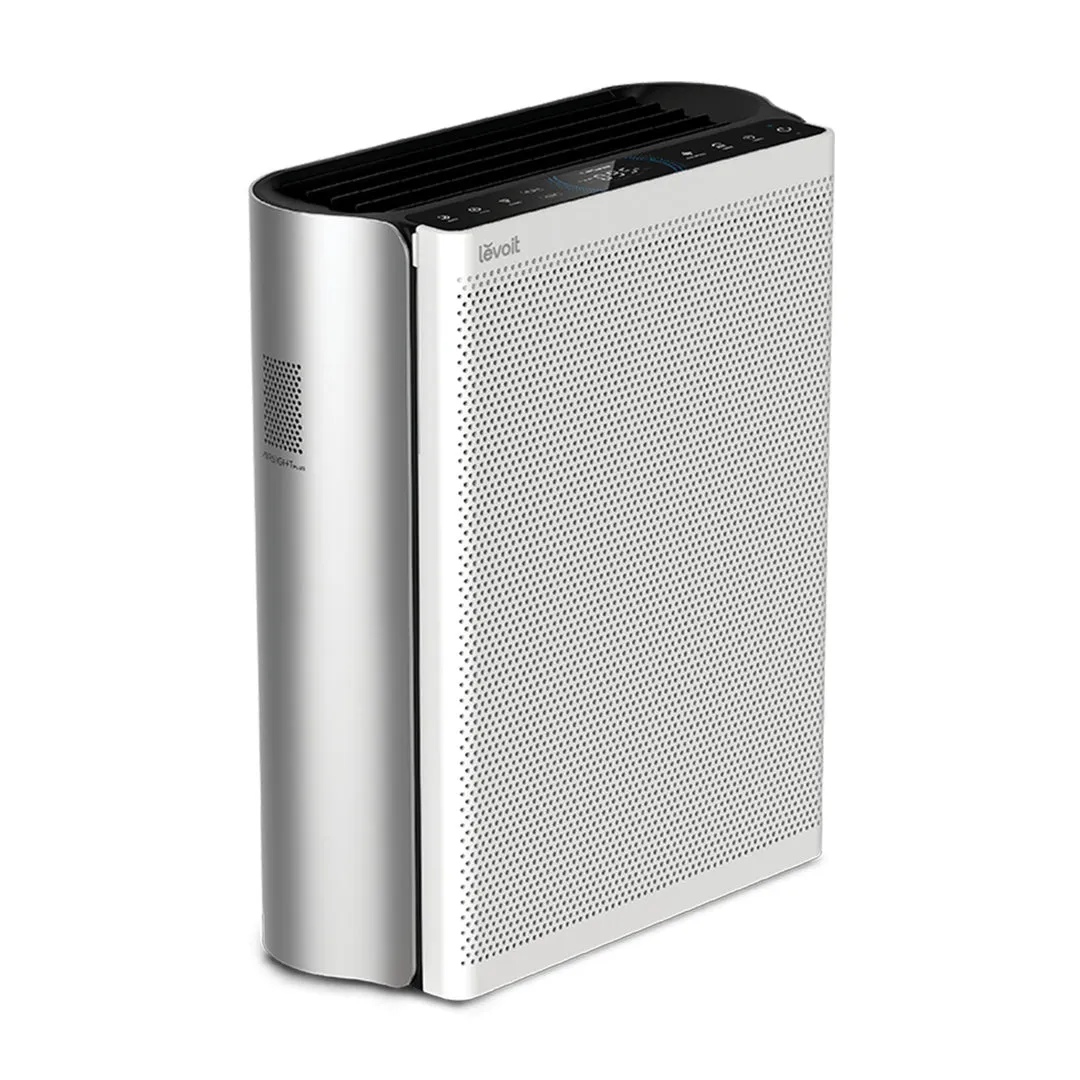
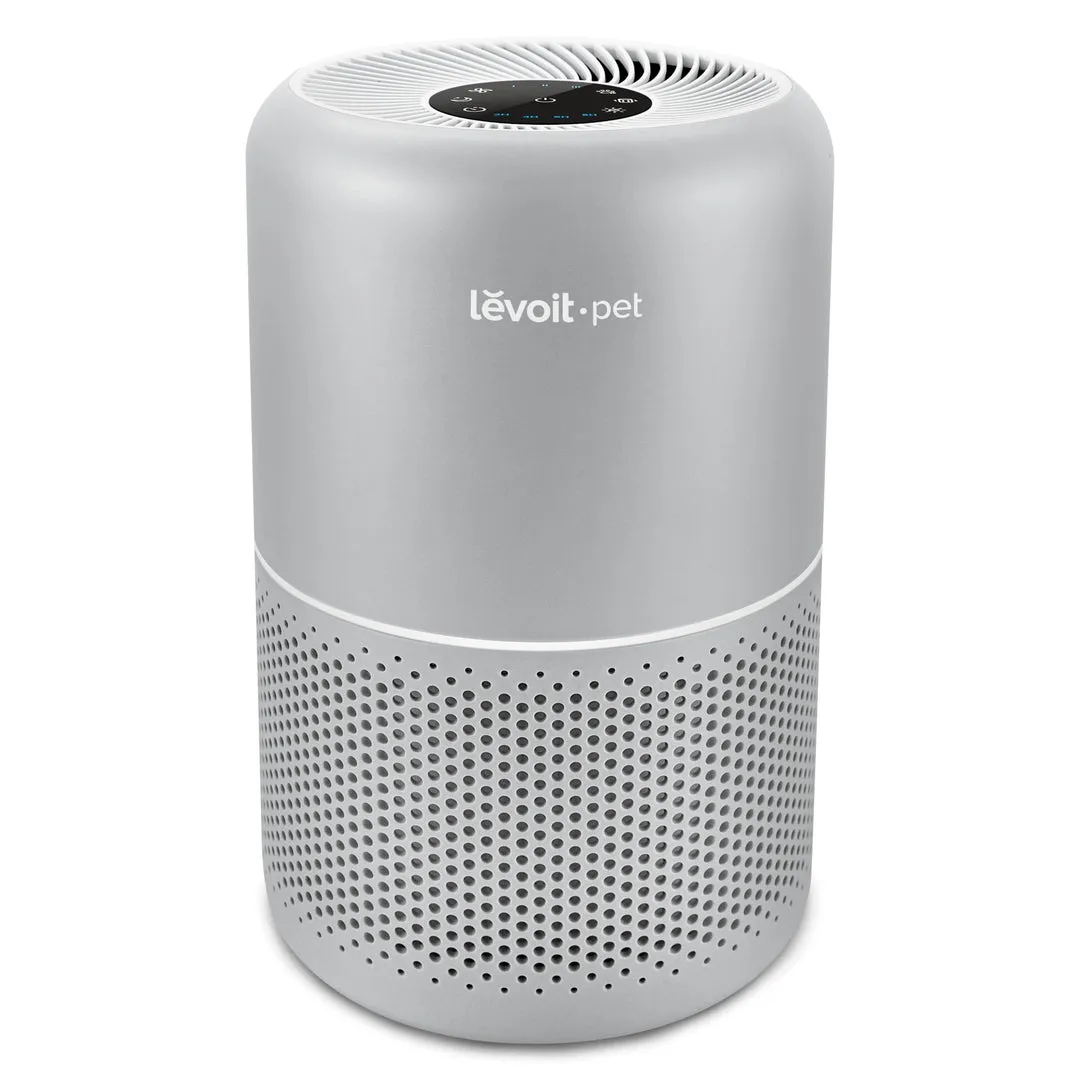
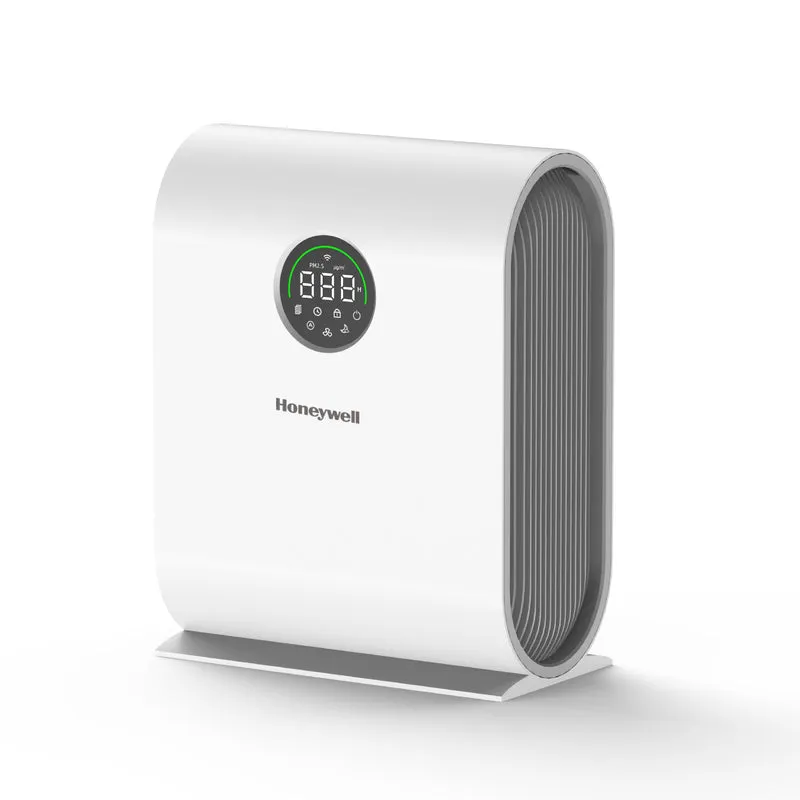
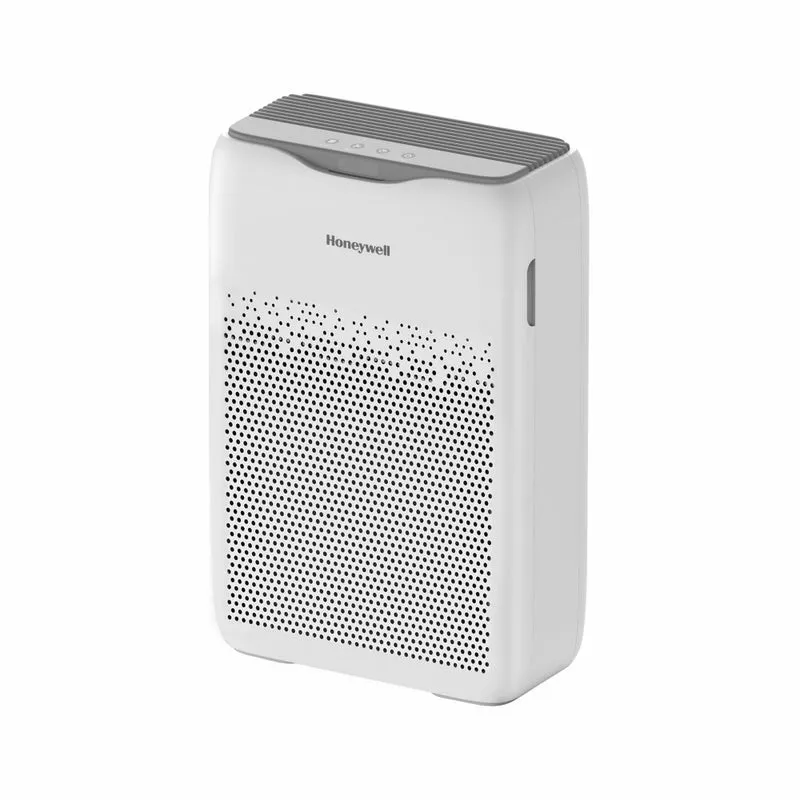
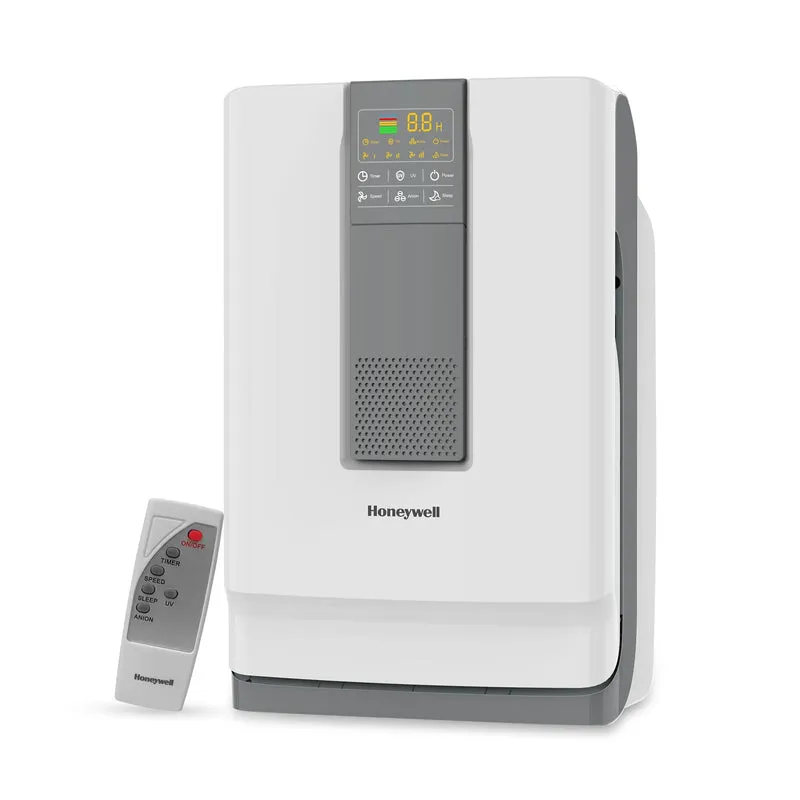
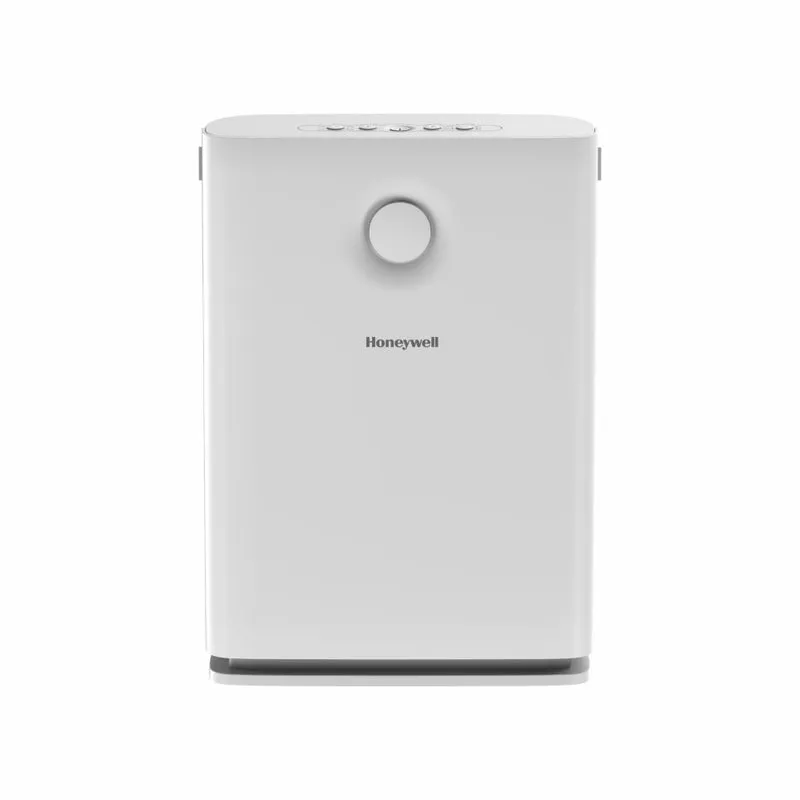
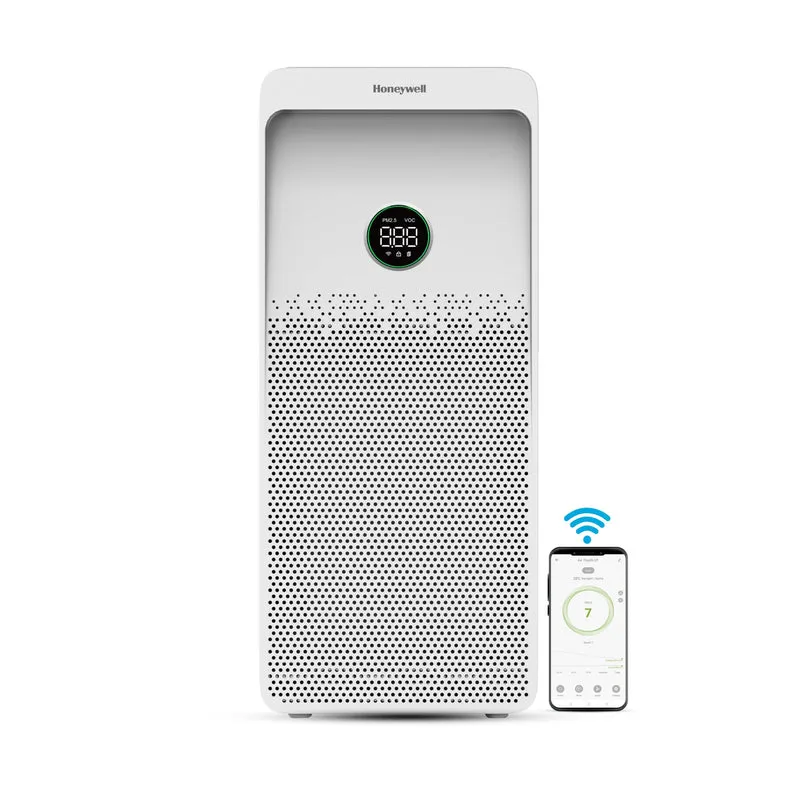
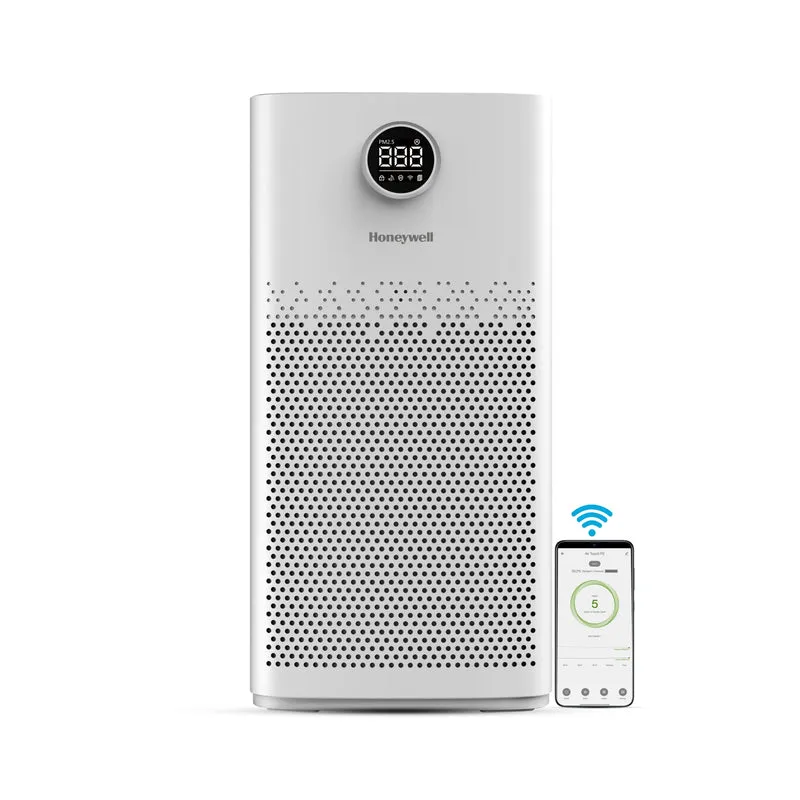
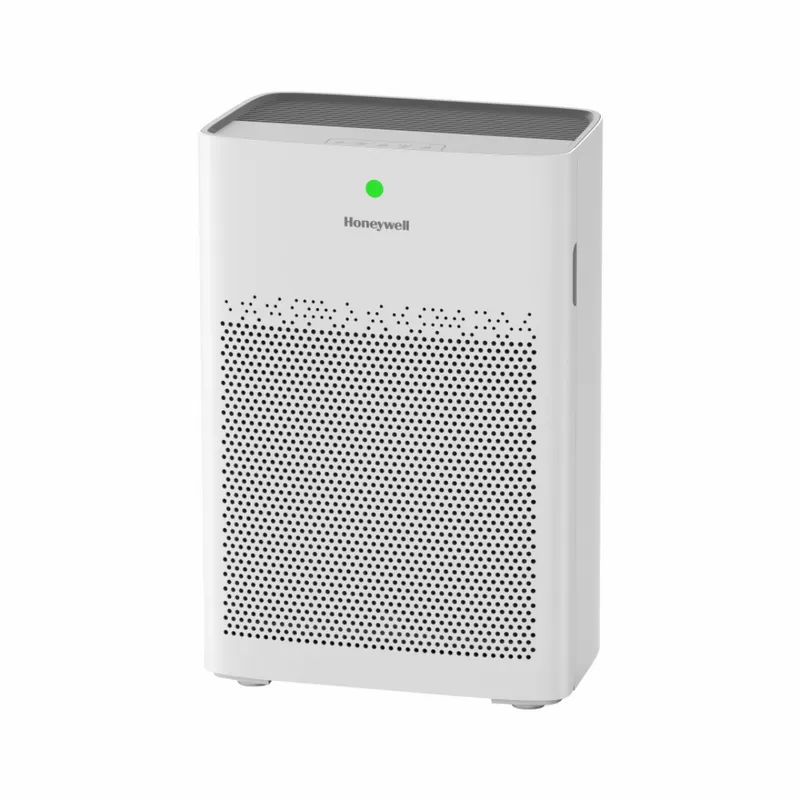
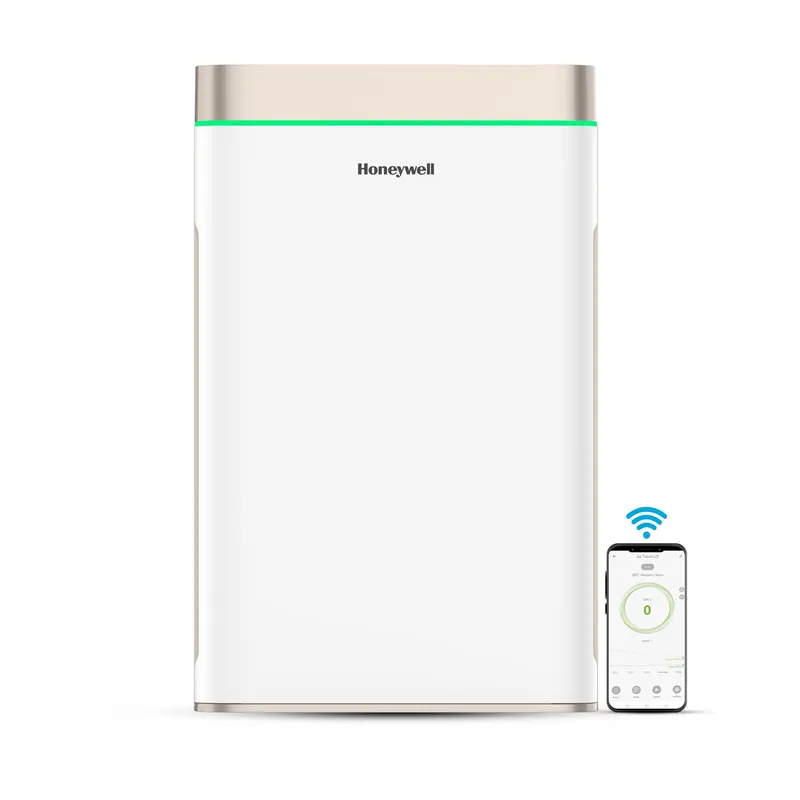
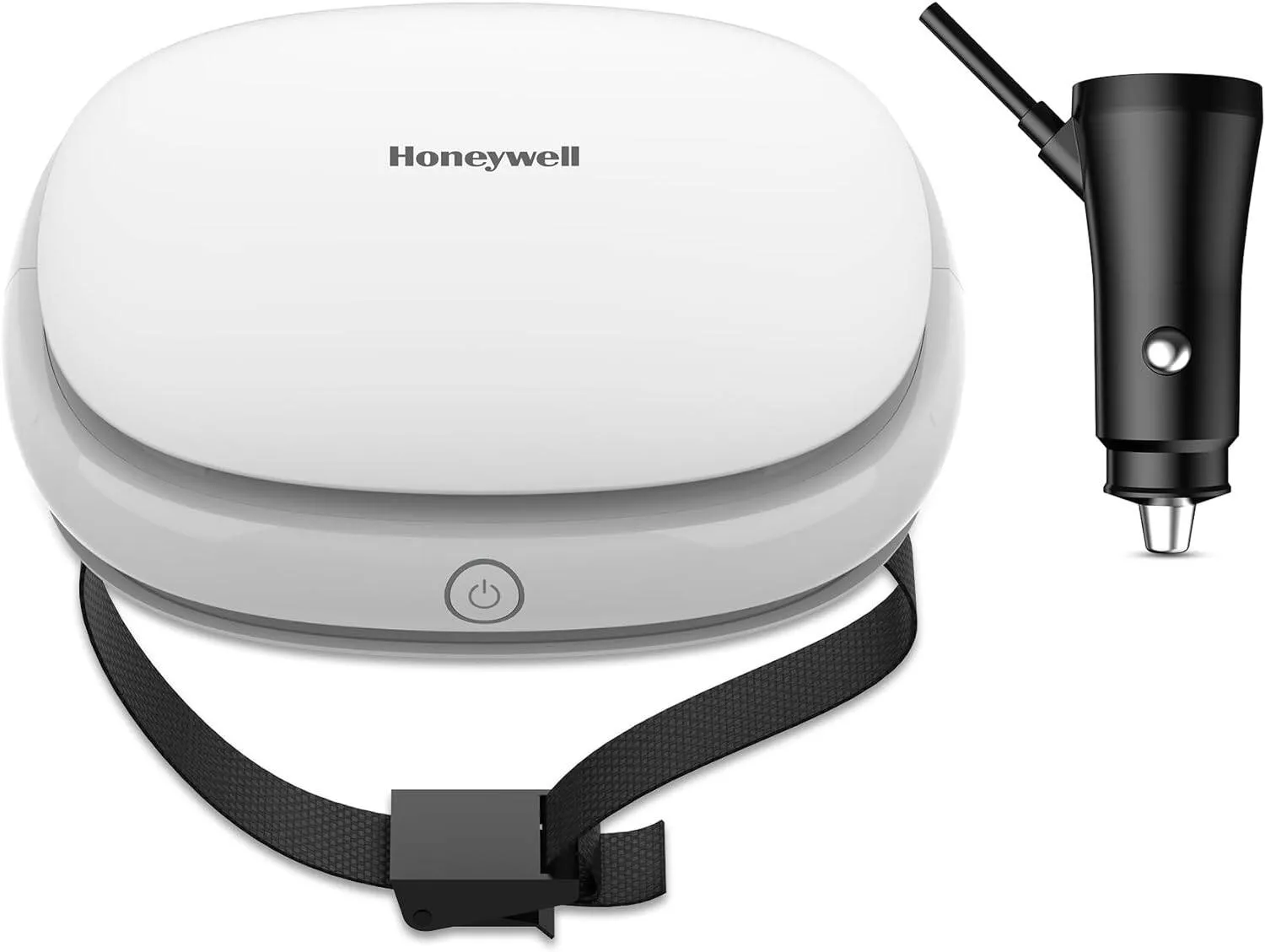
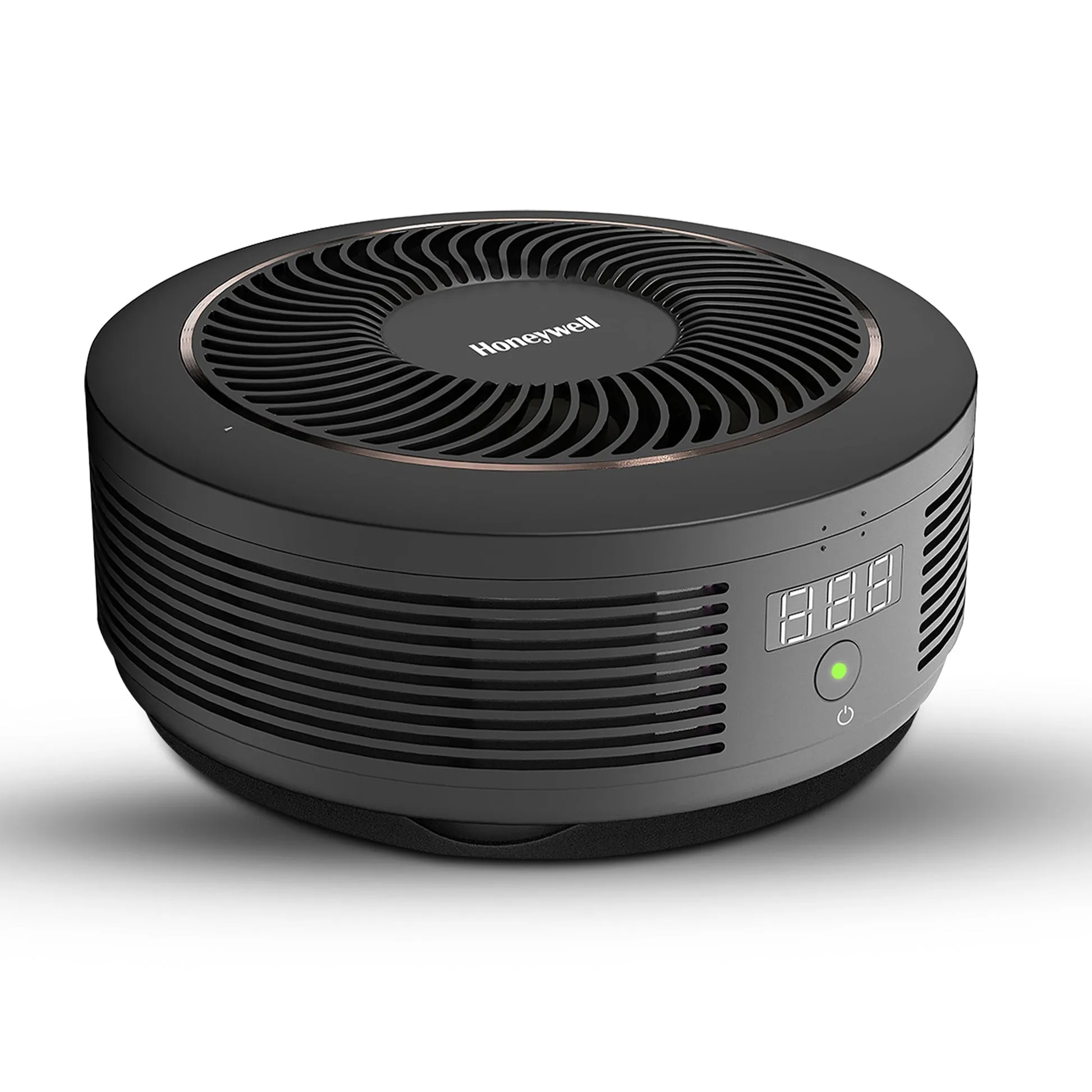
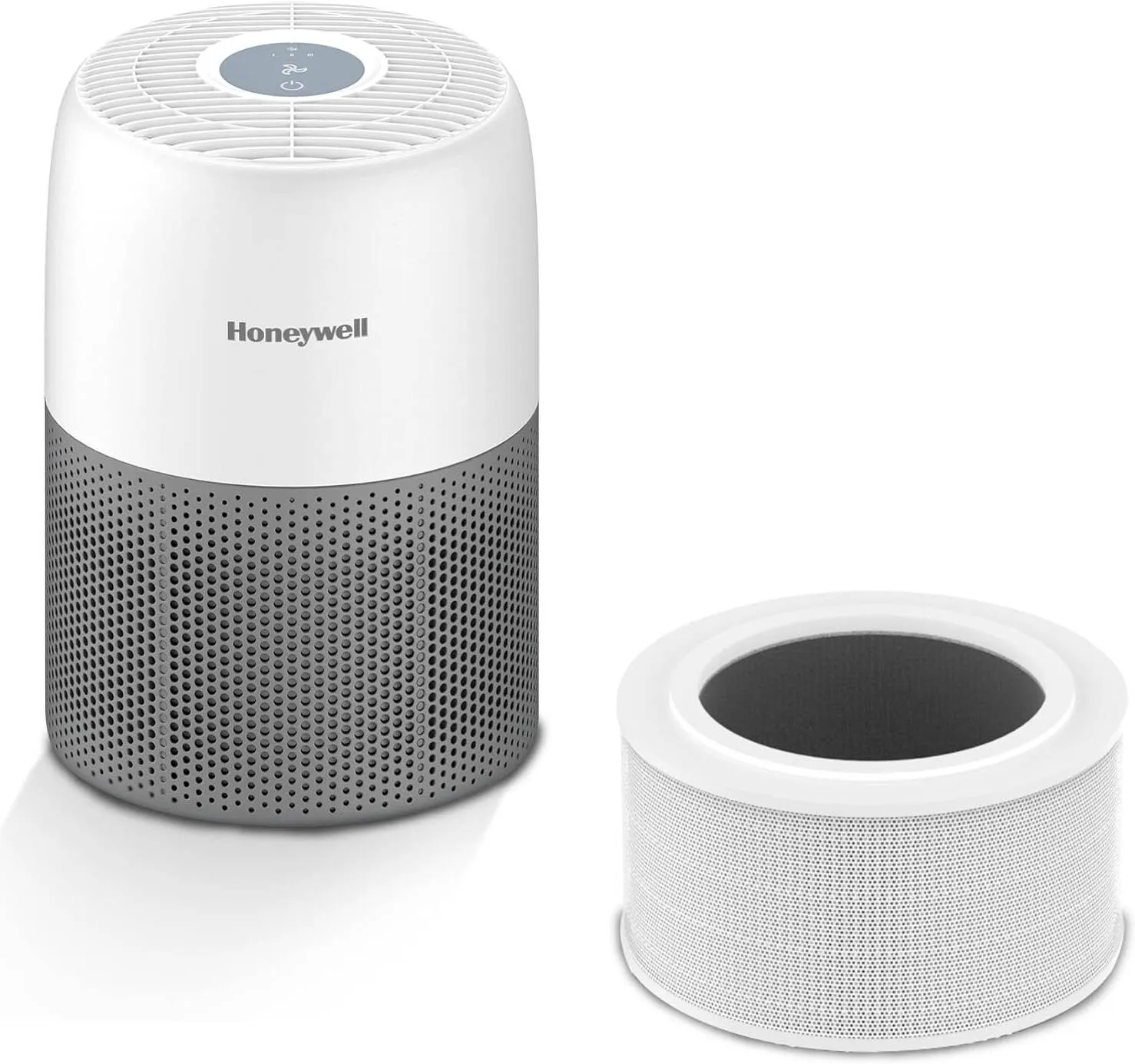
Office air purifiers are defined by six core features: filtration technology, CADR matched to room size, air changes per hour (ACH), noise level, smart controls, and placement suitability. Getting these right determines whether a purifier genuinely improves indoor air quality or simply runs in the background doing little. For office managers and business owners, the key features in office purifiers are not about marketing claims. They are about measurable performance, staff comfort, and total cost of ownership. Brands like Blueair, Honeywell, and Levoit each offer office-grade models, but the spec sheet only tells part of the story.
1. What is the most effective filtration system in office purifiers?
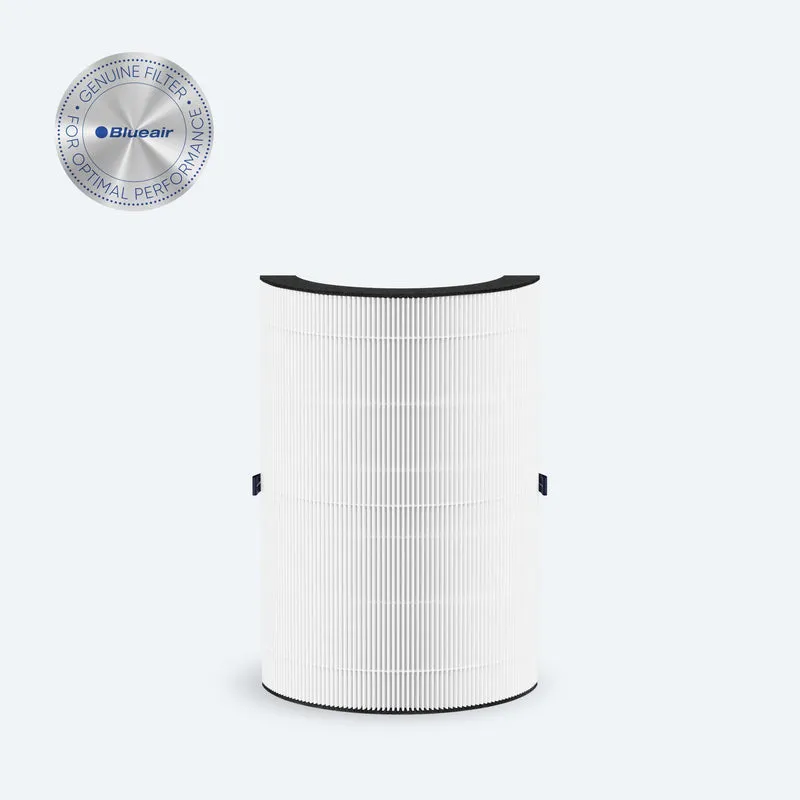
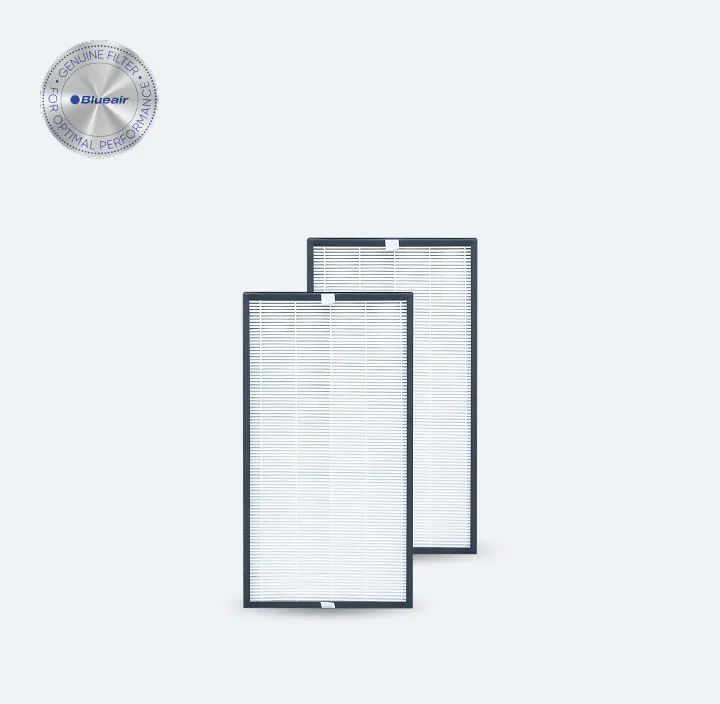
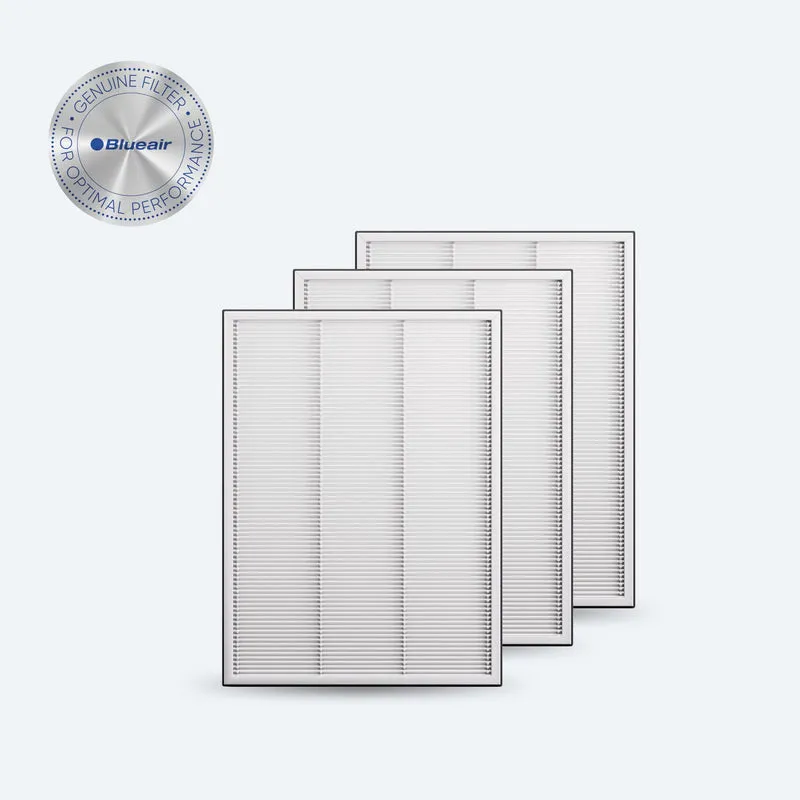
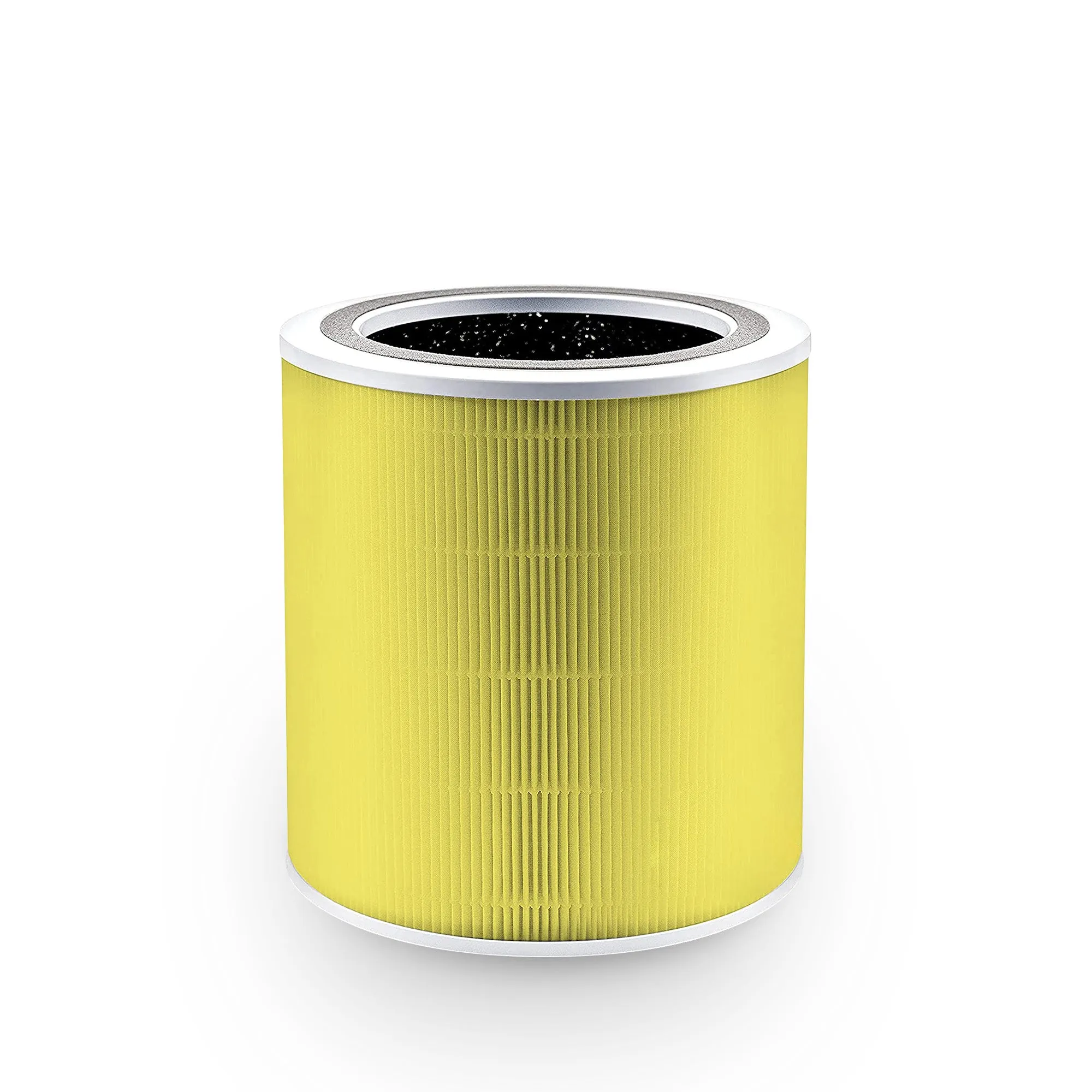
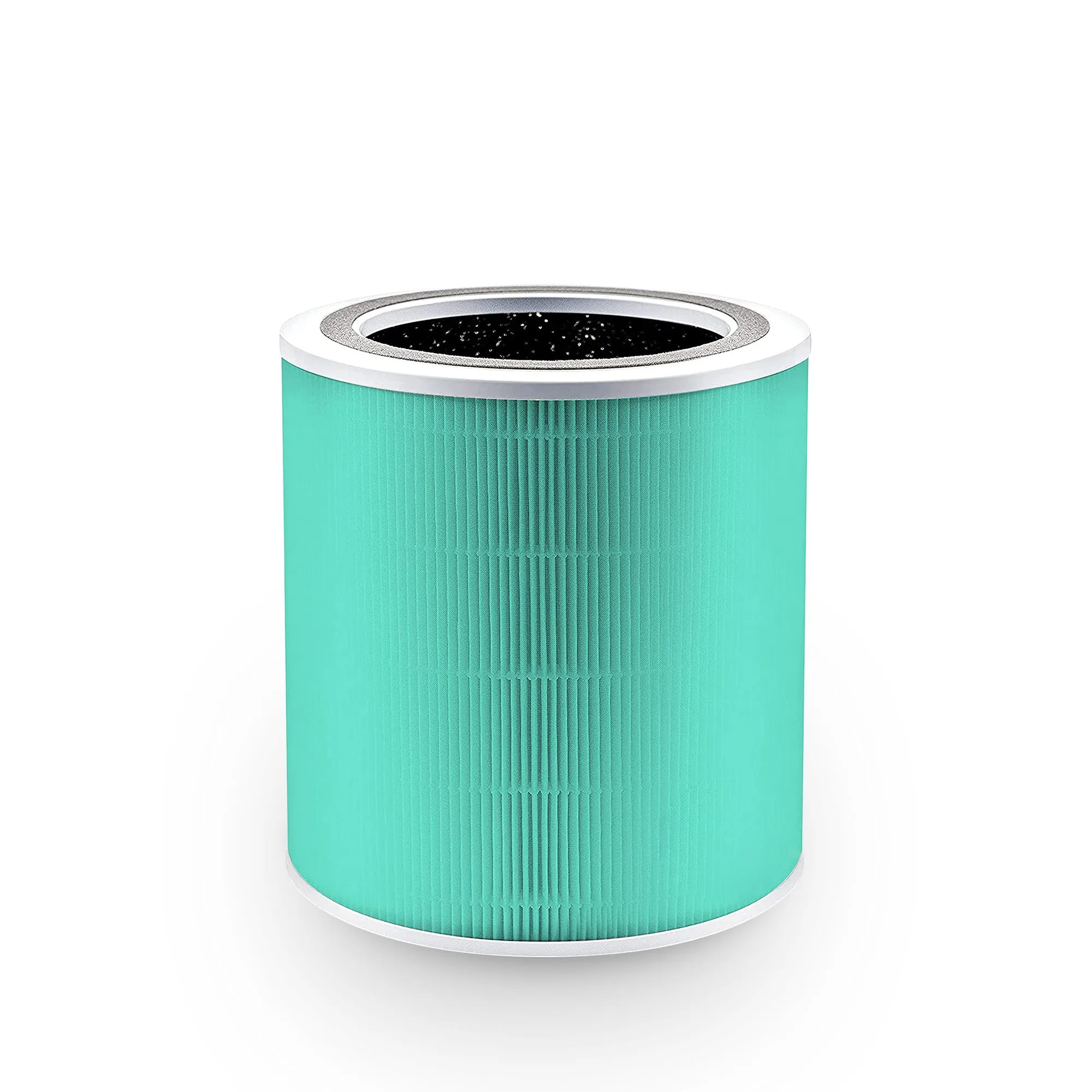
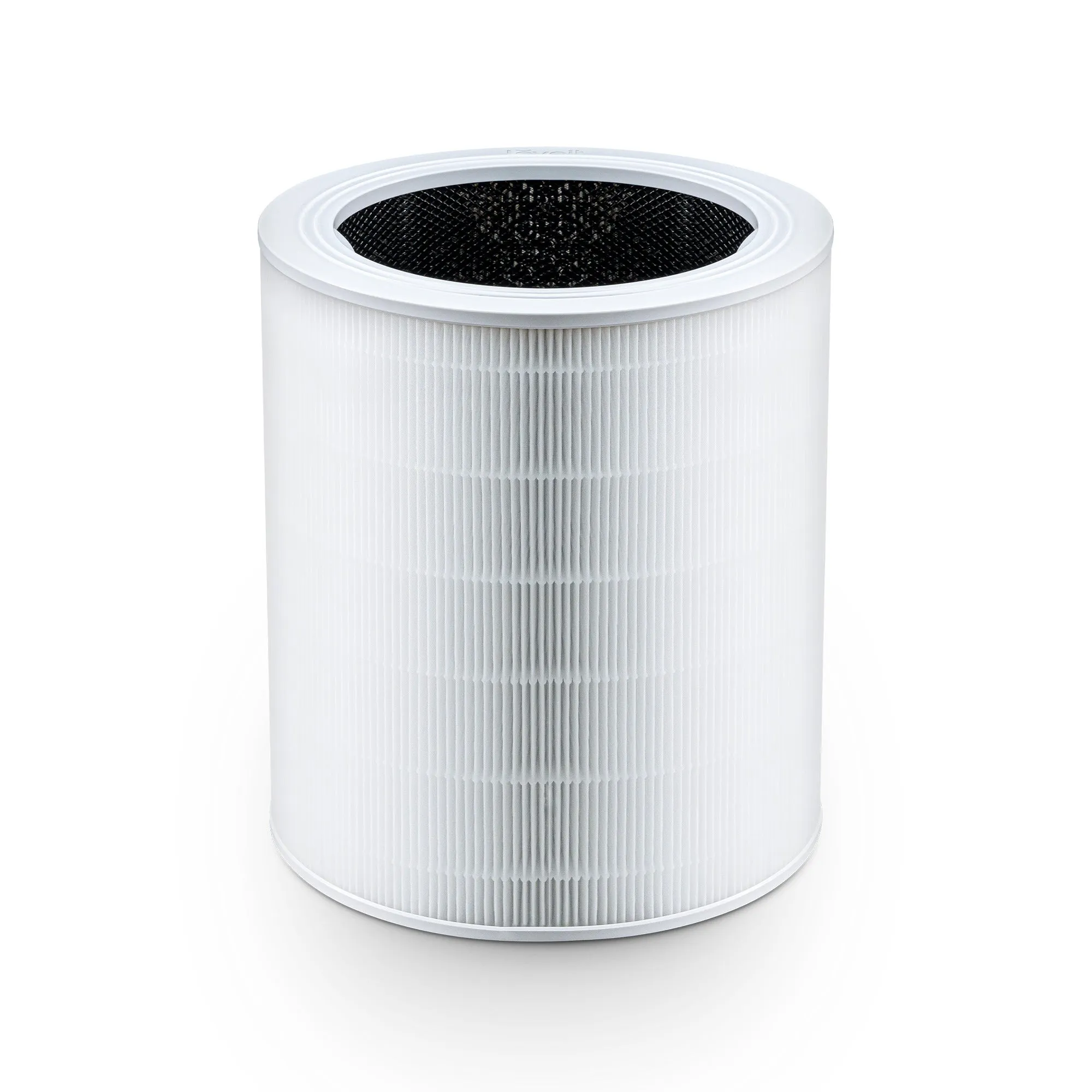
True HEPA filtration is the non-negotiable starting point for any office air purifier. True HEPA filters capture 99.97% of airborne particles as small as 0.3 microns. That covers dust, pollen, aerosols, and the fine particulate matter that circulates in shared workspaces.
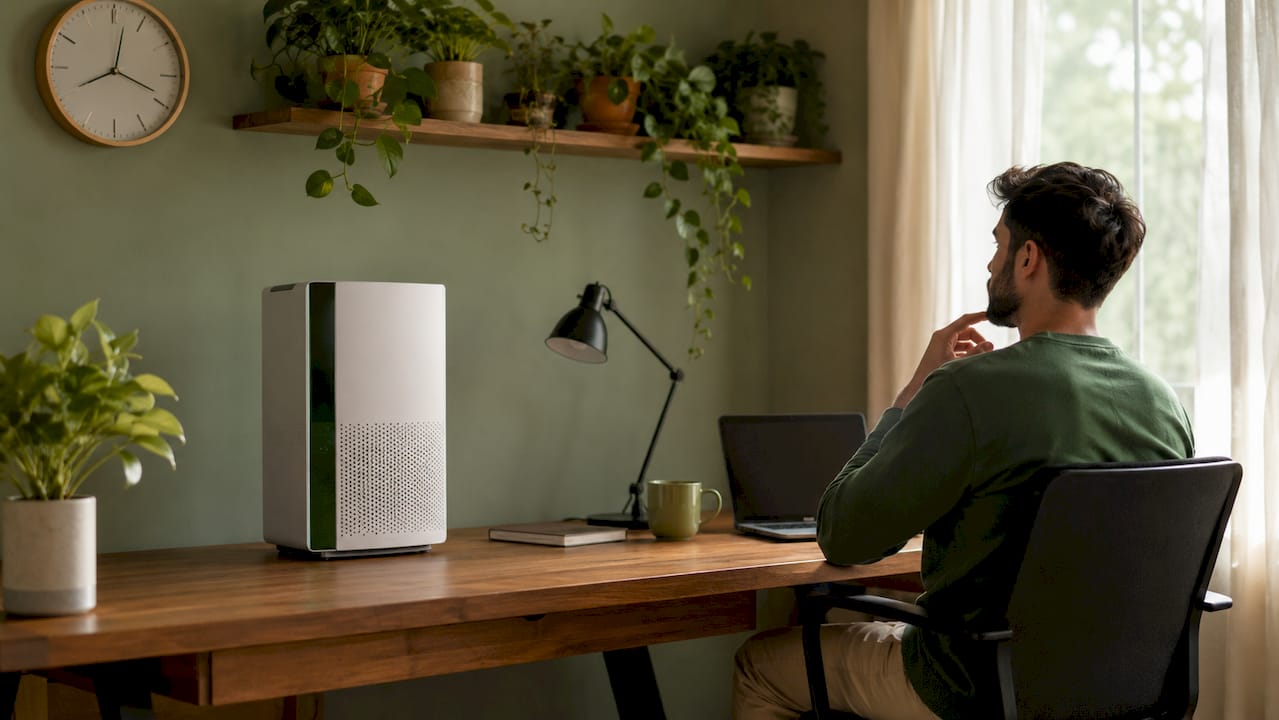
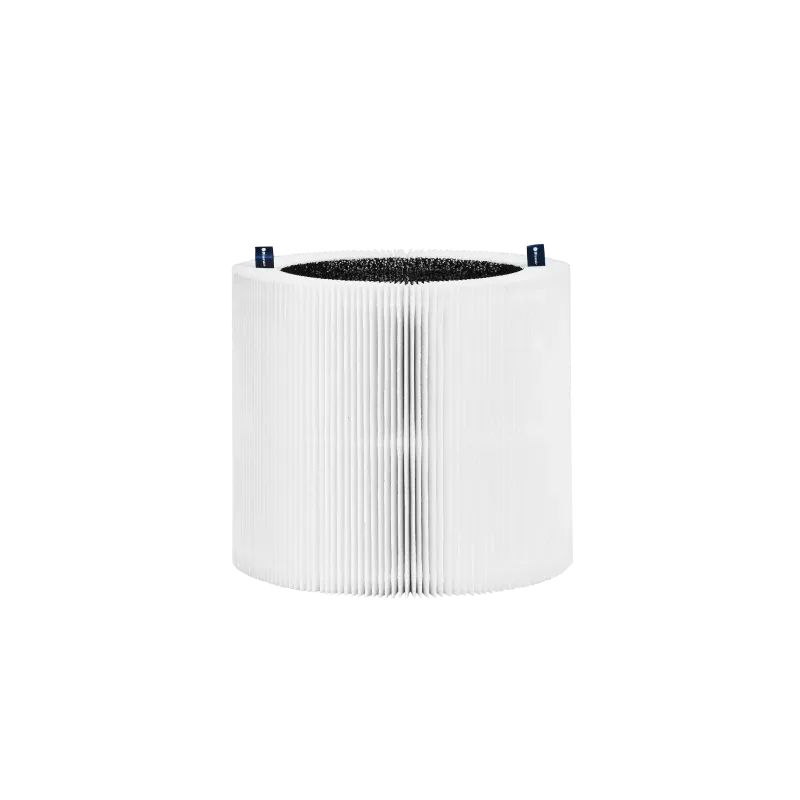
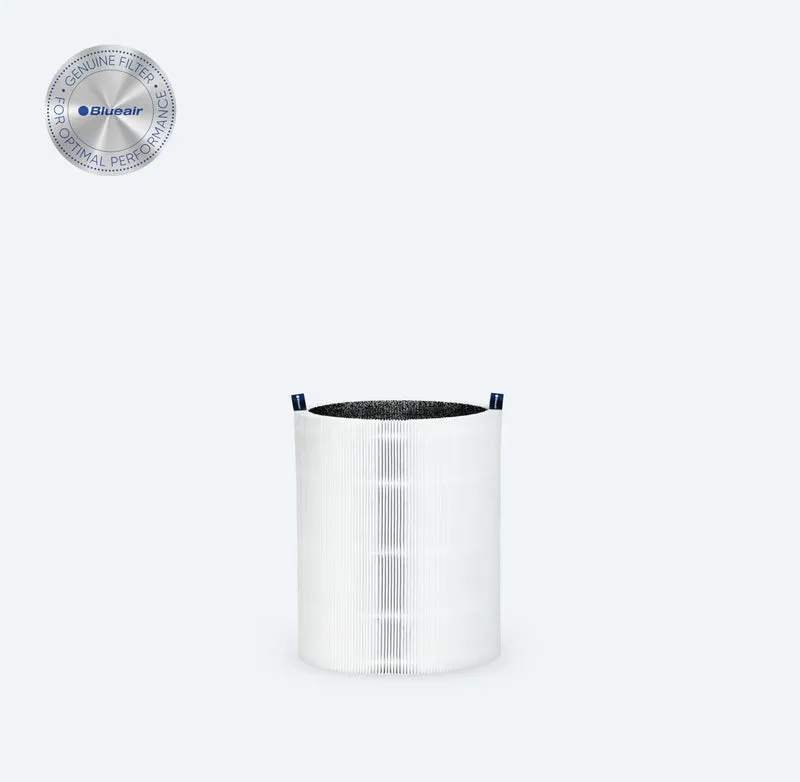
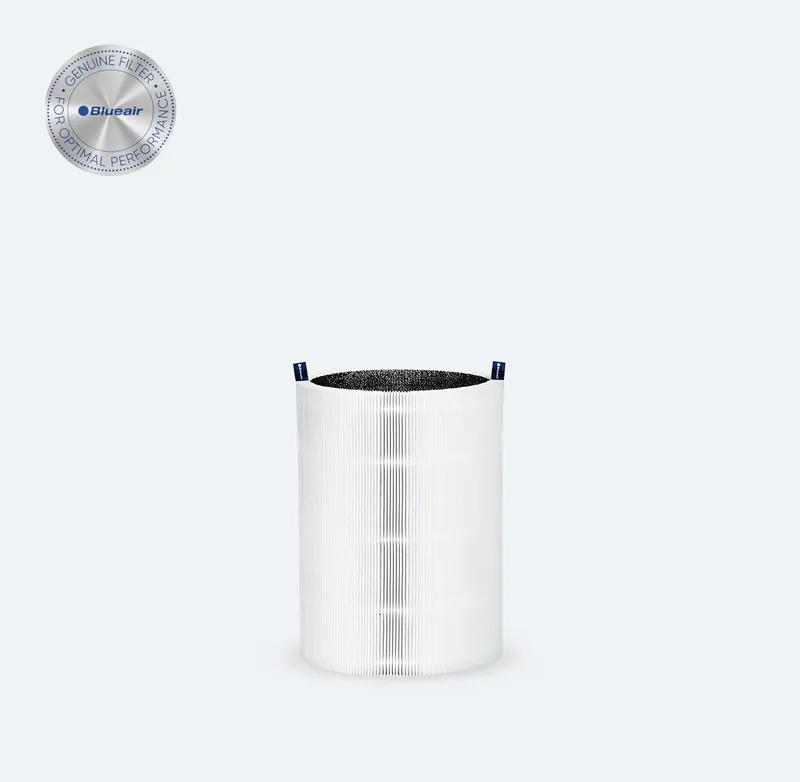
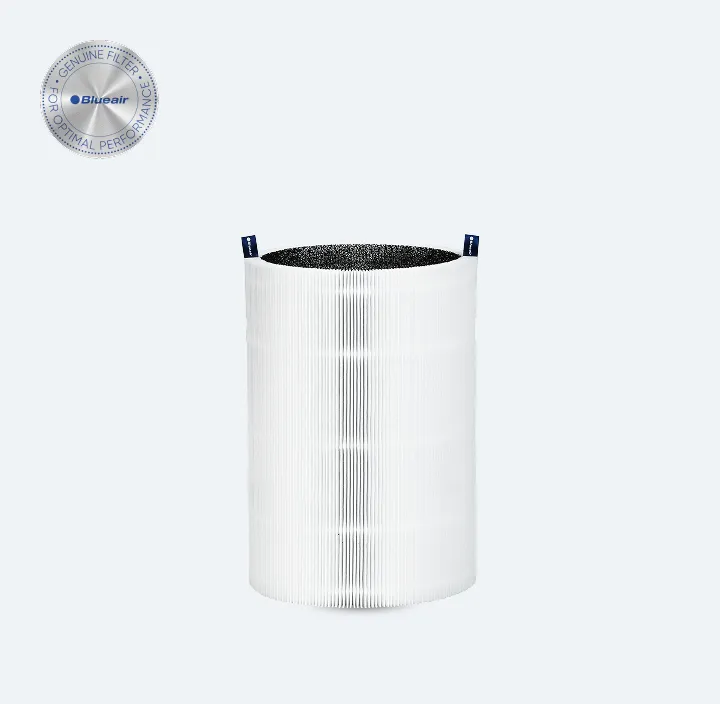
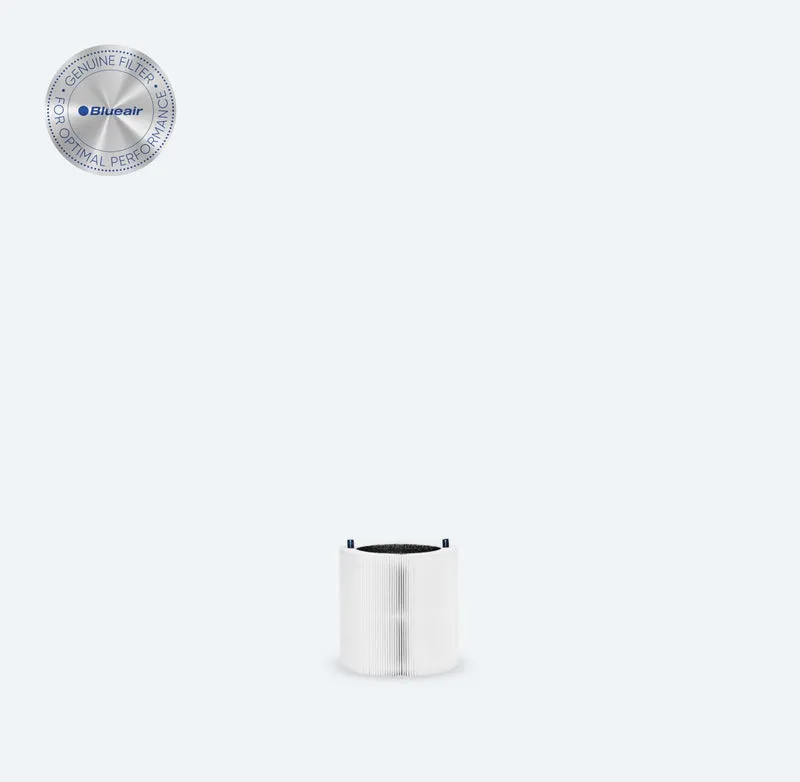
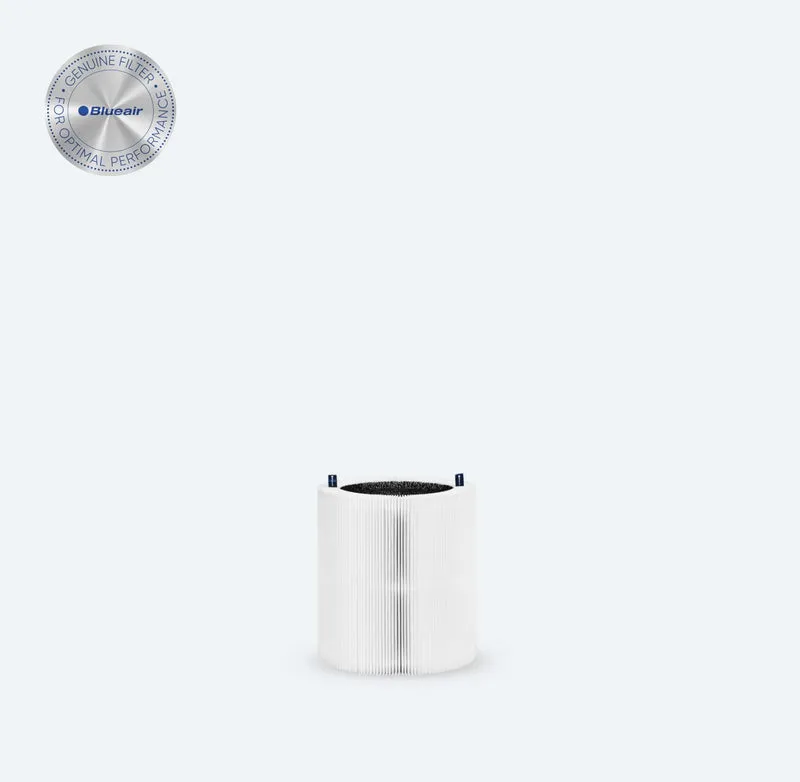
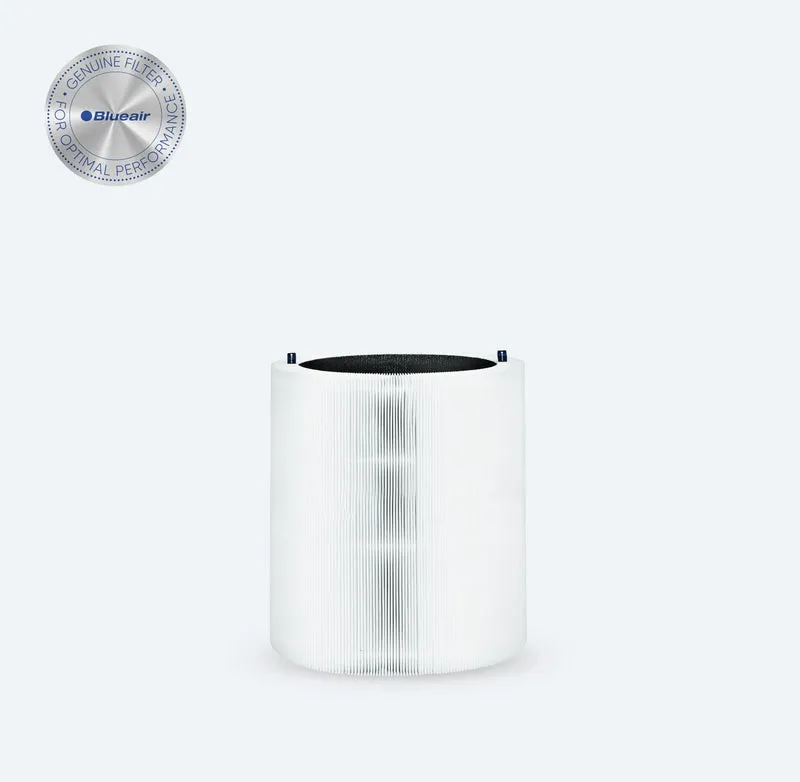
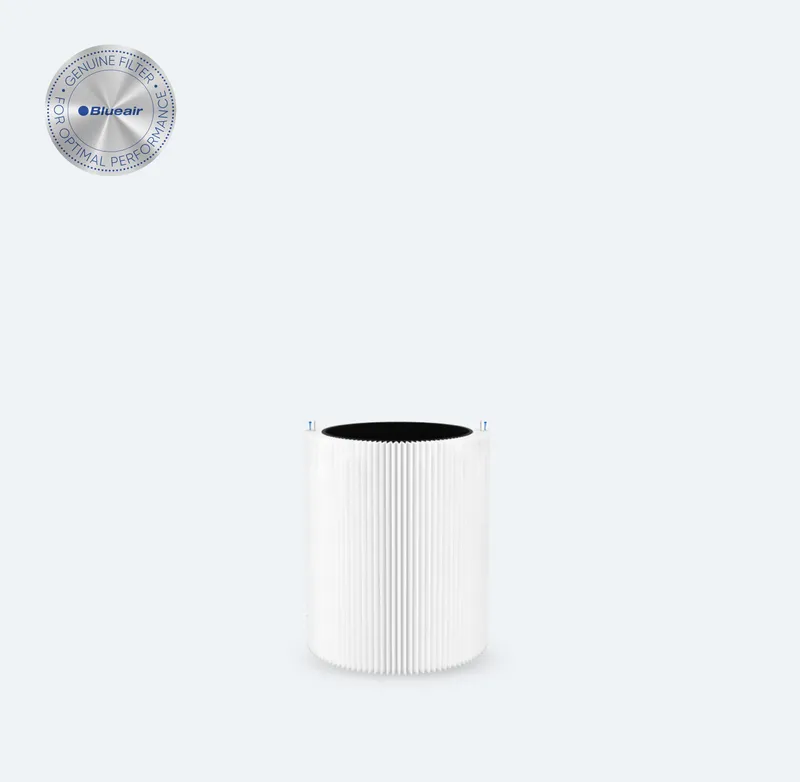
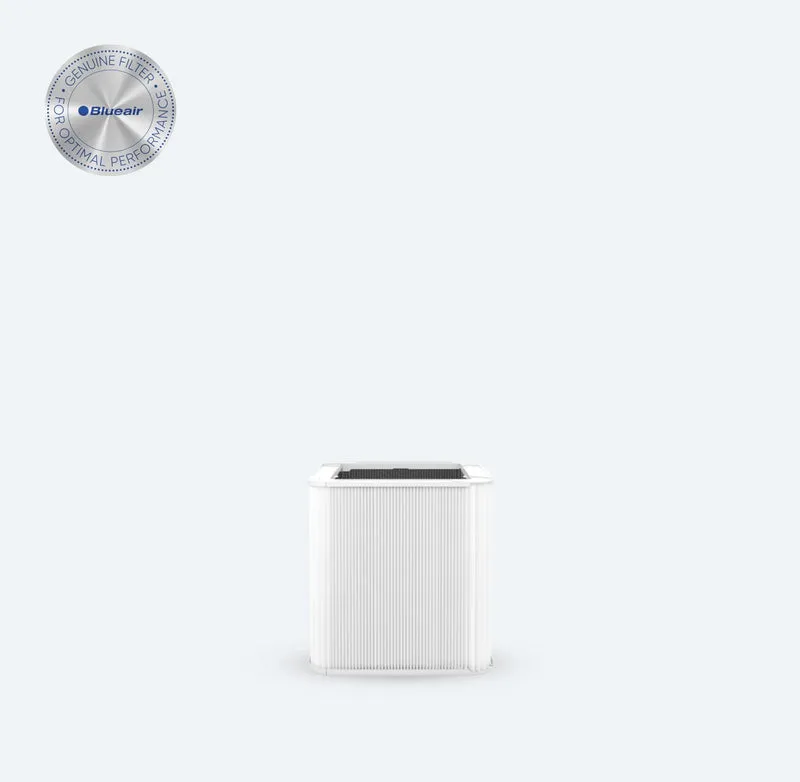
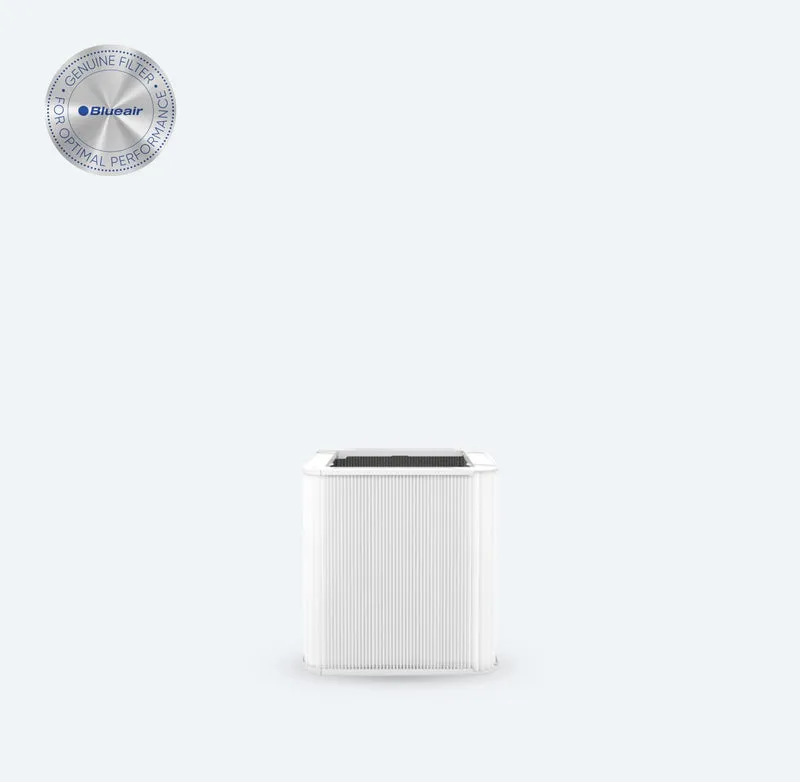
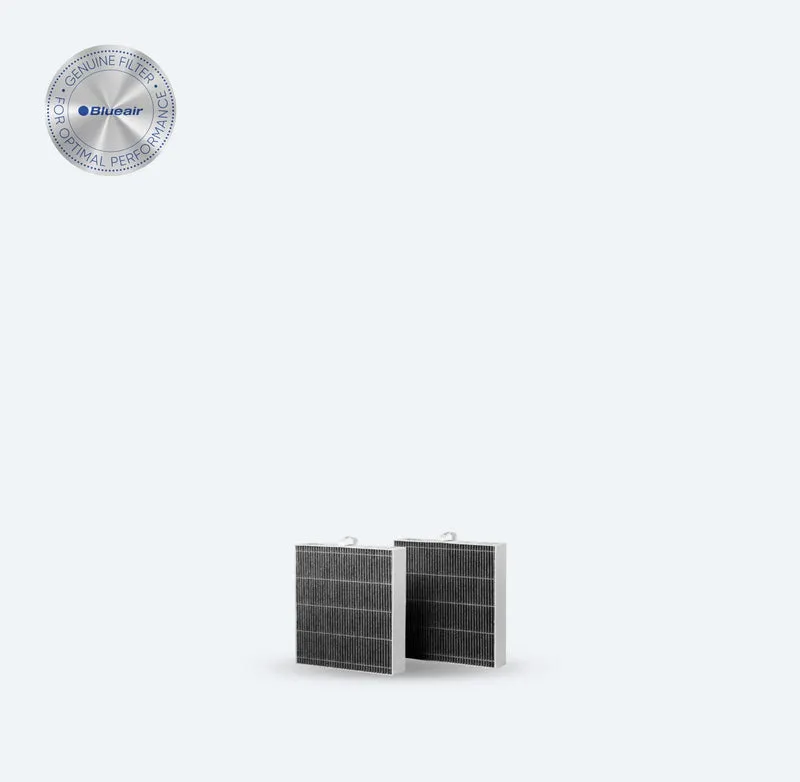
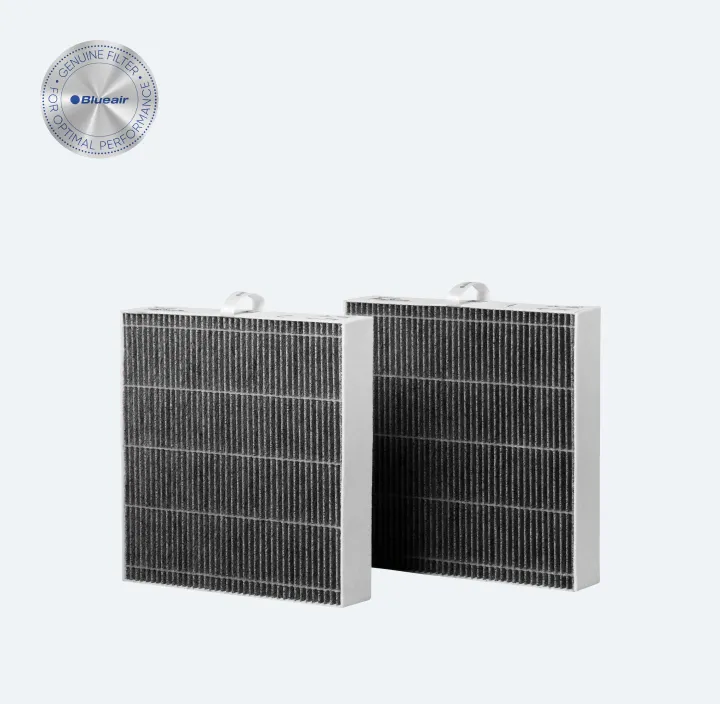
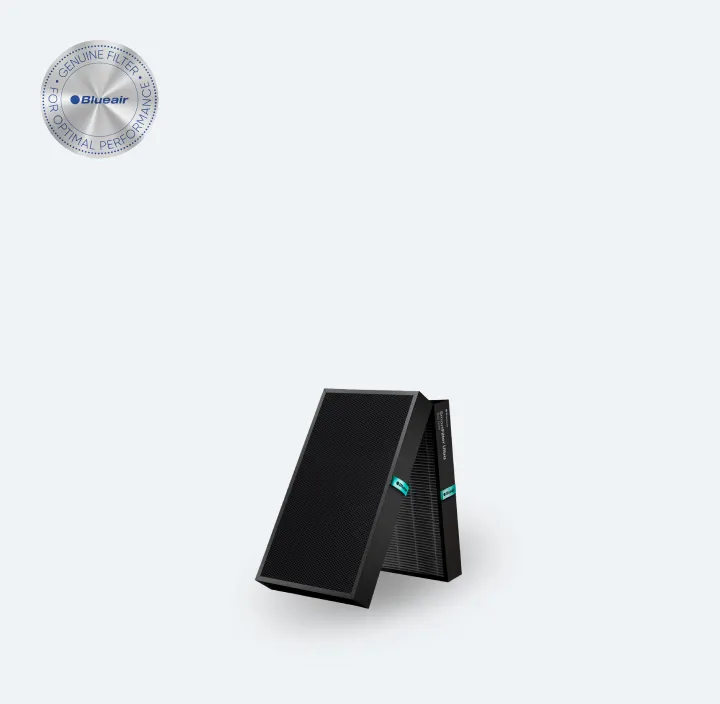
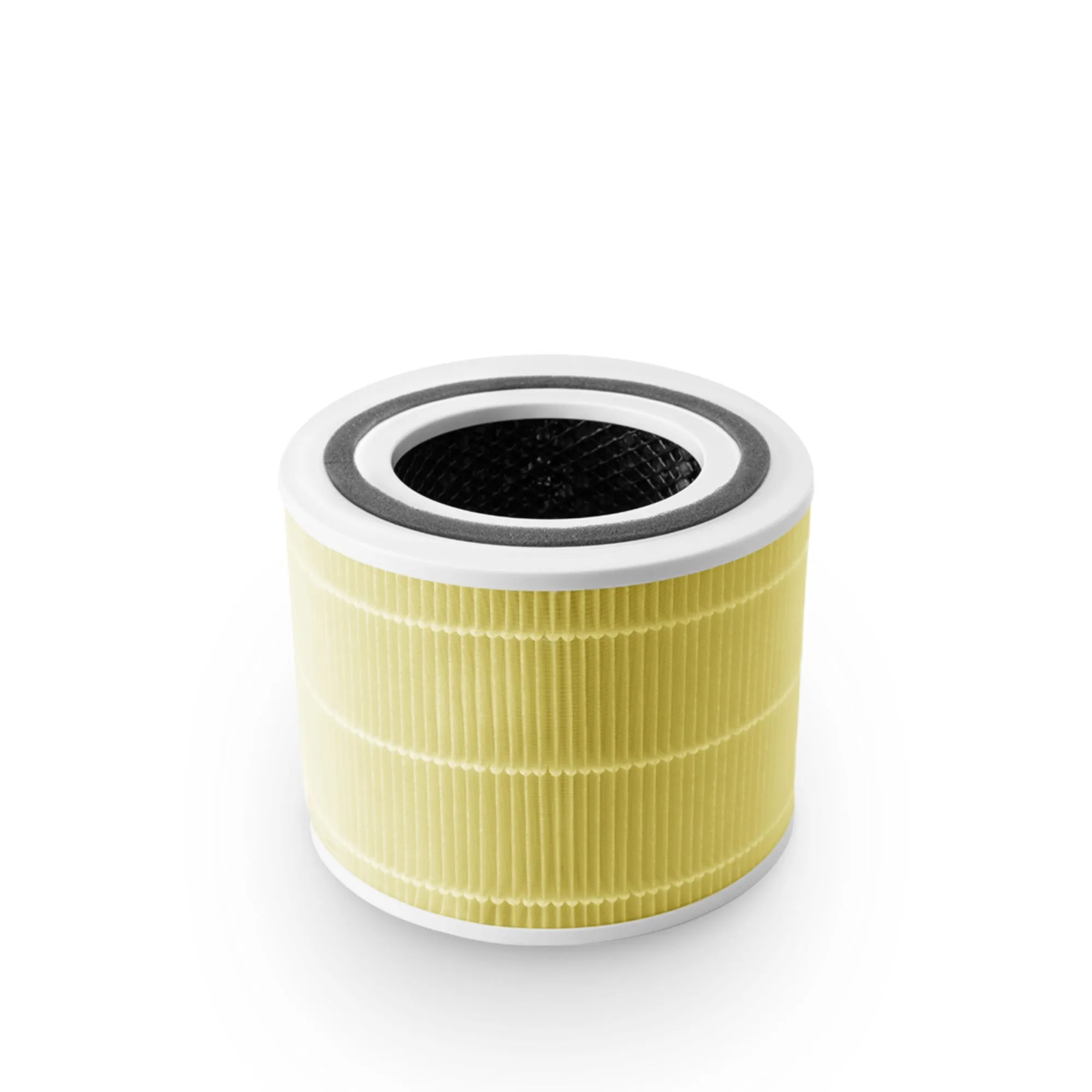
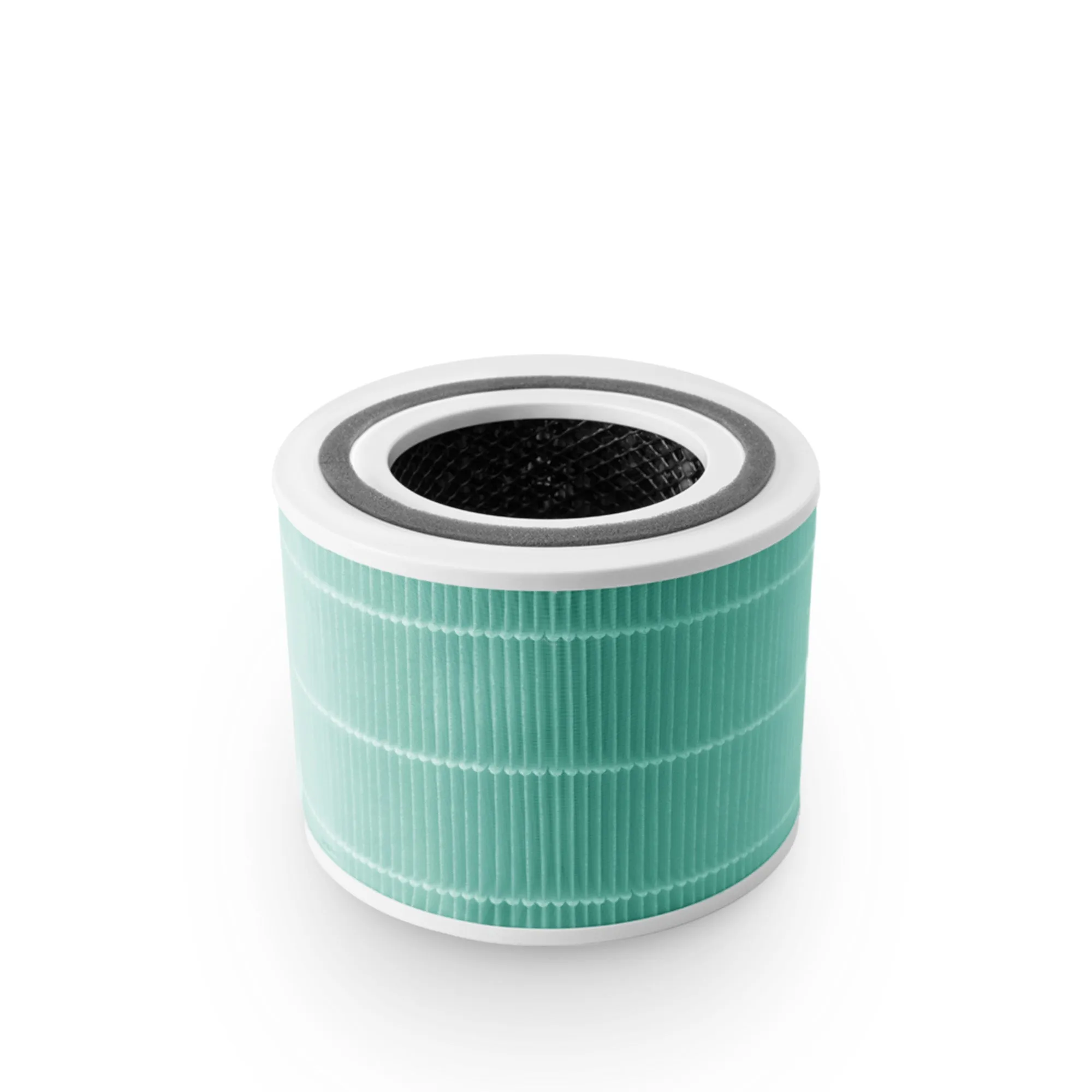
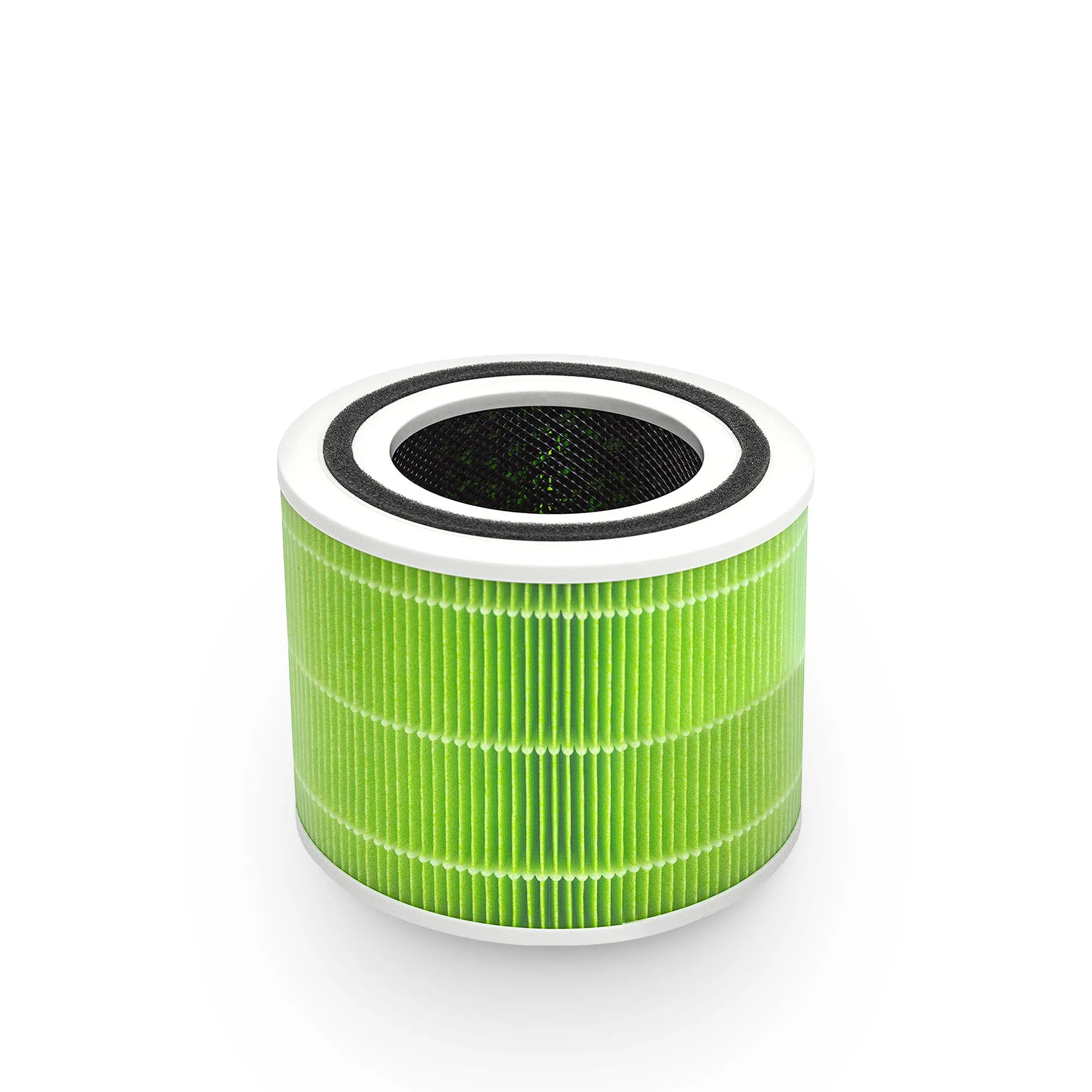
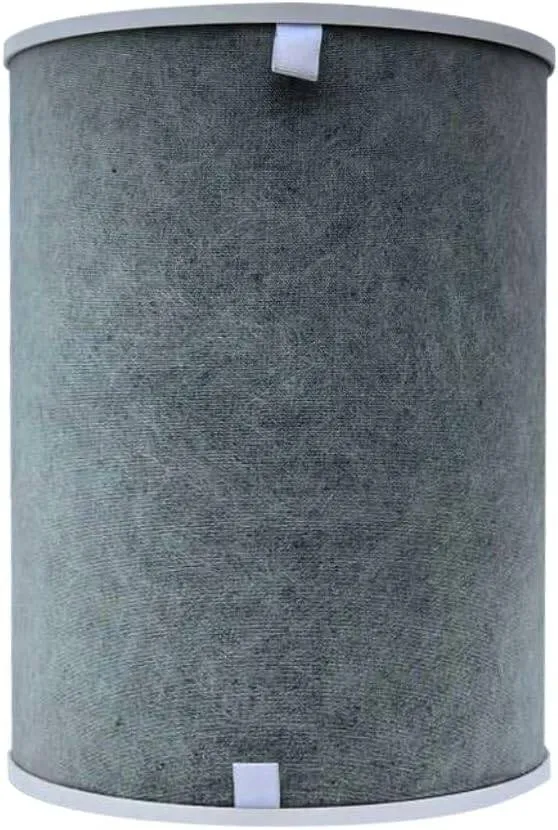
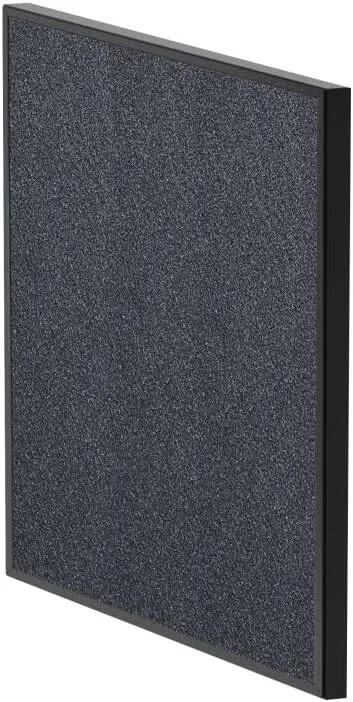
The second layer is activated carbon. Carbon filters adsorb volatile organic compounds (VOCs), chemical odours from printers, cleaning products, and off-gassing furniture. The critical point most buyers miss: thin carbon sheets do not adsorb gases effectively. A substantial mass of activated carbon is required to handle serious VOCs in a busy office environment. Models that advertise carbon filtration but use a thin mesh layer provide negligible odour control.
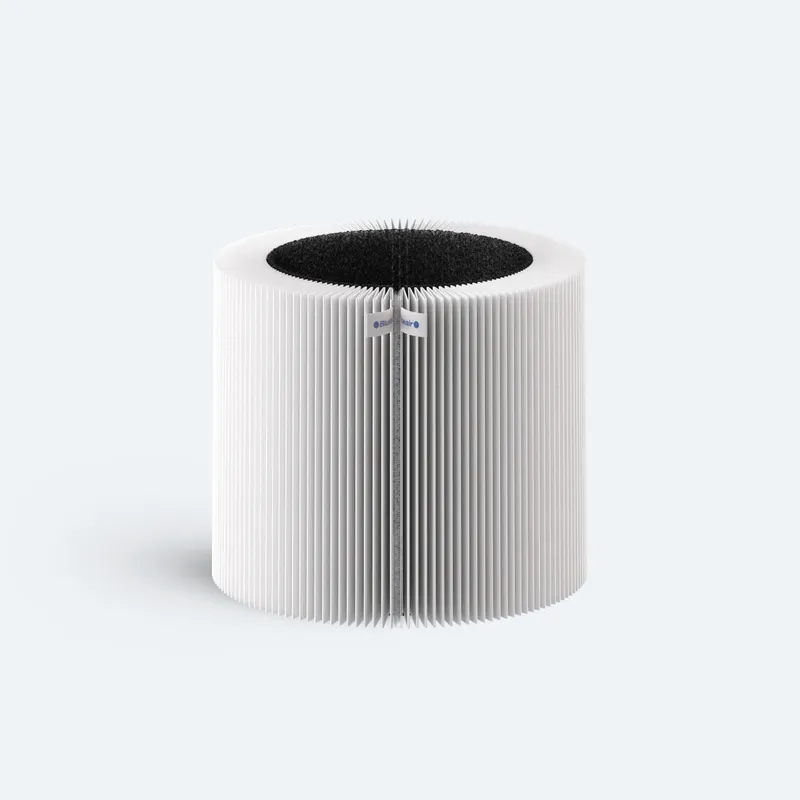
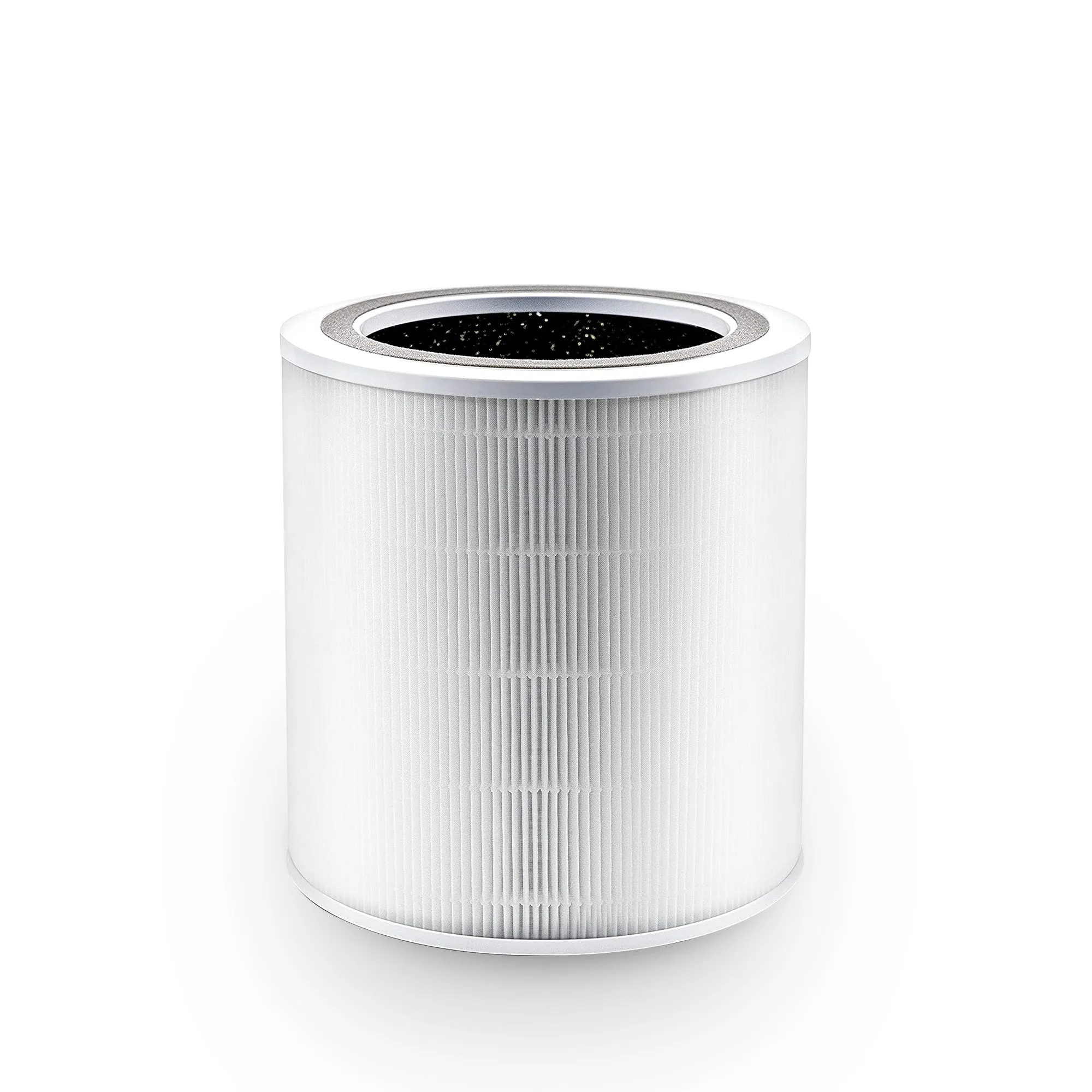
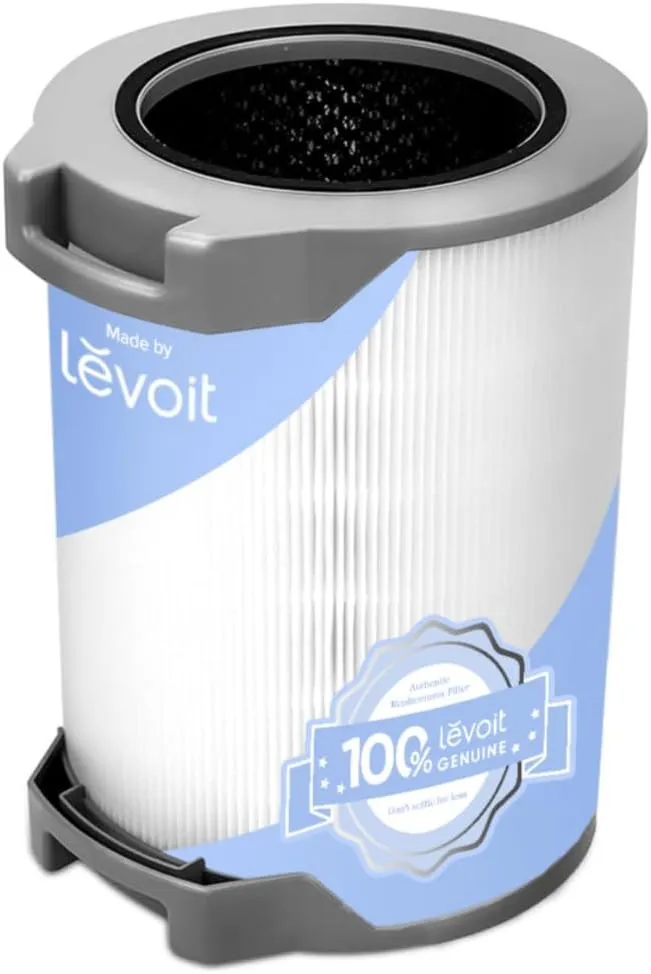
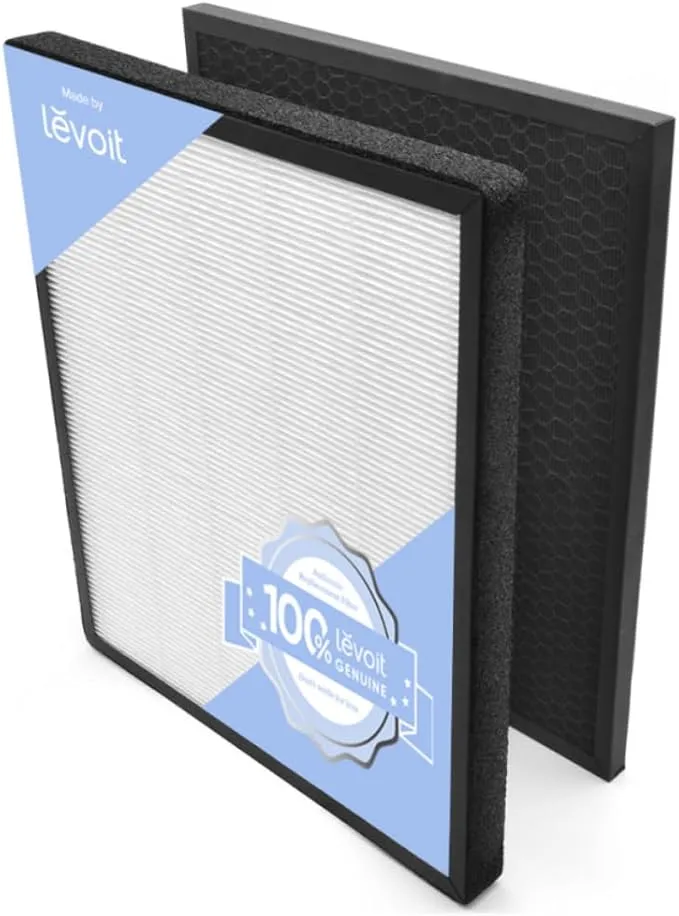
A quality office purifier uses at least two distinct filtration stages:
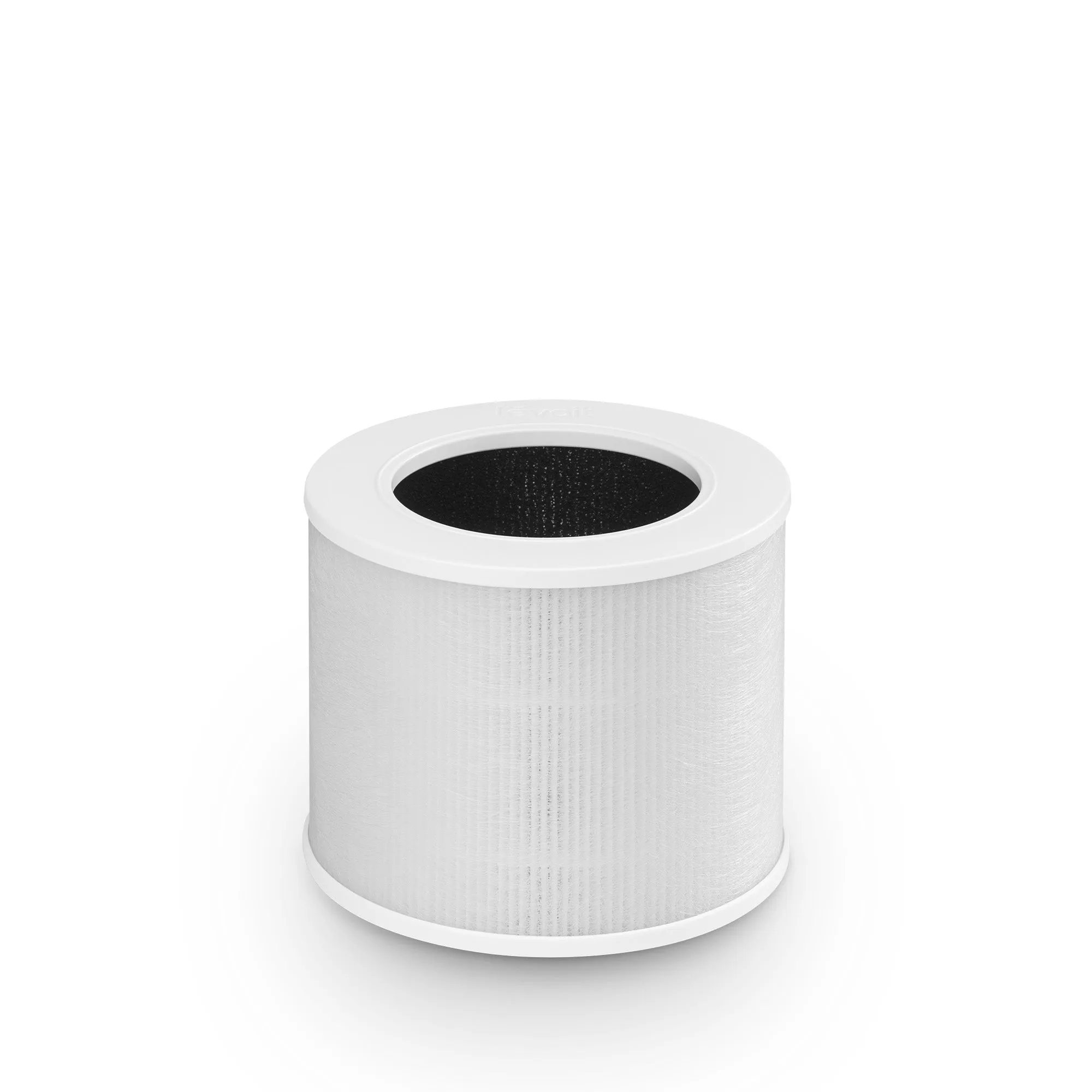
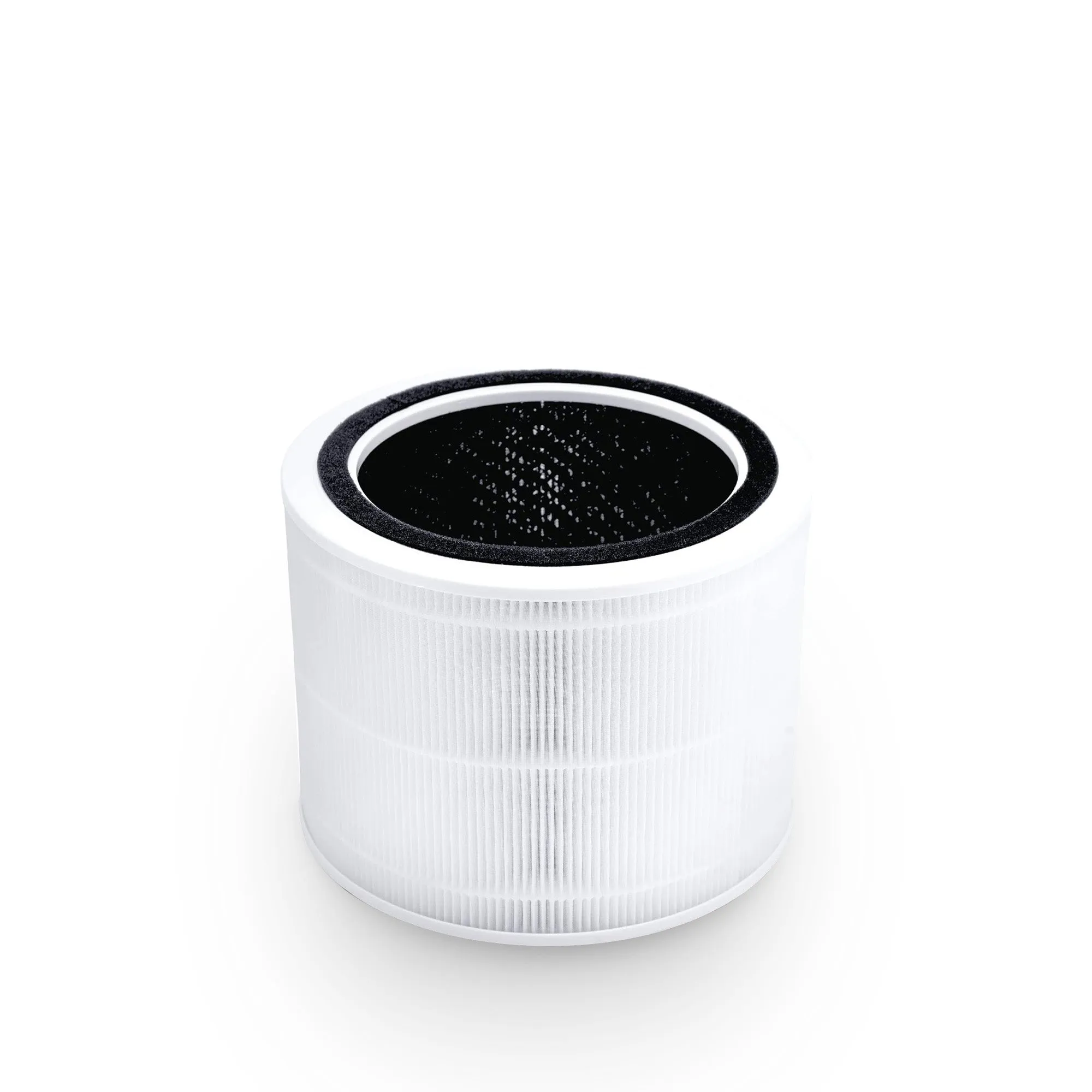
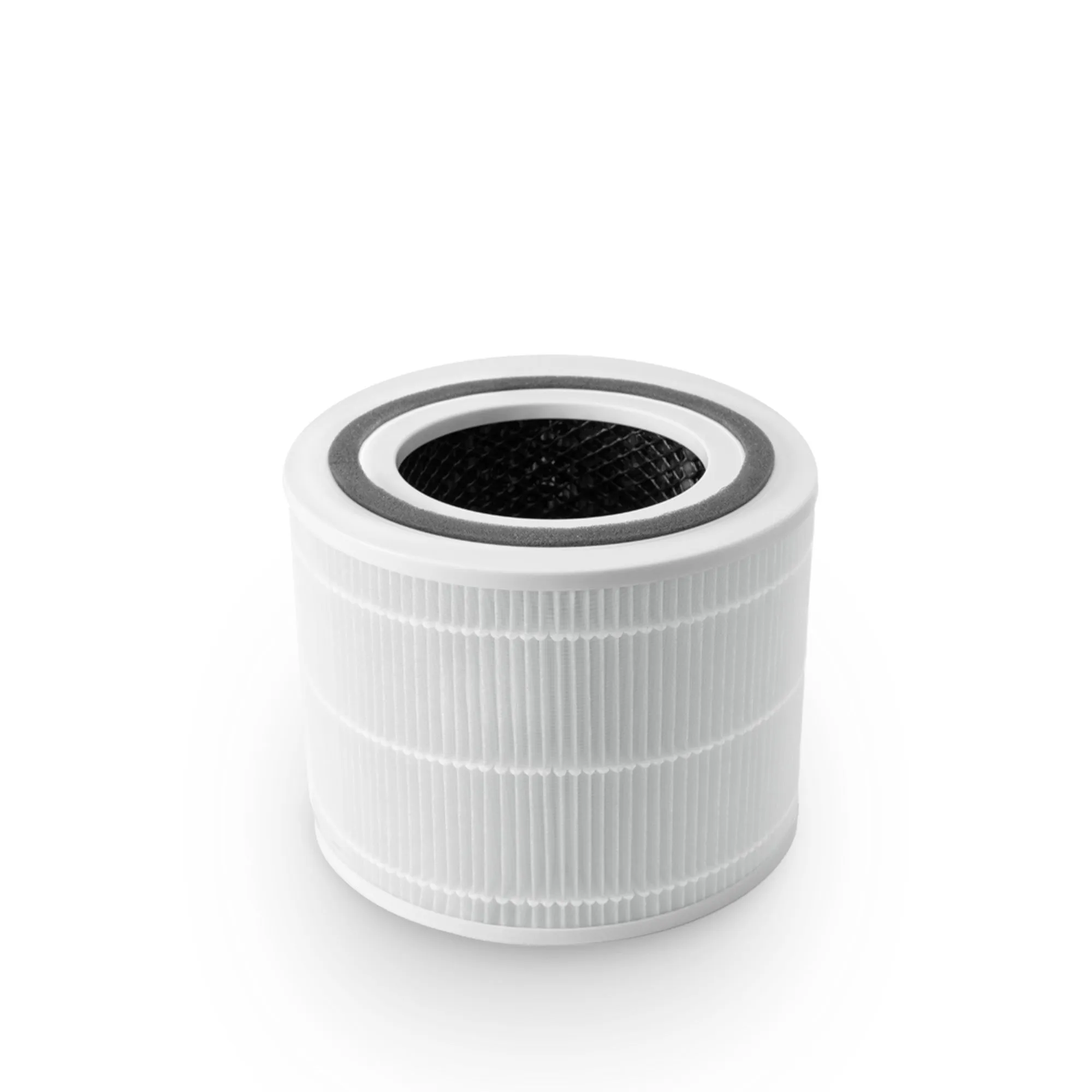
- Pre-filter: Captures large particles like hair and dust. Extends the life of the HEPA filter.
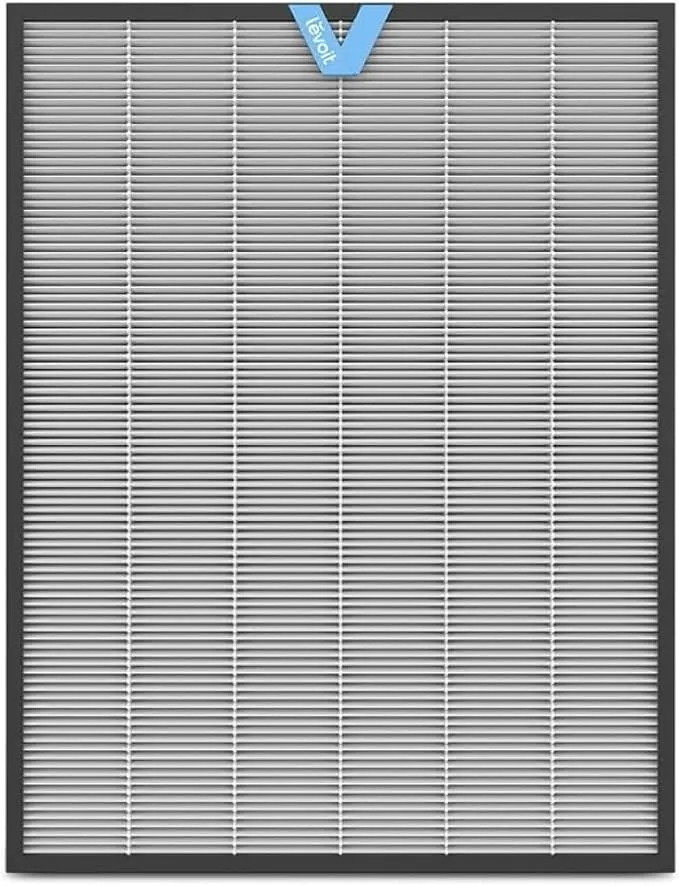
- True HEPA filter: Removes fine particles down to 0.3 microns at 99.97% efficiency.
- Activated carbon block: Adsorbs VOCs, chemical odours, and gases. Must have meaningful carbon mass, not a thin sheet.
Avoid models labelled “HEPA-type” or “HEPA-like.” These are not certified to the True HEPA standard and will underperform in particle capture.
Pro Tip: Ask the supplier for the carbon weight in grams, not just whether a carbon filter is included. Anything under 100g of activated carbon in a commercial-grade unit is unlikely to handle office VOC loads.
2. How to match CADR and ACH to your office size
Clean Air Delivery Rate (CADR) is the volume of filtered air a purifier delivers per minute. Air Changes per Hour (ACH) is how many times the total air volume in a room passes through the purifier each hour. These two figures, not brand reputation, determine whether a unit is fit for your office.
Industry best practice recommends 4–6 ACH for effective particle reduction in office environments. That figure means the purifier processes the room’s entire air volume four to six times every hour. Fewer than four changes per hour and particle concentrations remain high enough to affect air quality noticeably.
To calculate the CADR you need:
- Measure your office floor area in square metres.
- Multiply by ceiling height (typically 2.5–3 metres) to get room volume in cubic metres.
- Multiply room volume by your target ACH (use 5 as a practical midpoint).
- Divide by 60 to convert to cubic metres per minute.
- Convert to cubic feet per minute (CFM) if the purifier’s CADR is listed in CFM: multiply cubic metres per minute by 35.3.
| Office size | Room volume (m³) | Target ACH | Required CADR (m³/min) |
|---|---|---|---|
| Small (20 m²) | 50 | 5 | 4.2 |
| Medium (40 m²) | 100 | 5 | 8.3 |
| Large (80 m²) | 200 | 5 | 16.7 |
One purifier rarely covers a large open-plan floor. Multiple units placed strategically outperform a single high-capacity unit in the corner.
Pro Tip: Always check CADR at the fan speed you will actually use during working hours, not the maximum speed. Maximum CADR figures are typically measured at the highest, noisiest setting.
3. Why low noise level is critical for office productivity
Noise is the feature most office managers underestimate until a purifier is already installed. The optimal noise threshold for offices is below 35–40 dB during working hours. At 40 dB, a purifier is roughly as loud as a quiet library. Above 50 dB, it competes with conversation and disrupts concentration.
The problem is that noise ratings are almost always published for the lowest fan speed. Quiet mode on most purifiers delivers insufficient air changes for a real office. Noise ratings must be evaluated at the fan speed required to meet your ACH target, not at minimum setting. A unit rated at 25 dB on quiet mode may reach 52 dB at the medium speed needed to achieve 5 ACH.
Key noise considerations when evaluating office purifiers:
- Check dB at medium and high speeds. Manufacturers publish minimum noise; you need to know working-speed noise.
- Motor quality matters. Brushless DC motors run quieter and more efficiently than older AC motor designs.
- Sound insulation in the casing. Better-built units use acoustic foam or double-wall casings to dampen vibration.
- Fan blade design. Wider, slower blades move more air at lower RPM, reducing noise at equivalent CADR.
A purifier that forces you to choose between clean air and a quiet meeting room is not fit for office use. Prioritise models where the noise at 5 ACH fan speed stays under 40 dB.
4. What smart features improve air quality management in offices?
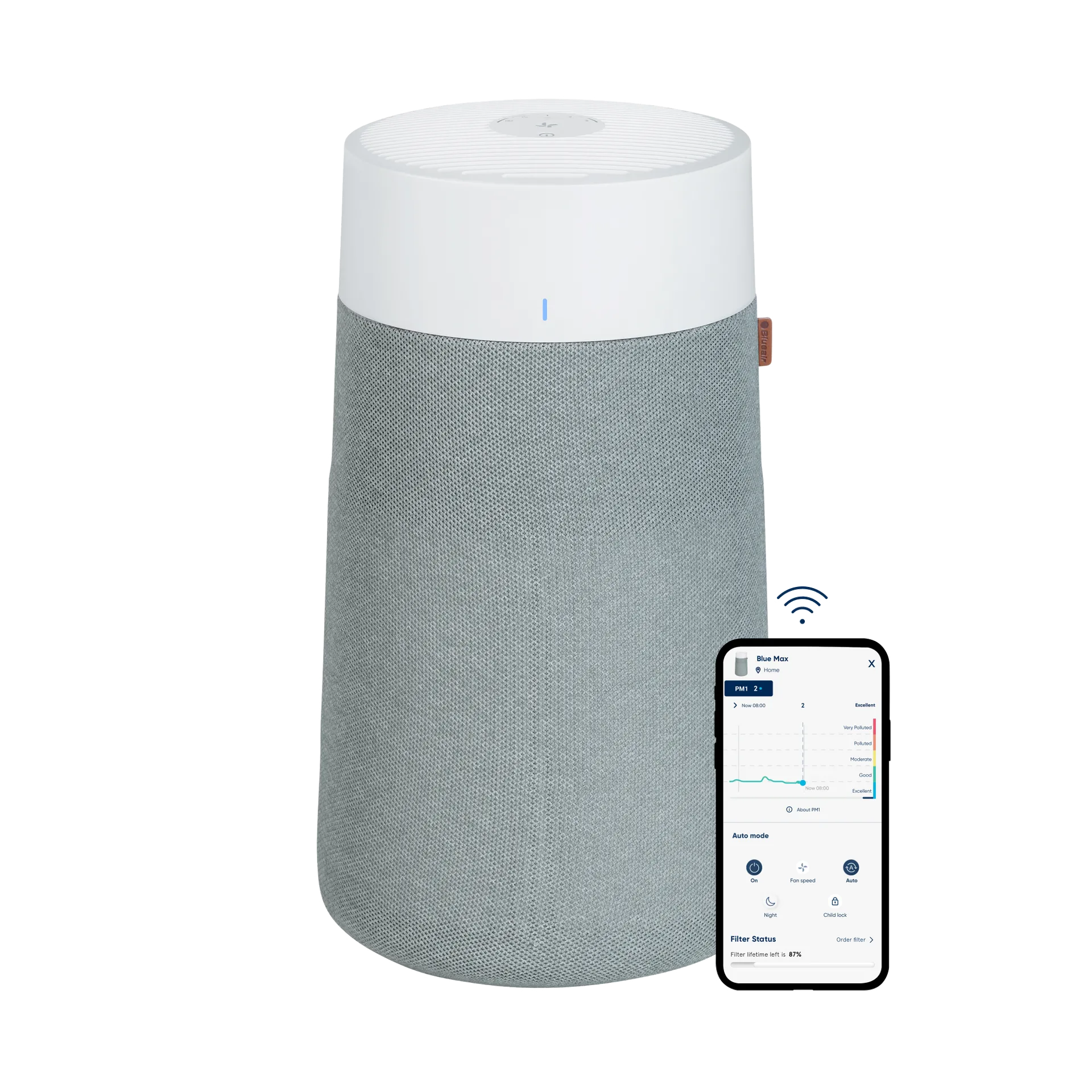
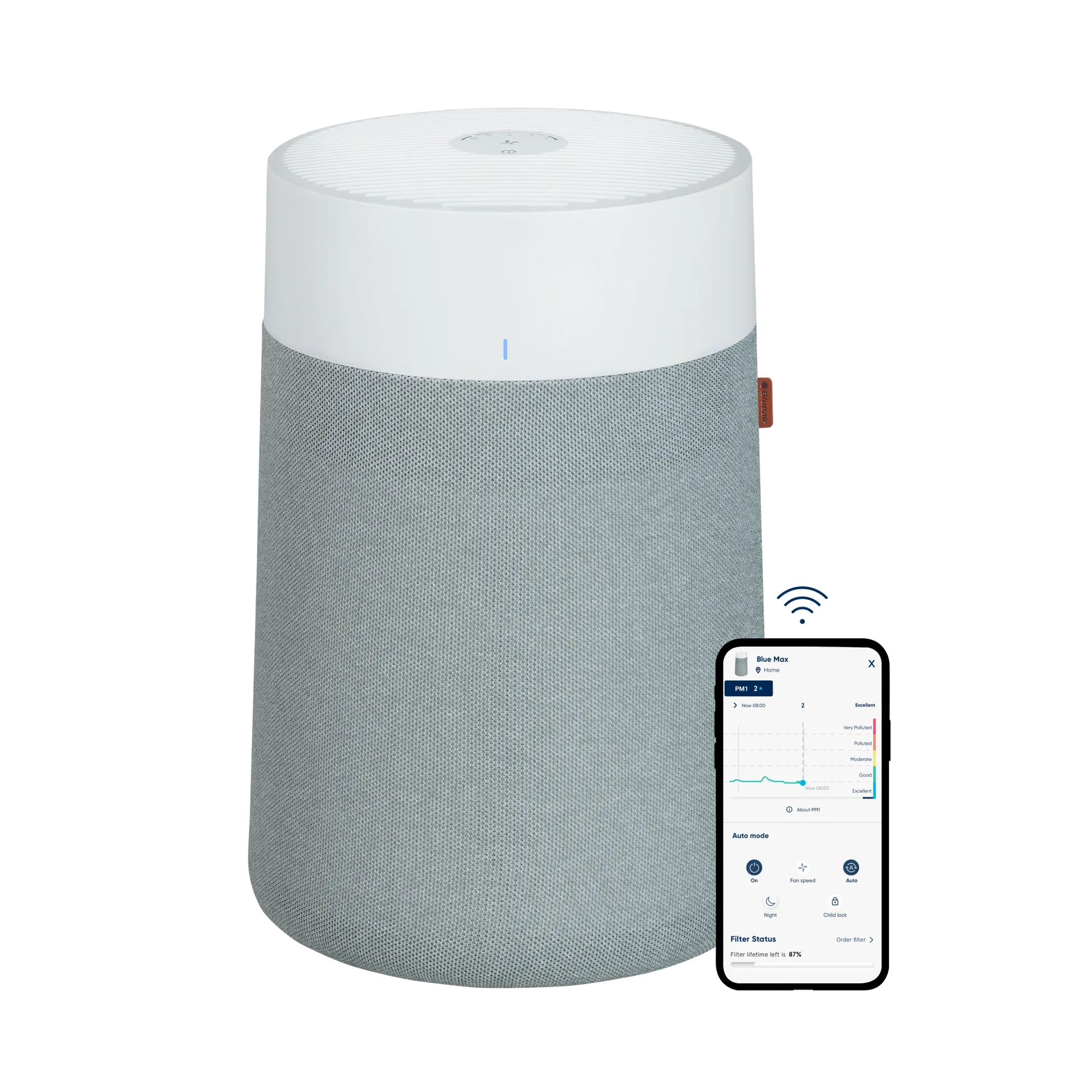
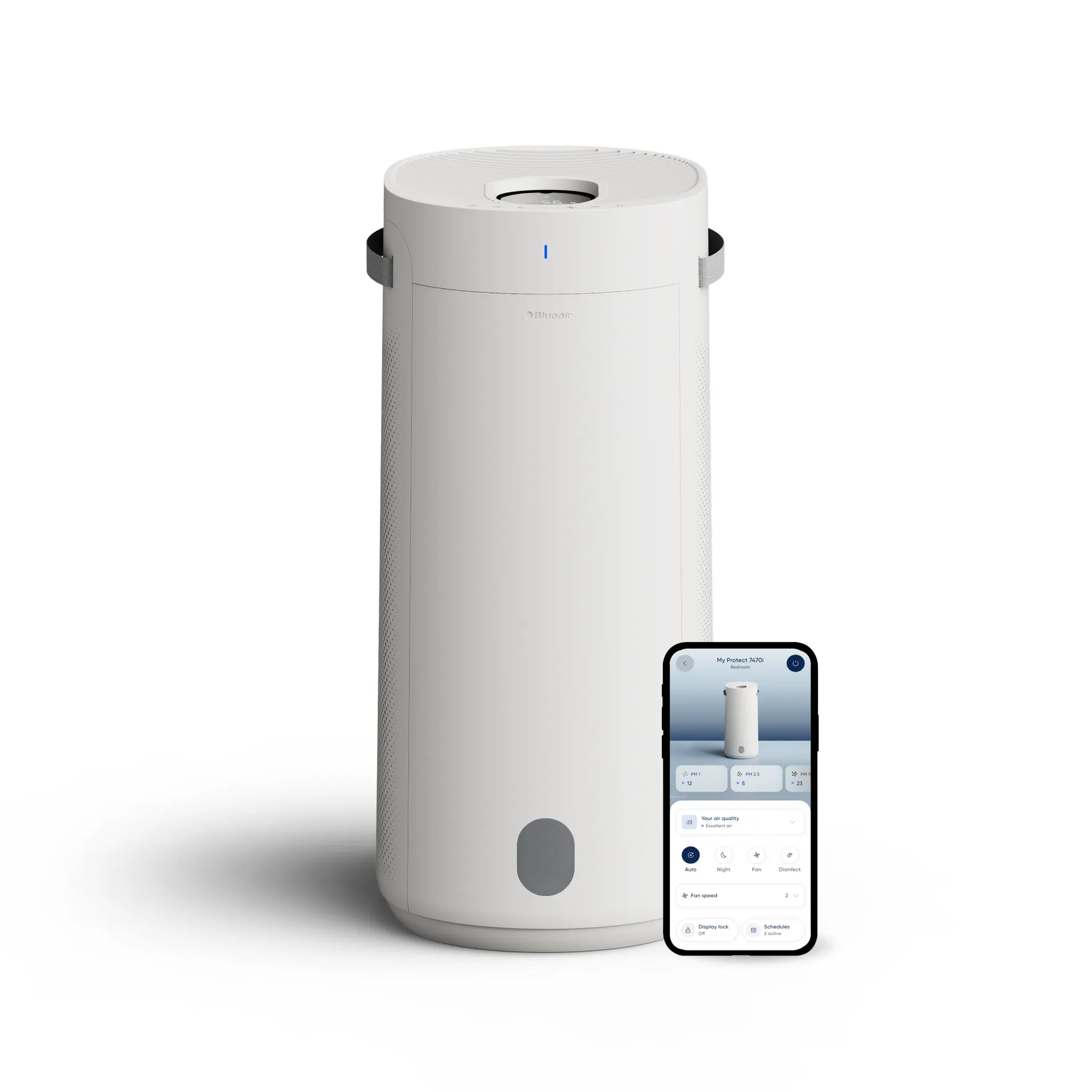
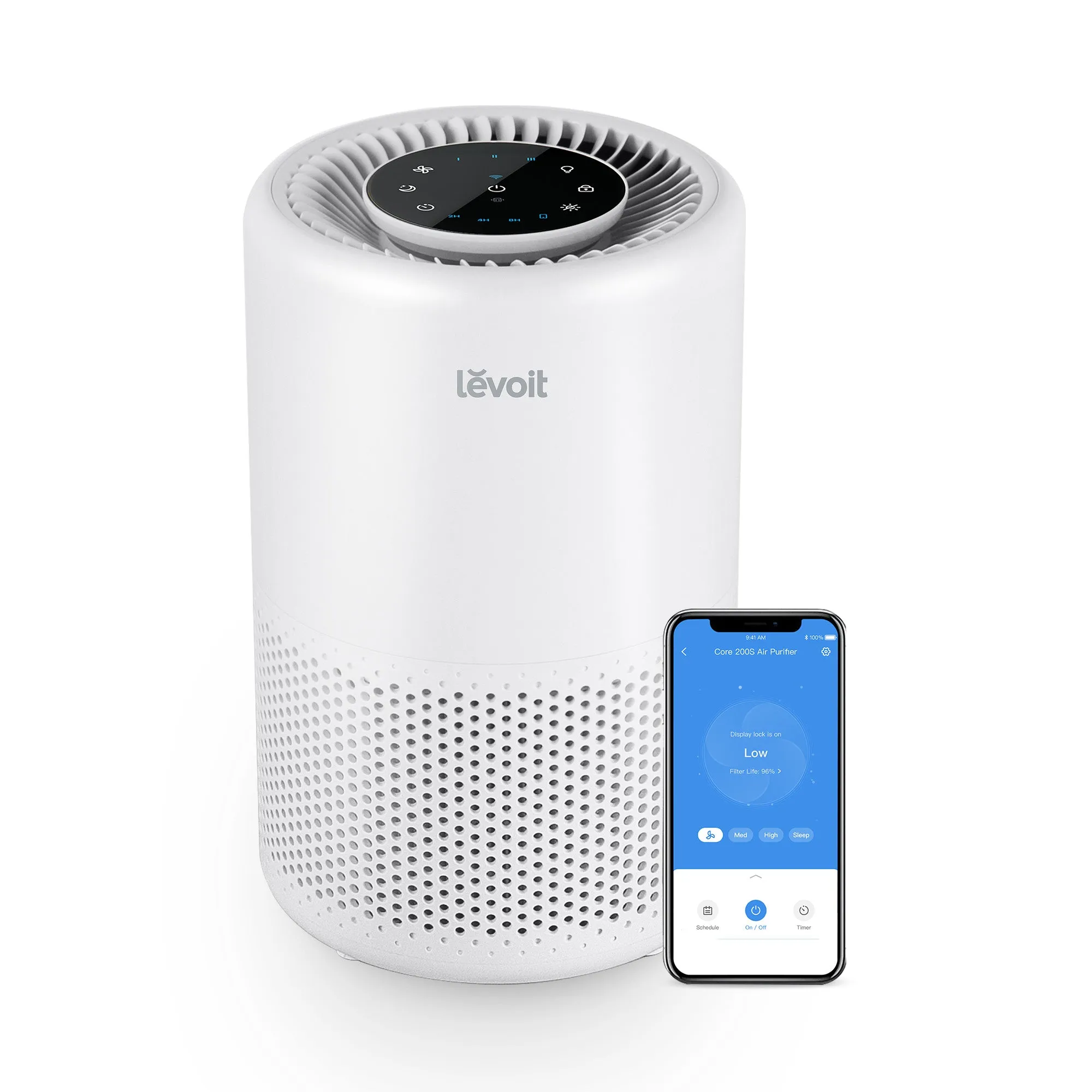
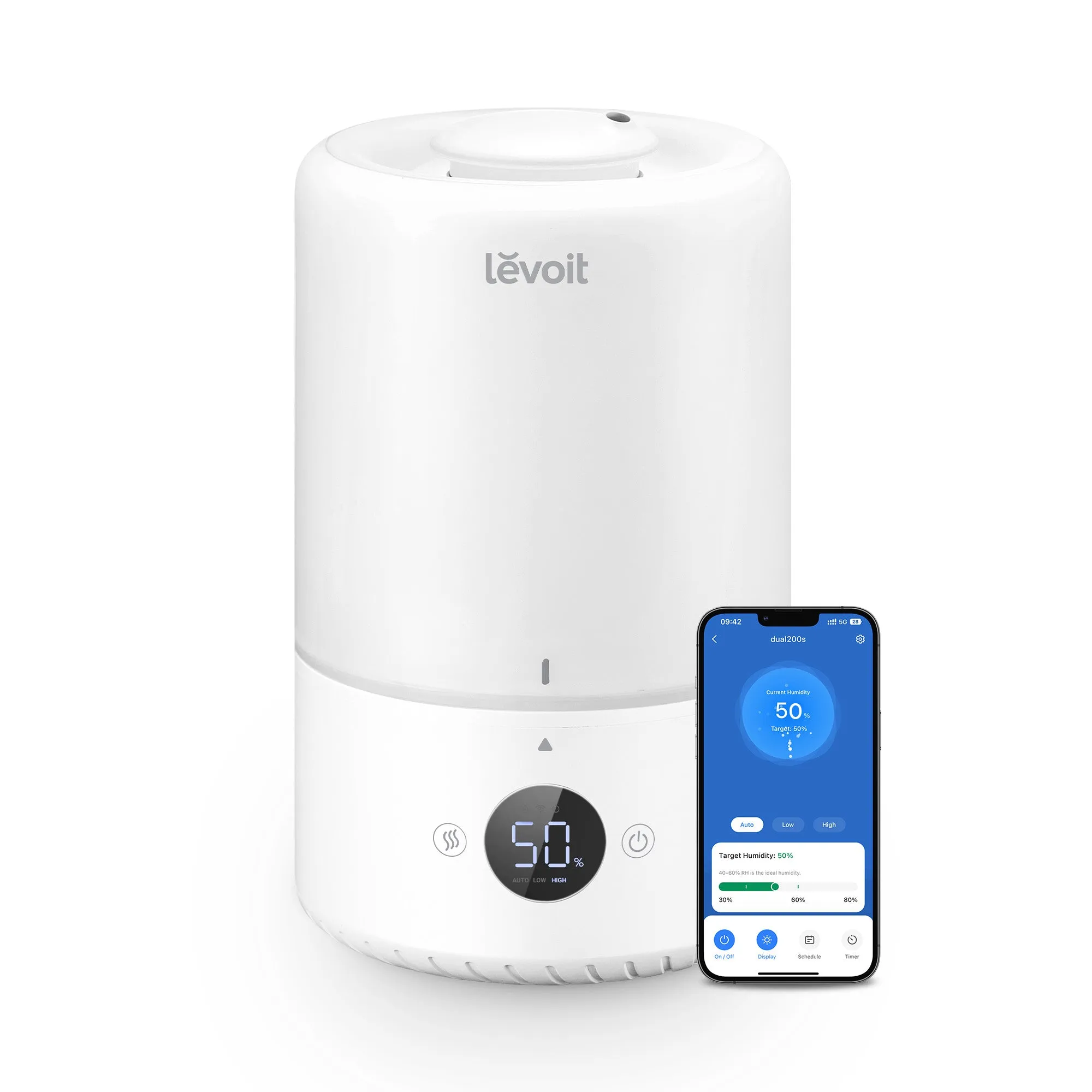
Smart features in office purifiers fall into two categories: genuinely useful and largely cosmetic. The genuinely useful ones are WiFi connectivity, real-time PM2.5 sensors, scheduling, and filter replacement indicators. Smart scheduling and remote app control allow you to run purifiers at full speed before staff arrive, clearing overnight particulate build-up without the noise affecting anyone.
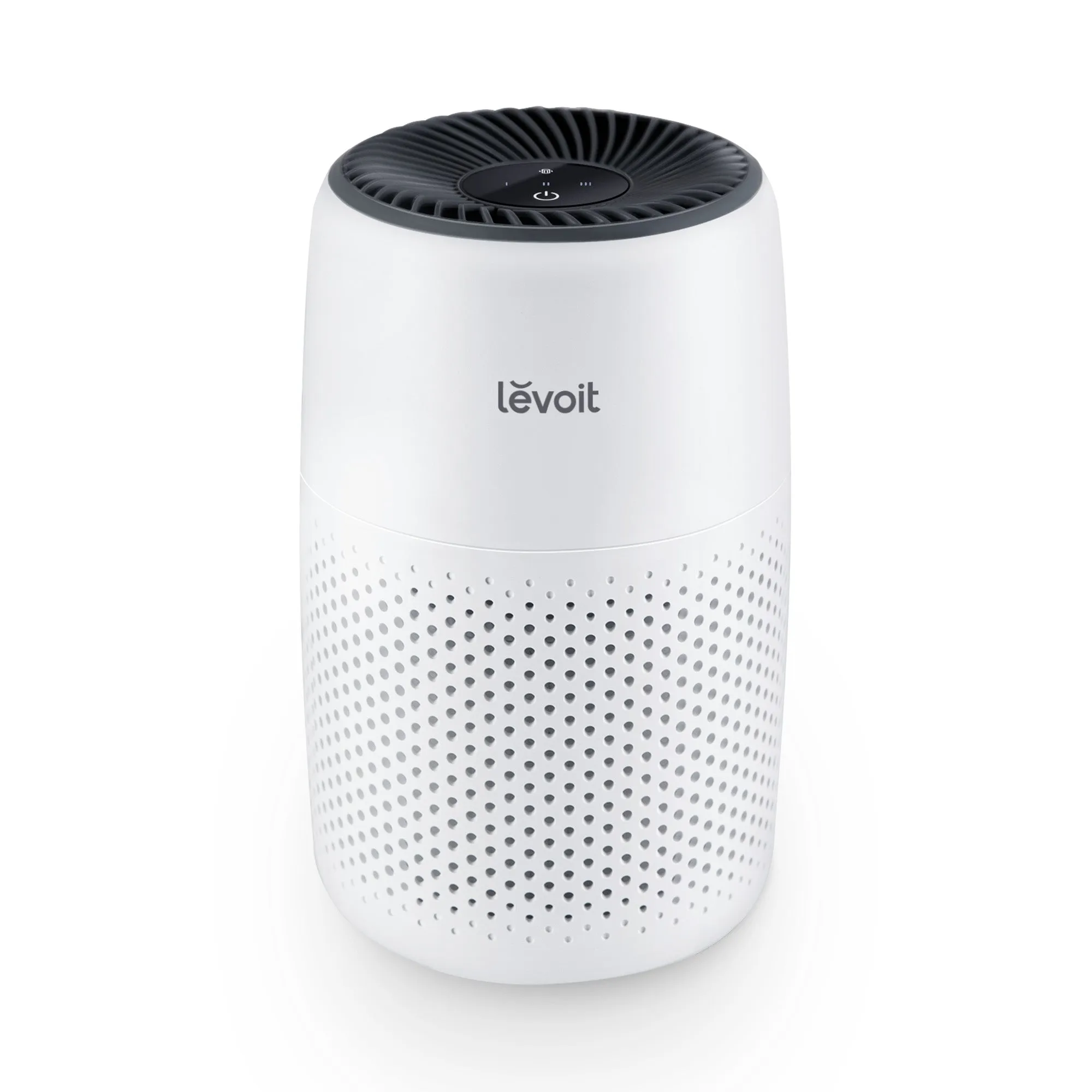
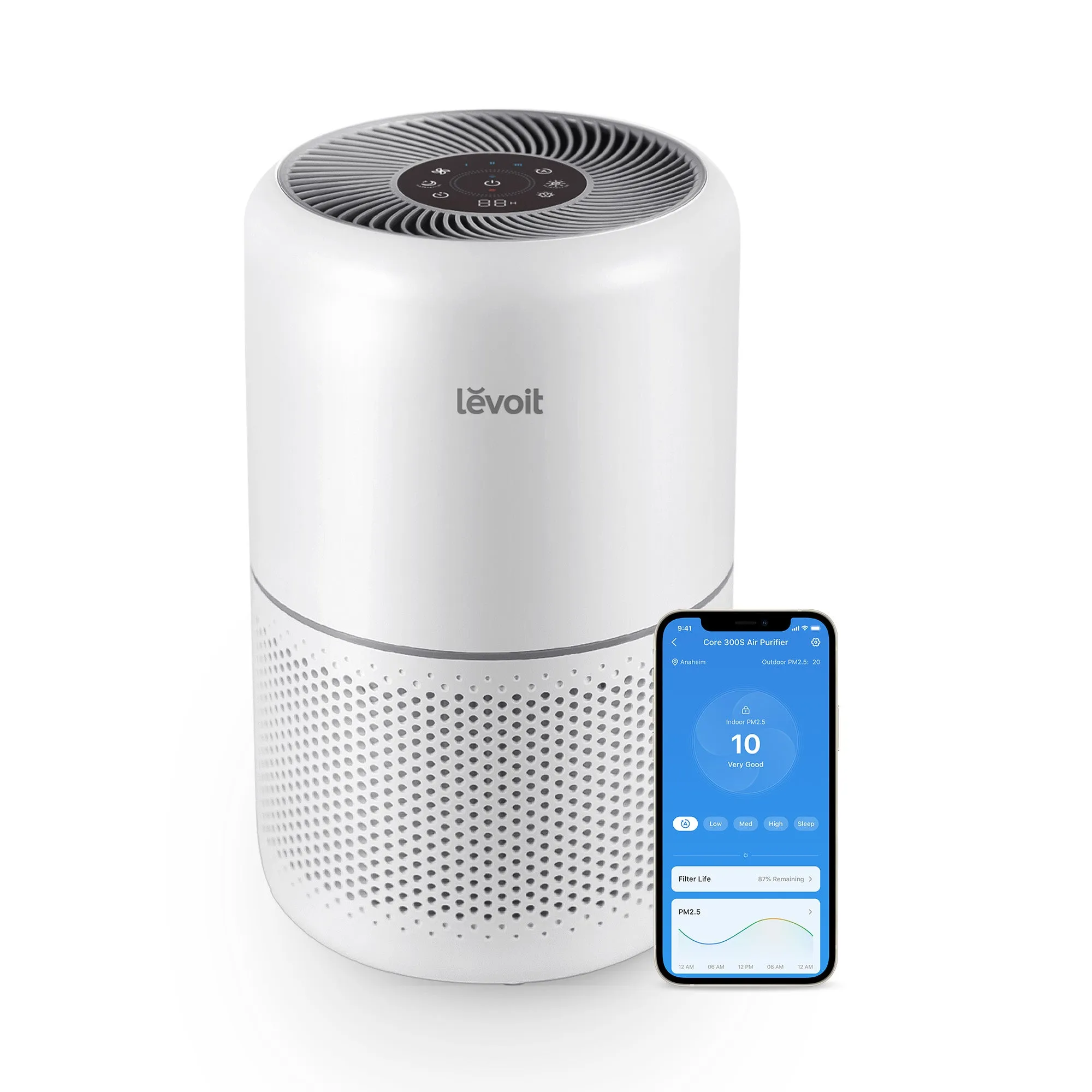
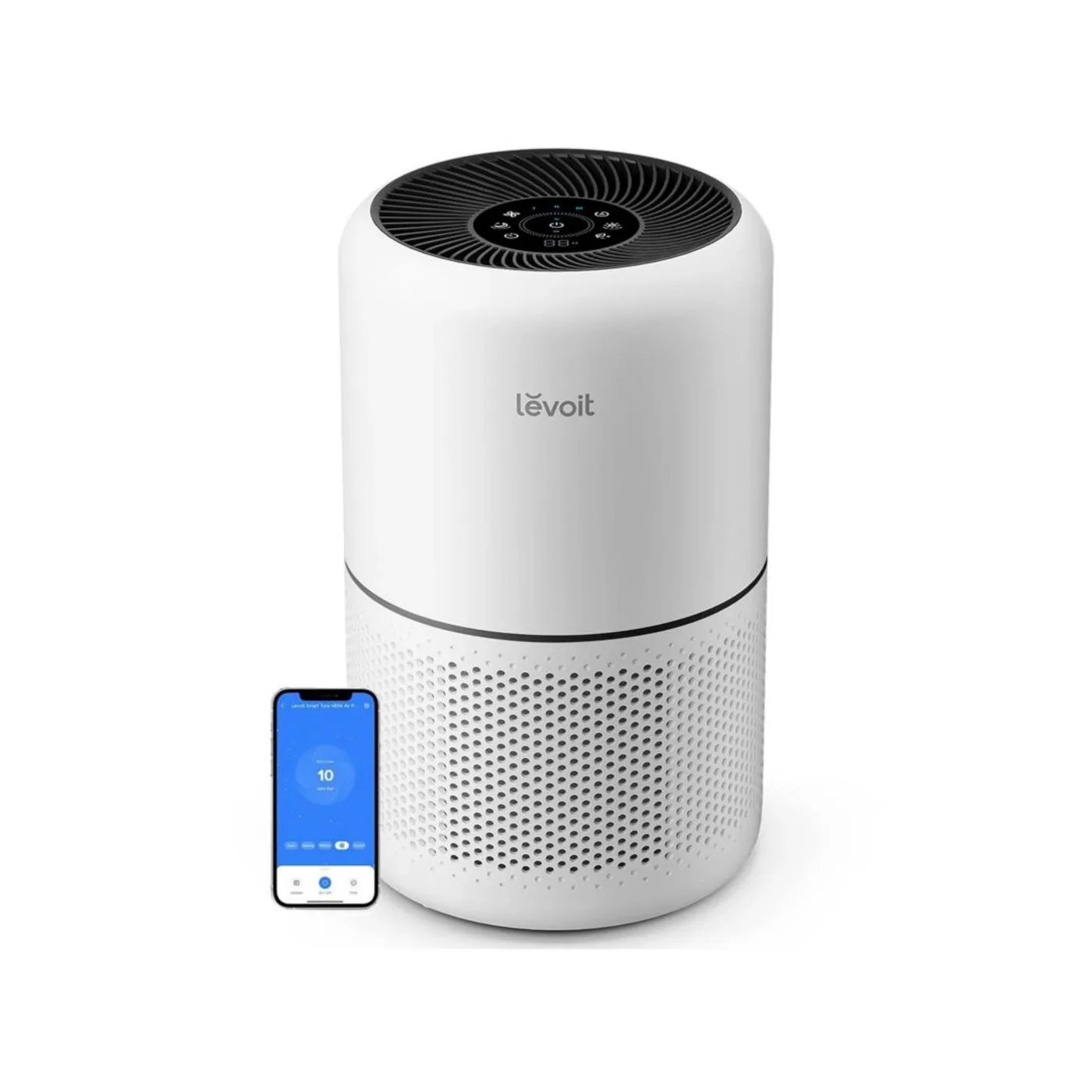
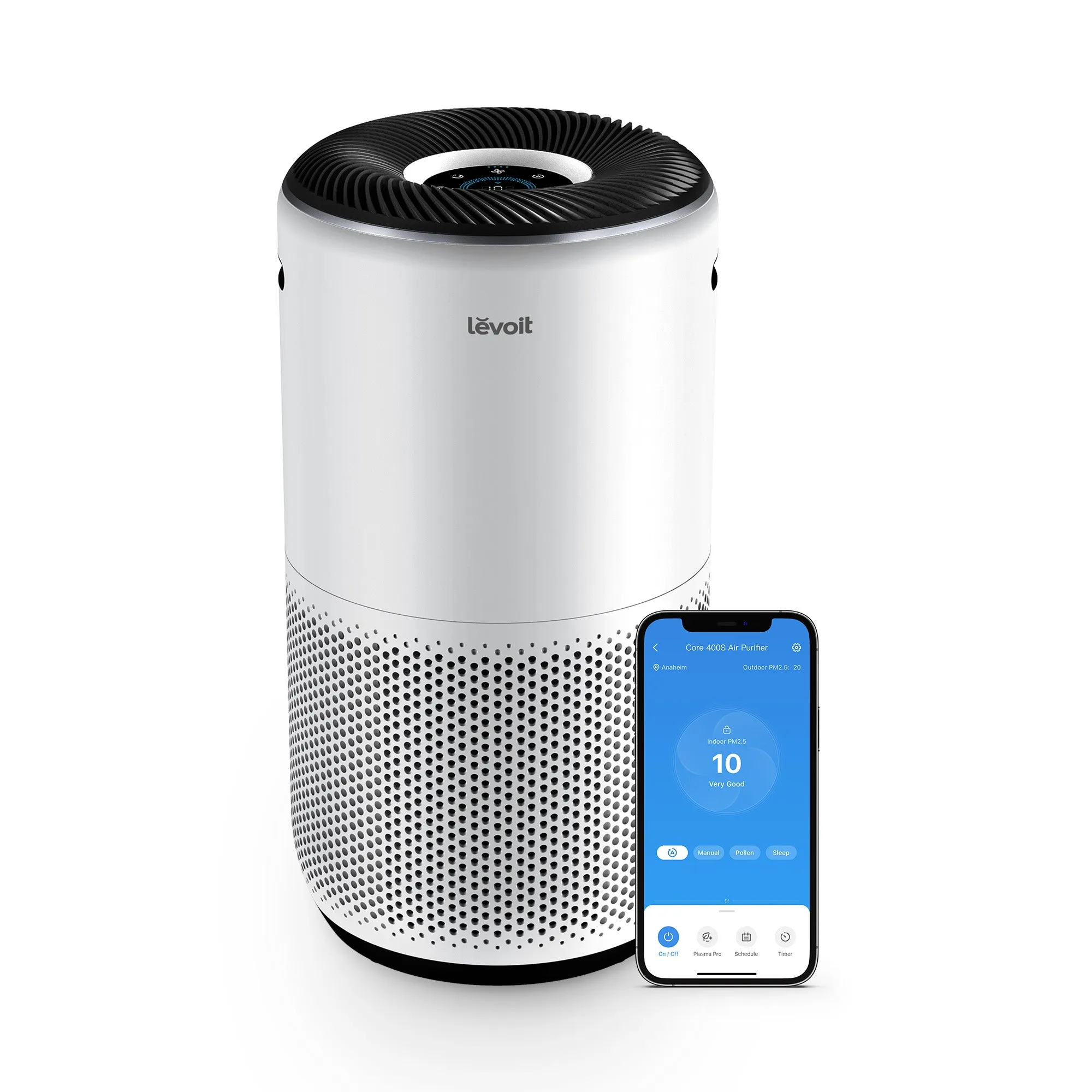
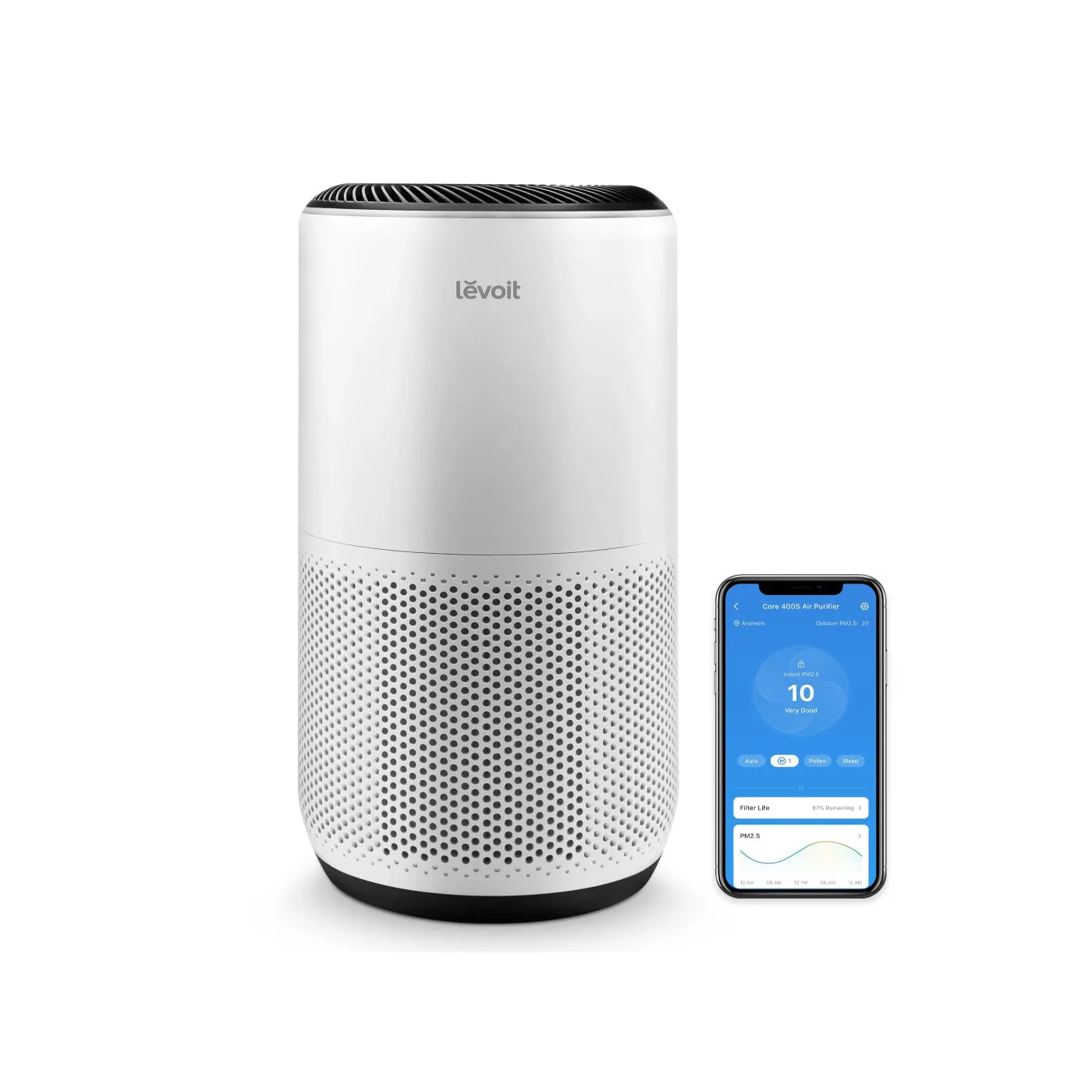
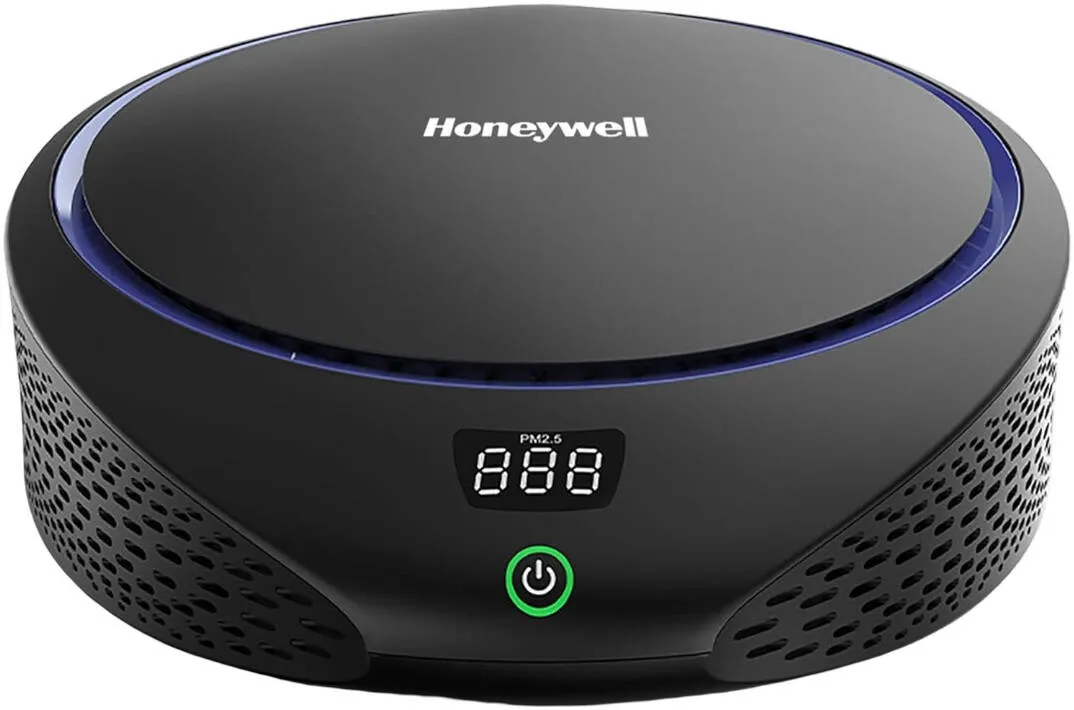
Real-time PM2.5 sensors give you visible air quality data. That matters in offices near construction sites, busy roads, or with heavy printer use. Honeywell and Levoit both offer models with PM2.5 display panels that show air quality in real time without requiring a phone app.
The caution on smart features is auto mode. Auto mode prioritises quietness over cleaning power in most units. The sensor detects low particle counts and drops the fan speed, which feels efficient but often means the purifier is running below the ACH needed for genuine air quality improvement. Manual fan speed settings deliver more consistent performance.
Useful smart features to look for:
- WiFi and app control: Schedule pre-occupancy purging and monitor air quality remotely.
- PM2.5 sensor with display: Real-time feedback without needing to open an app.
- Filter replacement indicator: Useful as a prompt, but verify manually with a usage log.
- Child lock or panel lock: Prevents accidental setting changes in shared spaces.
Pro Tip: Set a manual fan speed that achieves your target ACH and use scheduling to run the purifier at full speed for 30 minutes before the office opens. This gives you clean air at the start of the day without noise during working hours.
5. How placement and maintenance affect purifier performance and cost
Placement is the most overlooked variable in office air purification. Placing a purifier in a corner or behind furniture drastically reduces its effective CADR and air circulation. The intake and exhaust must have clear space, typically at least 30 centimetres on all sides, to draw and distribute air properly.
Position purifiers near the primary pollution sources in your office. Printers and photocopiers emit ultrafine particles and VOCs. Kitchenettes generate cooking odours and moisture. Placing a purifier within two to three metres of these sources captures pollutants before they disperse across the room.
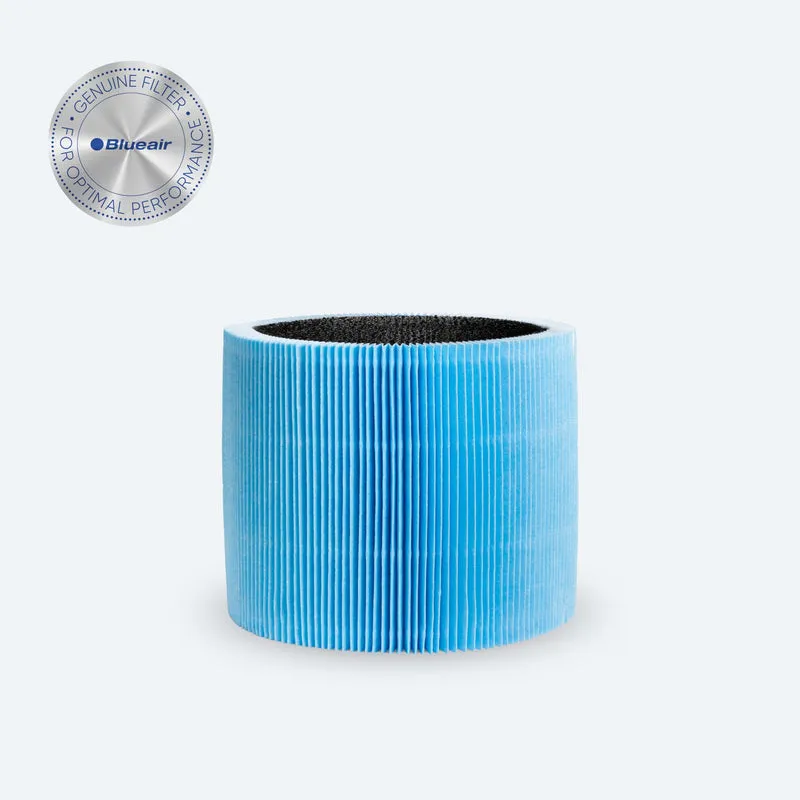
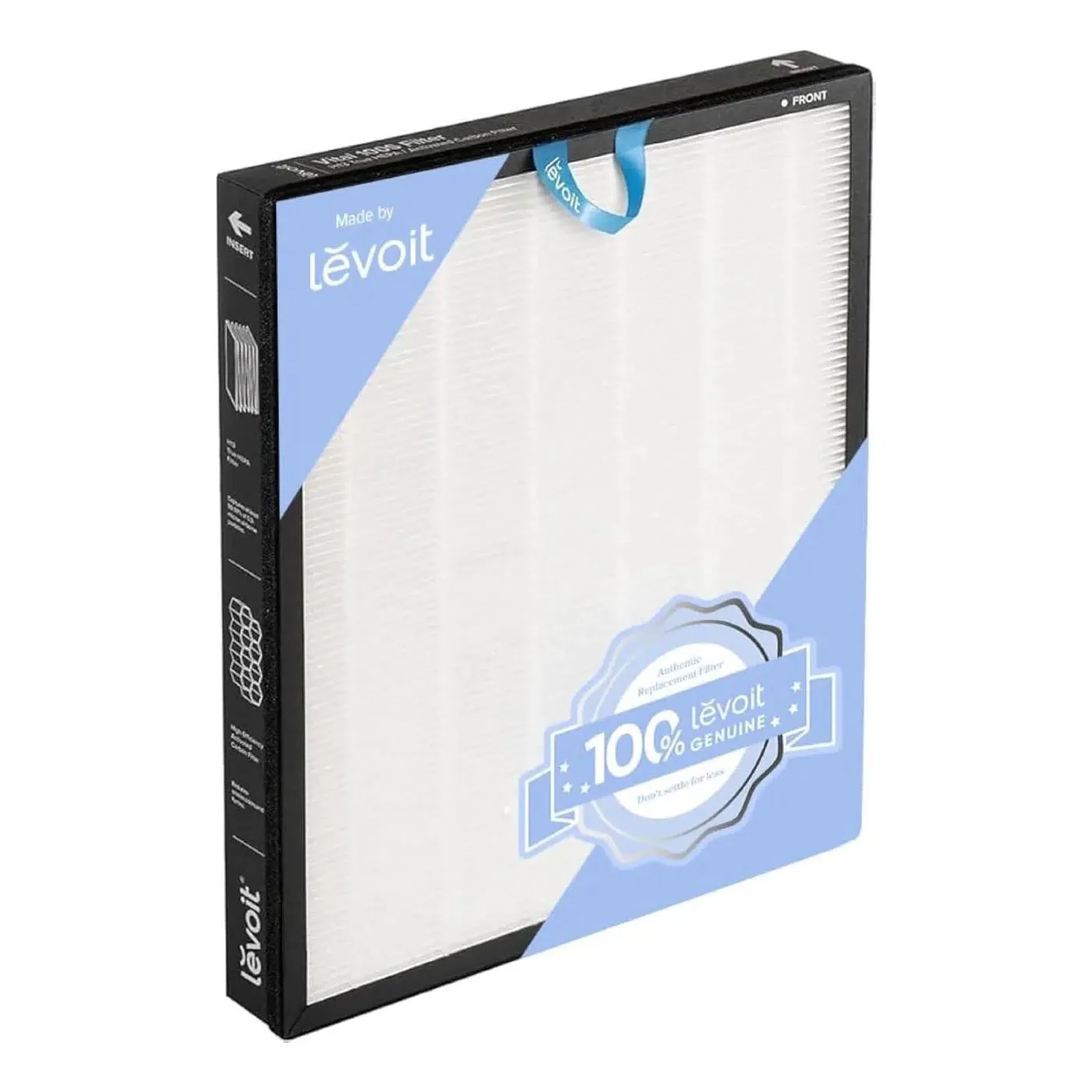
Maintenance cost is the second factor that catches businesses off guard. Filter replacement frequency and cost significantly affect the total cost of ownership over 24 months. A purifier with a low purchase price but expensive, proprietary filters can cost more over two years than a premium unit with standard replacements.
| Purifier type | Typical filter cost (annual) | Replacement frequency | Notes |
|---|---|---|---|
| Entry-level office unit | Low to moderate | Every 6–12 months | Often proprietary filters |
| Mid-range commercial unit | Moderate | Every 8–12 months | Standard HEPA replacements available |
| High-capacity commercial unit | Moderate to high | Every 12–18 months | Larger carbon blocks last longer |
Timer-based filter alerts are unreliable because they assume average usage. In a busy office with high pollution loads, filters degrade faster than the timer predicts. Keep a manual log of run hours and inspect filters visually every three months.
Placement best practices:
- Place units centrally or near pollution sources, not in corners.
- Keep at least 30 cm of clear space around intake and exhaust vents.
- Avoid placing units directly on the floor in carpeted offices; elevated placement improves air draw.
- Do not block exhaust with shelving or partition walls.
Key takeaways
The most effective office air purifiers combine True HEPA filtration, adequate CADR for the room volume, noise below 40 dB at working speed, and manual fan control to deliver consistent air quality improvement.
| Point | Details |
|---|---|
| True HEPA is non-negotiable | Only True HEPA certified filters capture 99.97% of particles at 0.3 microns. |
| Match CADR to room volume | Target 4–6 ACH; calculate required CADR from room volume, not floor area alone. |
| Check noise at working speed | Evaluate dB at the fan speed needed for 5 ACH, not the published minimum. |
| Manual settings outperform auto mode | Auto mode reduces fan speed for quietness, often below effective ACH thresholds. |
| Plan filter replacement costs | Track usage manually; timer alerts underestimate filter wear in high-use offices. |
What I have learned from specifying office purifiers
Wojciech’s perspective
The spec sheet is the starting point, not the answer. I have seen offices invest in high-CADR units that sat on quiet mode all day because the noise at working speed was intolerable. The result was a purifier that looked impressive on paper and did almost nothing in practice.
The feature that consistently separates a good office purifier from a mediocre one is the noise-to-CADR ratio at medium fan speed. Not maximum speed. Not quiet mode. The speed you will actually run it at during a nine-hour working day. If a manufacturer does not publish that figure, ask for it directly. If they cannot provide it, move on.
Activated carbon is the other area where I see businesses misled. A thin carbon sheet is a marketing feature, not a functional one. For offices with printers, adhesives, or any chemical use, the carbon mass in the filter needs to be substantial. I would not specify a unit for a commercial office without confirming the carbon weight.
Total cost of ownership is the final calculation most buyers skip. A purifier that costs less upfront but requires proprietary filters every six months at high cost will exceed the price of a better-specified unit within 18 months. Build a 24-month cost model before you commit.
— Wojciech
Find the right office purifier with Cleanair-ae
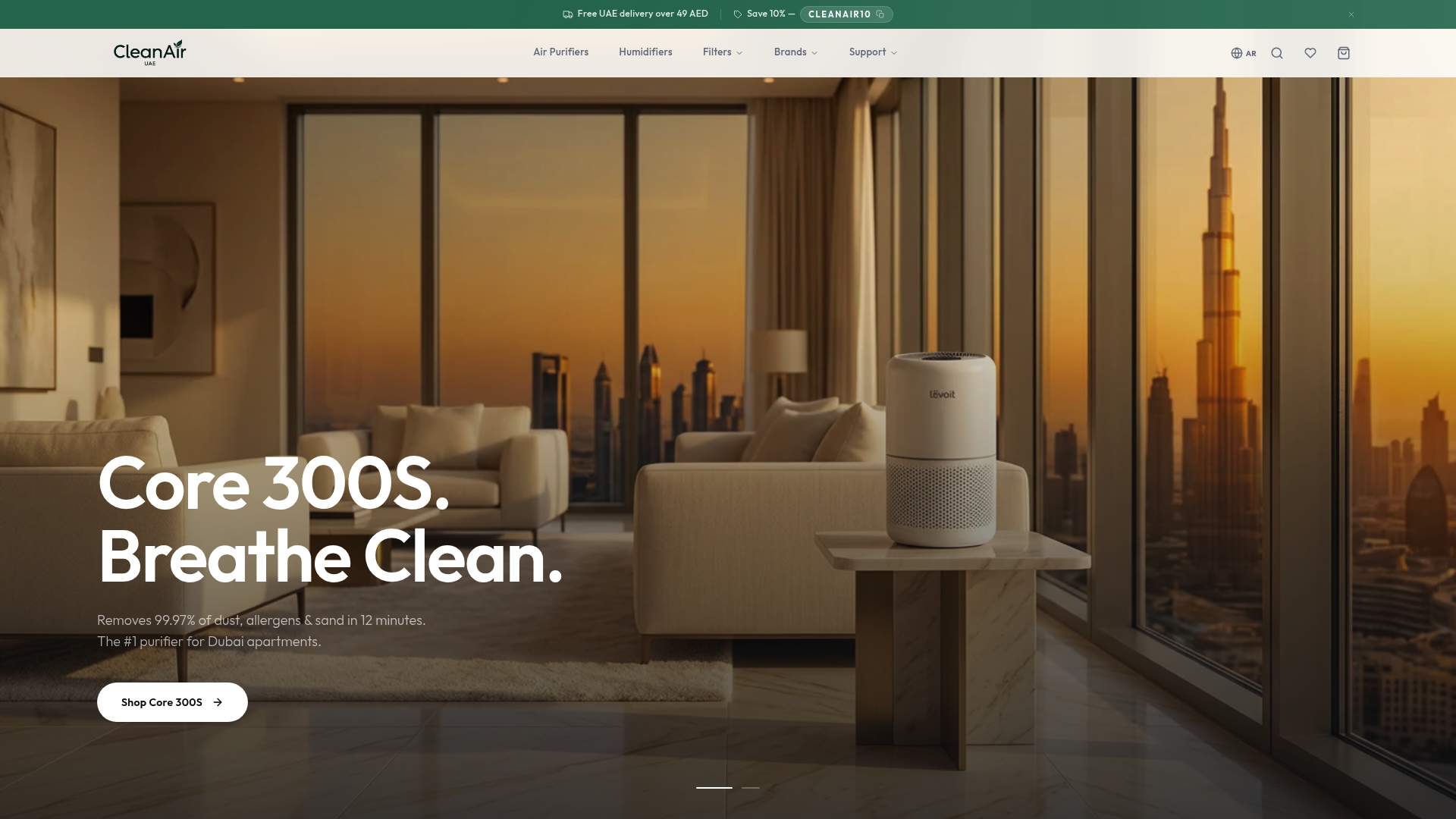
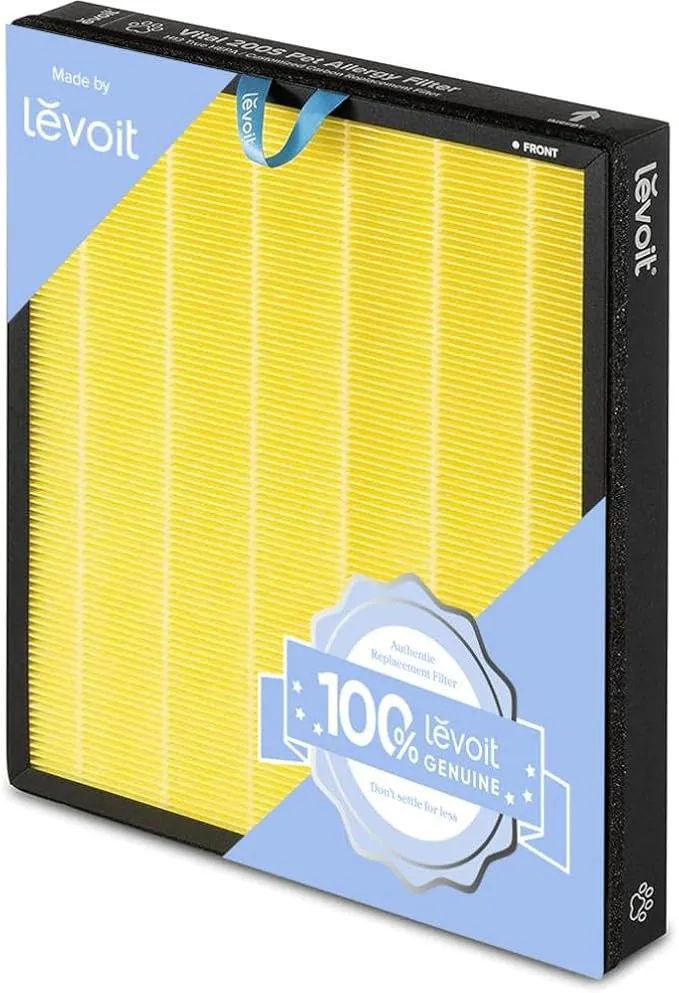
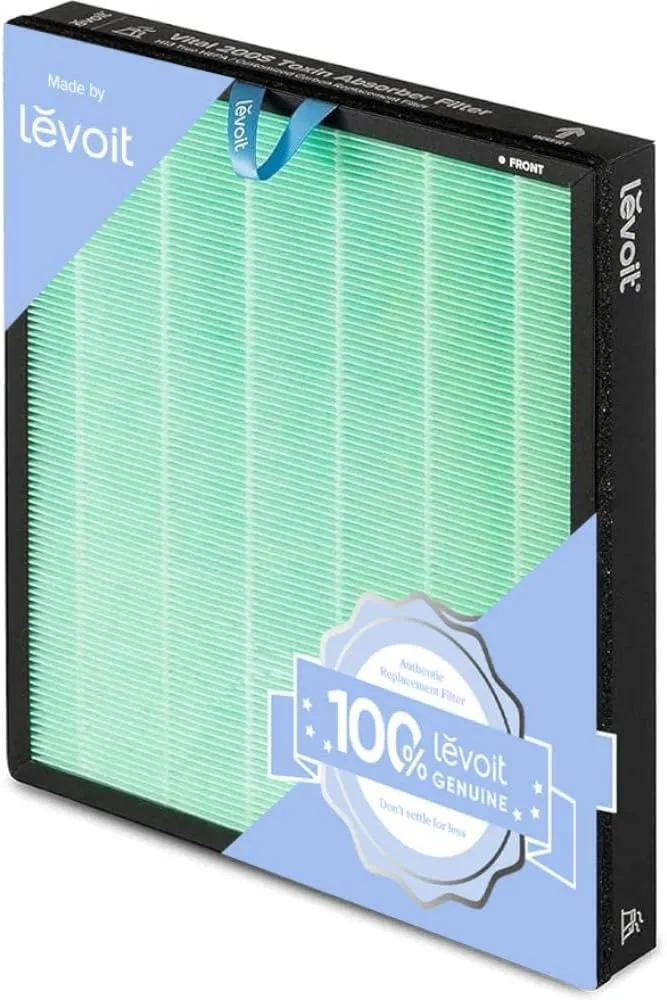
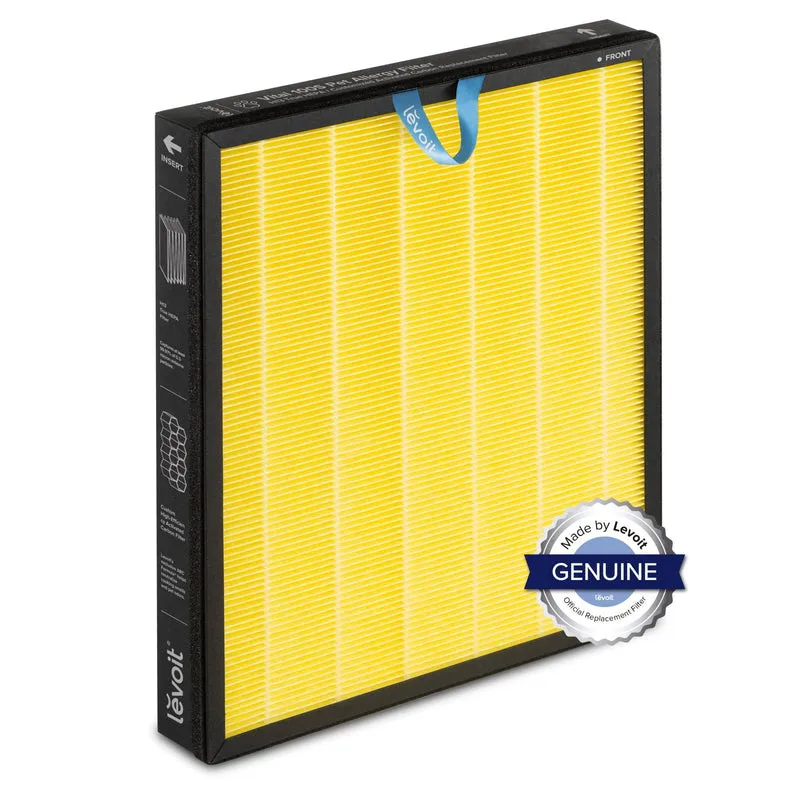
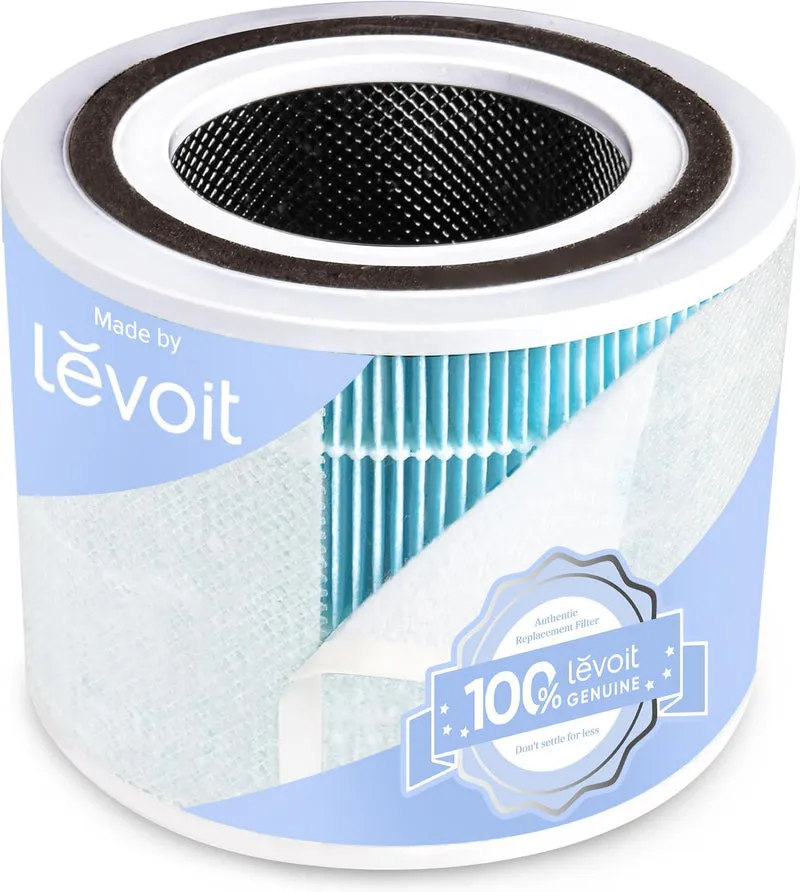
Cleanair-ae stocks a curated range of office-grade air purifiers from Blueair, Honeywell, and Levoit, selected for CADR performance, filtration quality, and noise levels suited to UAE office environments. The 2026 buying guide covers CADR calculations, filtration comparisons, and noise ratings to help you match the right unit to your office size. Replacement filters for all stocked models are available with free UAE delivery on orders over 49 AED. For offices with specific air quality concerns, the Cleanair-ae team provides tailored product recommendations based on room volume, pollution sources, and budget. Browse the office purifier range or contact Cleanair-ae directly for specification support.
FAQ
What does True HEPA mean in office purifiers?
True HEPA is a certified filtration standard. True HEPA filters capture 99.97% of particles at 0.3 microns, covering dust, pollen, and fine aerosols. “HEPA-type” or “HEPA-like” labels are not certified to this standard.
How many air changes per hour does an office need?
4–6 ACH is the industry recommendation for effective particulate reduction in office environments. Calculate your required CADR from room volume multiplied by target ACH, then divide by 60.
Does auto mode work well in office air purifiers?
Auto mode is unreliable for consistent office air quality. Auto mode prioritises quietness over cleaning power, often reducing fan speed below the ACH needed for effective purification. Manual fan speed settings deliver more consistent results.
How often should office air purifier filters be replaced?
Replacement frequency depends on usage hours and pollution load, not just time. Timer-based alerts underestimate filter wear in busy offices. Inspect filters visually every three months and keep a manual usage log.
Can one purifier cover an entire open-plan office?
One unit rarely covers a large open-plan space adequately. Multiple units placed near pollution sources, such as printers and kitchenettes, outperform a single high-capacity unit placed in one location.